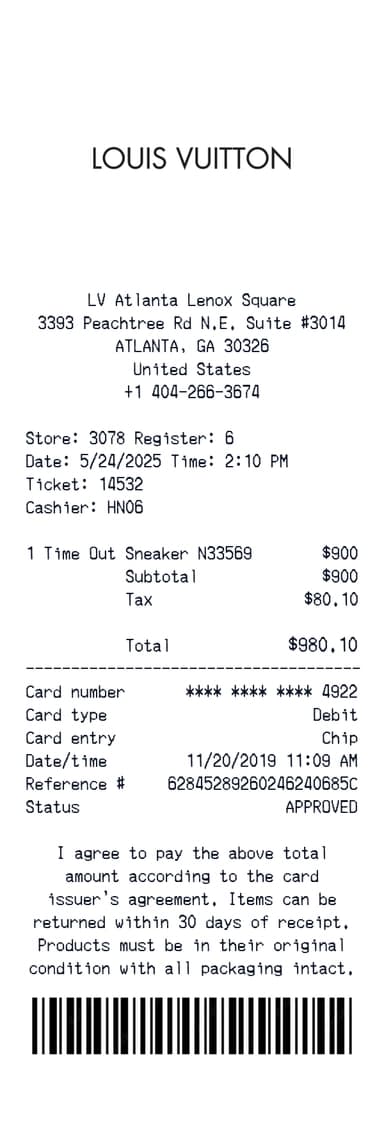
Louis Vuitton Receipt Generator
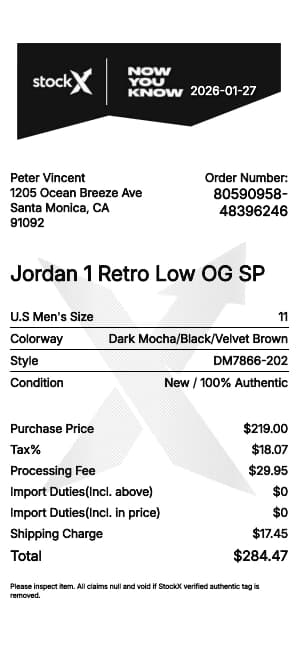
StockX Receipt Generator
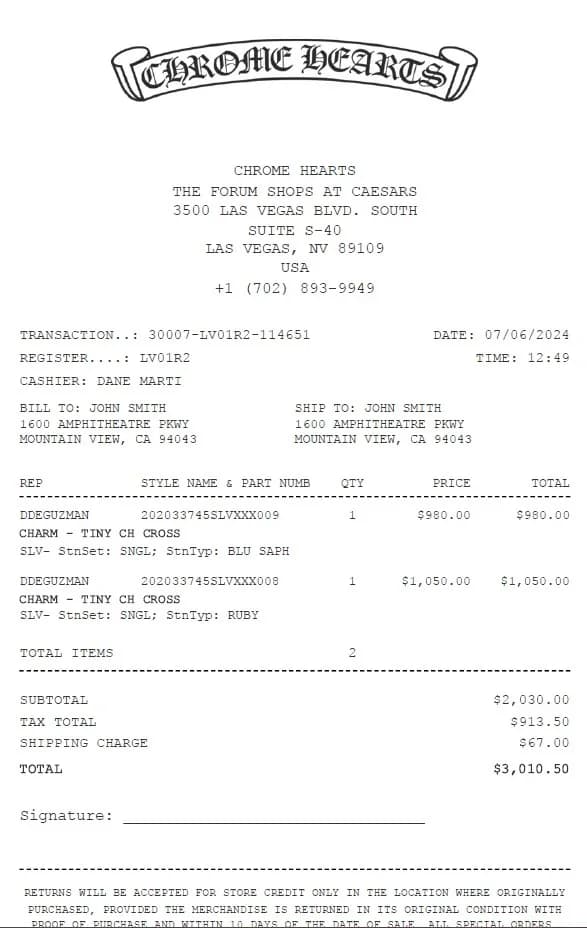
Chrome Hearts Receipt Generator
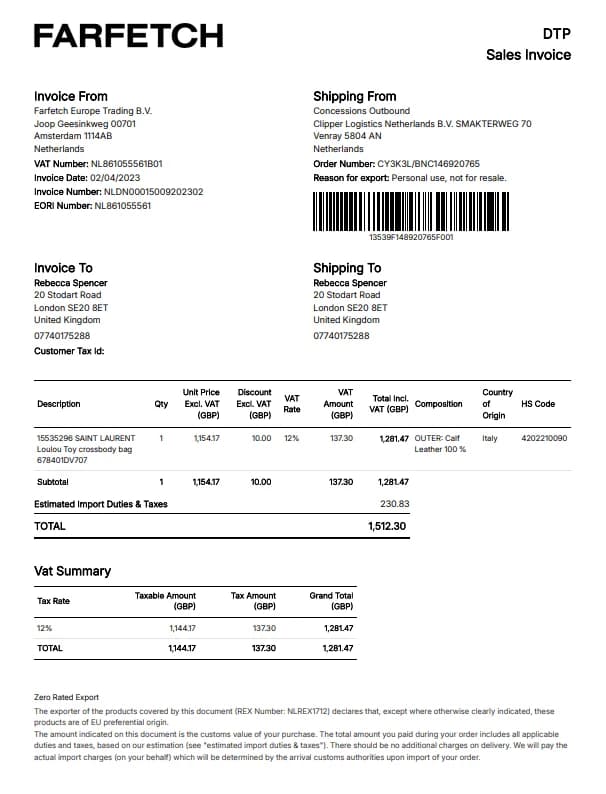
Farfetch Receipt Generator
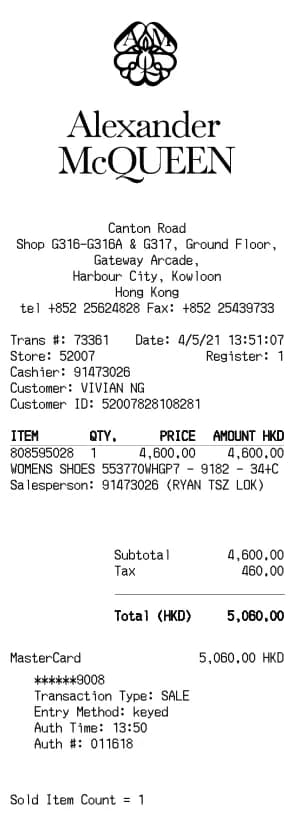
Alexander McQueen Receipt Generator
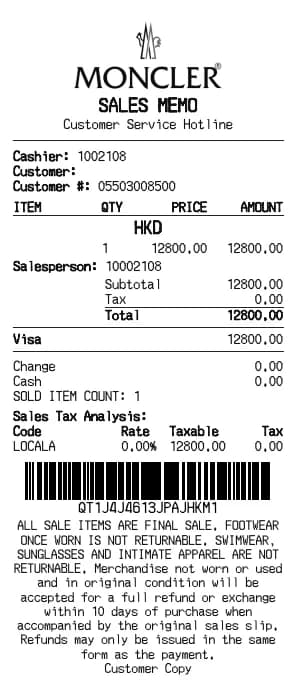
Moncler Receipt Generator
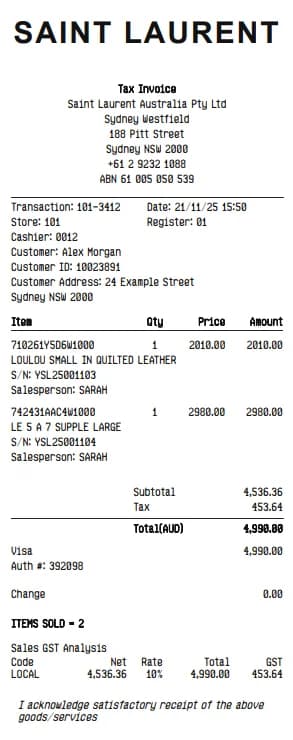
YSL Receipt Generator
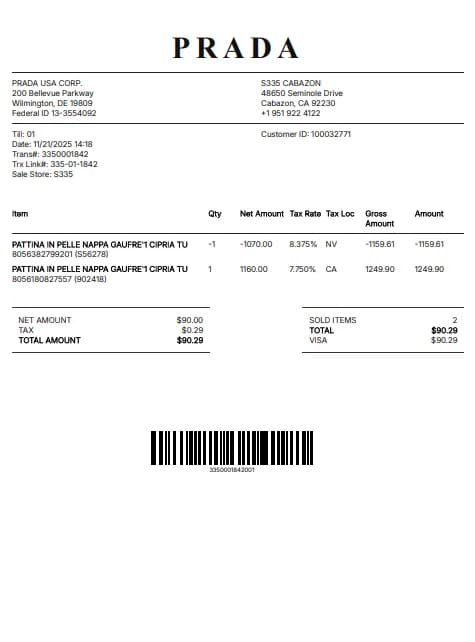
Prada Receipt Generator
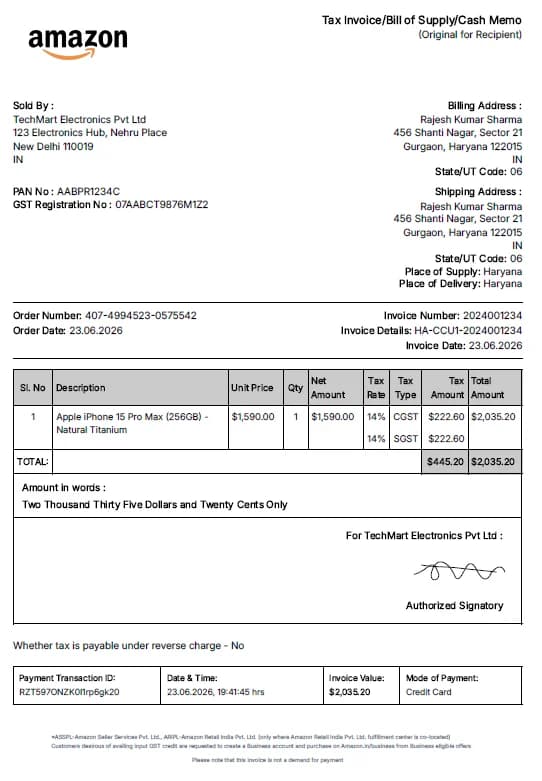
Amazon Receipt Generator
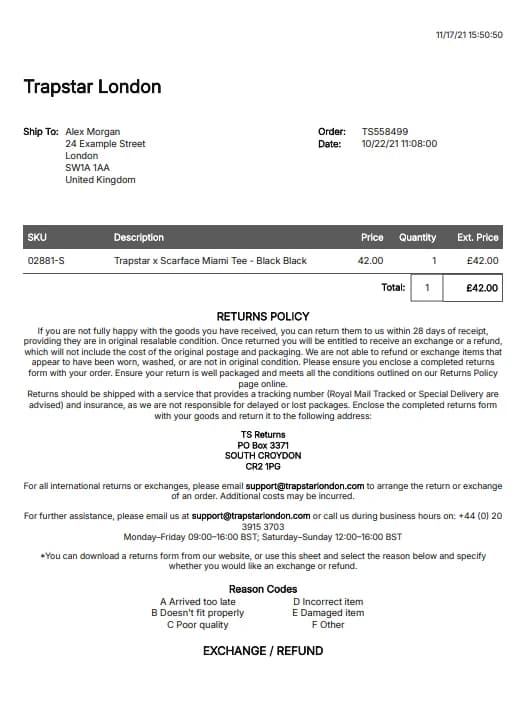
Trapstar Receipt Generator
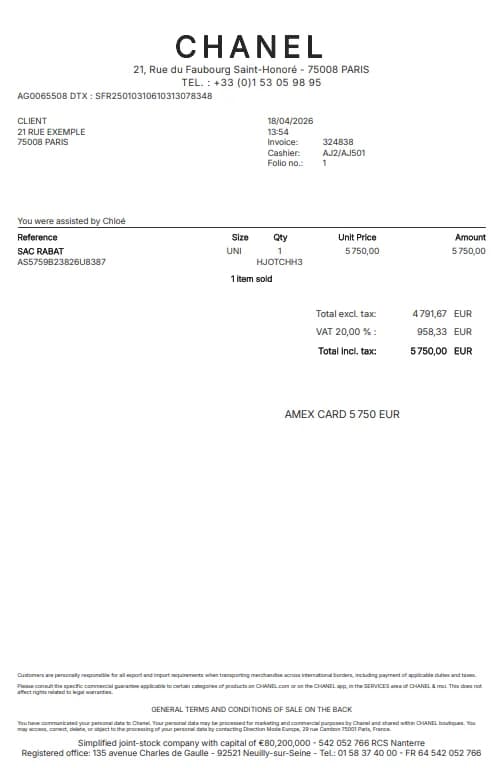
Chanel Receipt Generator
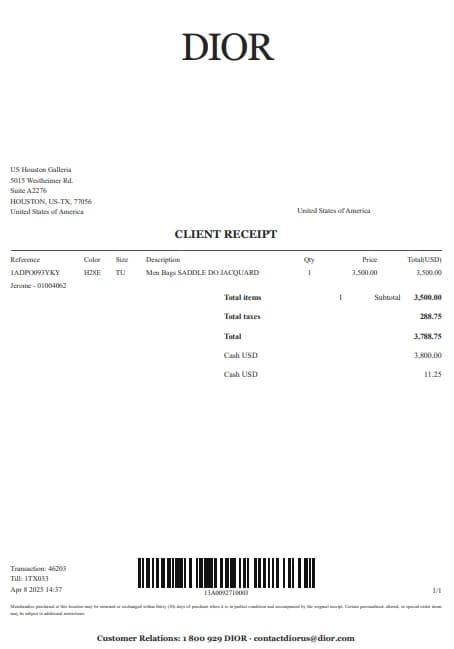
Dior Receipt Generator
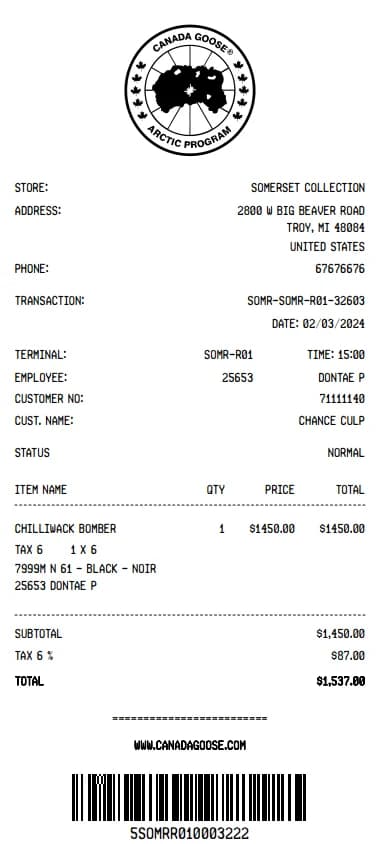
Canada Goose Receipt Generator
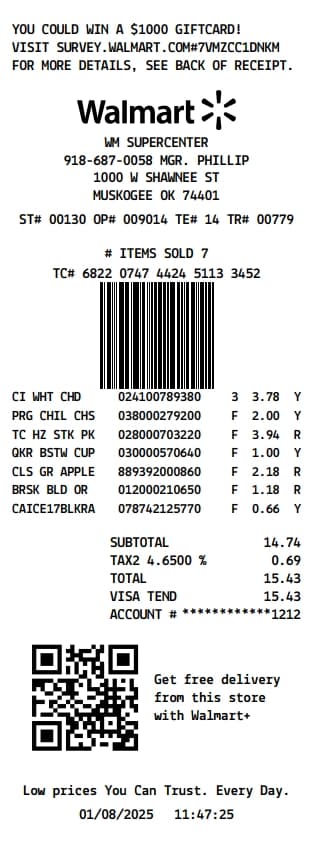
Walmart Receipt Generator
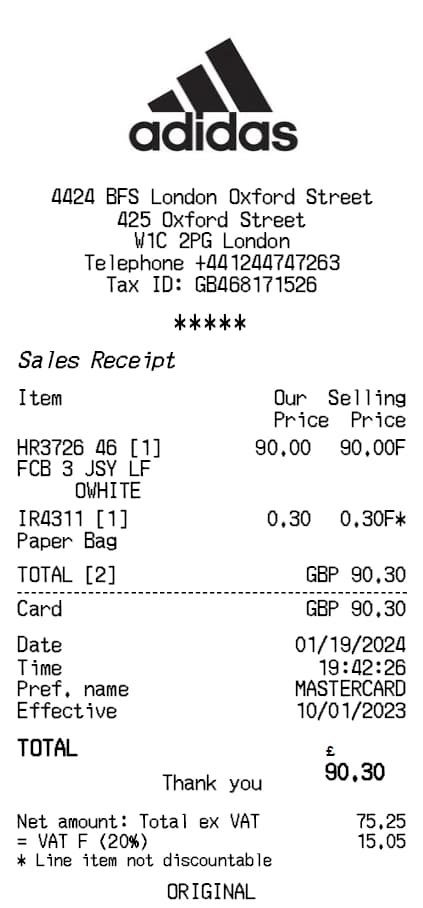
Adidas Receipt Generator
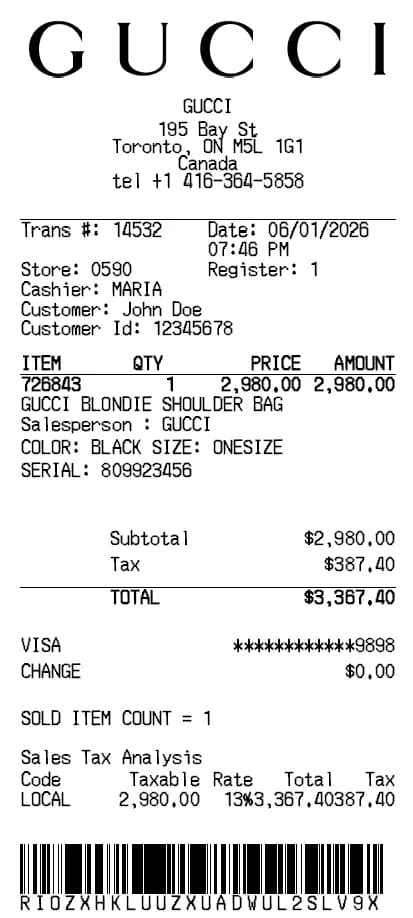
Gucci Receipt Generator
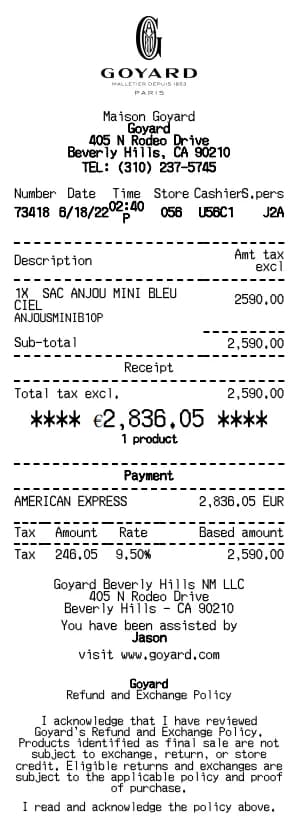
Goyard Receipt Generator
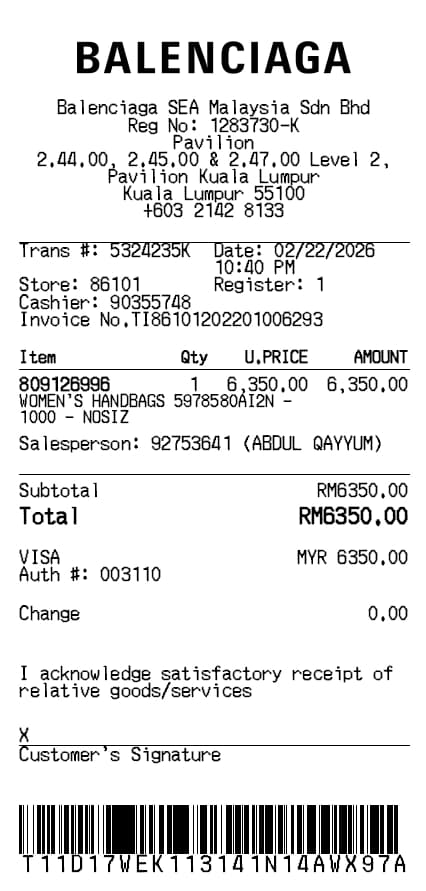
Balenciaga Receipt Generator
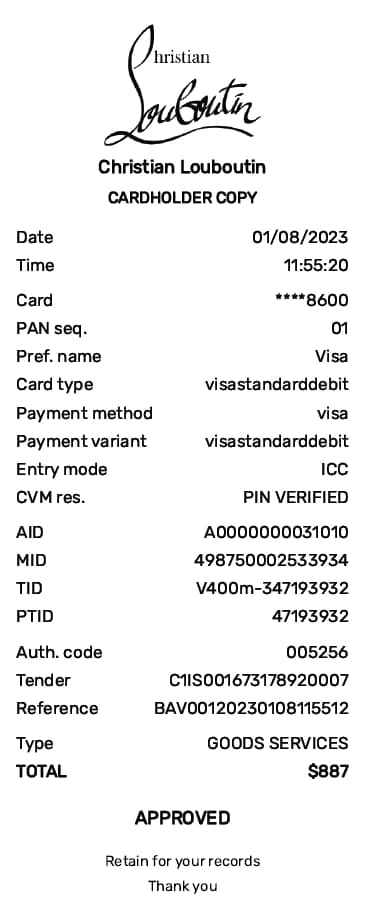
Christian Louboutin Receipt Generator
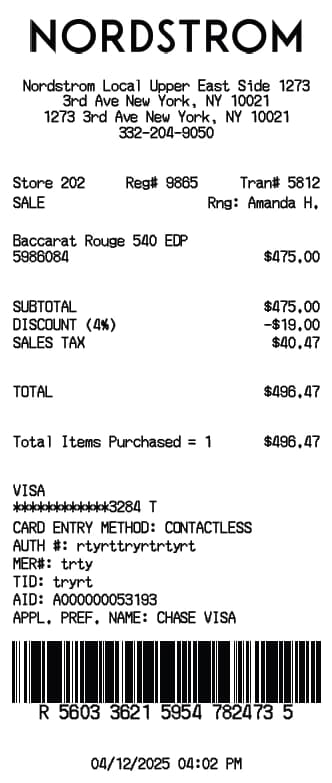
Nordstrom Receipt Generator
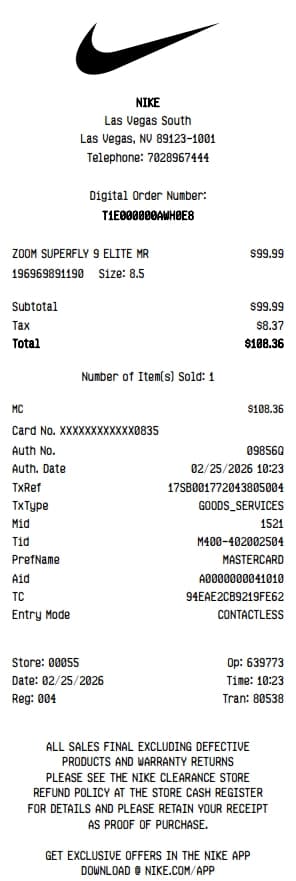
Nike Receipt Generator
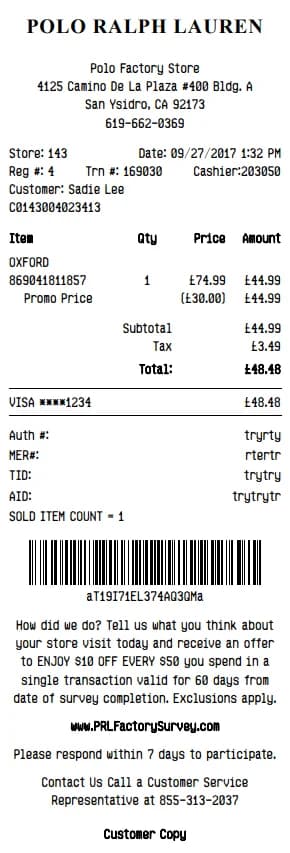
Polo Ralph Lauren Receipt Generator
Step-by-Step Guide
Create a receipt in three steps
Choose a layout, enter details from your records and review the result before downloading.
1. Choose a template
Select a ecommerce template that suits the record you need.
2. Enter the details
Add only accurate information, such as the date, items, amounts, tax, and payment method.
3. Review and download
Check the preview and total, then download the PDF or print it for your records.
Frequently asked questions about Ecommerce receipts
Answers about creating and using ecommerce receipt templates.
You normally need the date, store or provider, items or services, amounts, tax, and payment method.
Yes. You can change the fields and review the preview before saving or printing the document.
No. Acceptance depends on the policies of the store, employer, tax authority, or other organization requesting it.
They are intended for lawful documentation and expense tracking. Do not use them to represent a transaction that did not occur or to mislead anyone.