Amazon Receipt Generator
Customize your template with real-time preview.
Live Preview

Sold By :
TechMart Electronics Pvt Ltd
123 Electronics Hub, Nehru Place New Delhi 110019
IN
Billing Address :
Rajesh Kumar Sharma
456 Shanti Nagar, Sector 21 Gurgaon, Haryana 122015
IN
State/UT Code: 06
PAN No : AABPR1234C
GST Registration No : 07AABCT9876M1Z2
Shipping Address :
Rajesh Kumar Sharma
456 Shanti Nagar, Sector 21 Gurgaon, Haryana 122015
IN
State/UT Code: 06
Place of Supply: Haryana
Place of Delivery: Haryana
Order Number: 407-4994523-0575542
Order Date: 23.06.2026
Invoice Number: 2024001234
Invoice Details: HA-CCU1-2024001234
Invoice Date: 23.06.2026
| Sl. No | Description | Unit Price | Qty | Net Amount | Tax Rate | Tax Type | Tax Amount | Total Amount |
|---|---|---|---|---|---|---|---|---|
| 1 | Apple iPhone 15 Pro Max (256GB) - Natural Titanium | $1,590.00 | 1 | $1,590.00 | 14% 14% | CGST SGST | $222.60 $222.60 | $2,035.20 |
| TOTAL: | $445.20 | $2,035.20 | ||||||
Amount in words : Two Thousand Thirty Five Dollars and Twenty Cents Only For TechMart Electronics Pvt Ltd :  Authorized Signatory | ||||||||
Payment Transaction ID: RZT597ONZK0I1rp6gk20 | Date & Time: 23.06.2026, 19:41:45 hrs | Invoice Value: $2,035.20 | Mode of Payment: Credit Card |
*ASSPL-Amazon Seller Services Pvt. Ltd., ARIPL-Amazon Retail India Pvt. Ltd. (only where Amazon Retail India Pvt. Ltd. fulfillment center is co-located)
Customers desirous of availing input GST credit are requested to create a Business account and purchase on Amazon.in/business from Business eligible offers
Please note that this invoice is not a demand for payment
How to make a Amazon receipt?
Follow this simple step-by-step guide to generate a professional Amazon receipt using our editor.
1. Select Amazon Template
Choose the Amazon receipt template under the 'Ecommerce' category in the sidebar.
2. Input Seller & Address Details
Fill out the seller (Sold By) name, address, and contact information, as well as the Billing and Shipping address fields.
3. Add Items & Tax Rates
Add items with description, quantity, and unit price. Specify the tax rate if applicable.
4. Enter Payment Details & Download
Provide the payment transaction ID, datetime, payment mode, and download your high-fidelity, professional A4 PDF.
FAQs
Everything you need to know about the Amazon and how our receipt maker works. If you still can't find what you're looking for, feel free to reach out.
Explore other templates
More templates from the Ecommerce category
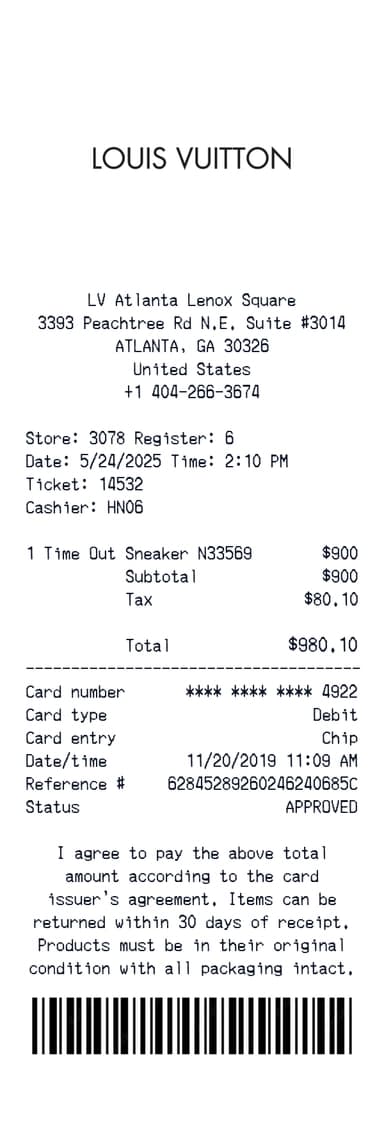
Louis Vuitton Receipt Generator
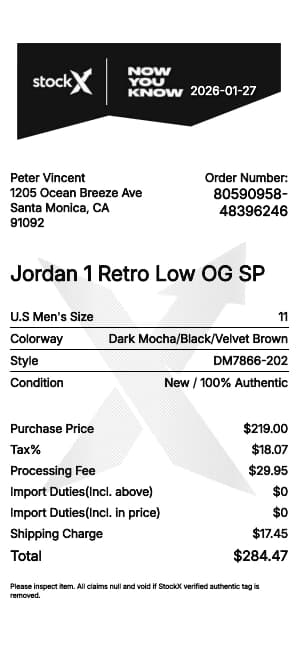
StockX Receipt Generator
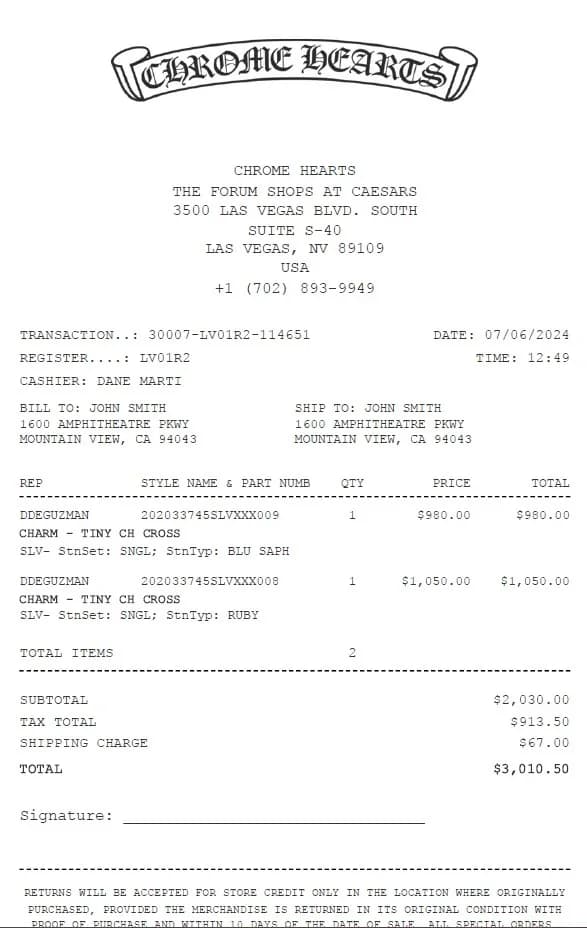
Chrome Hearts Receipt Generator
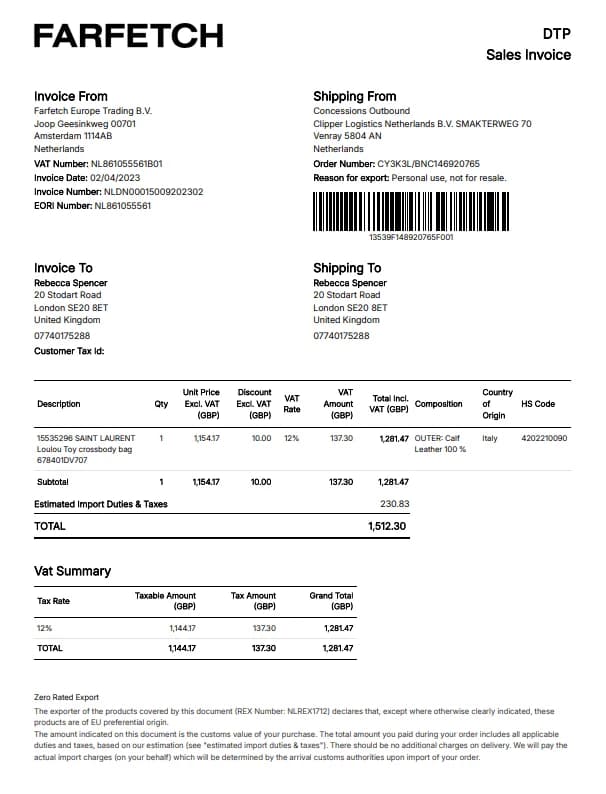
Farfetch Receipt Generator
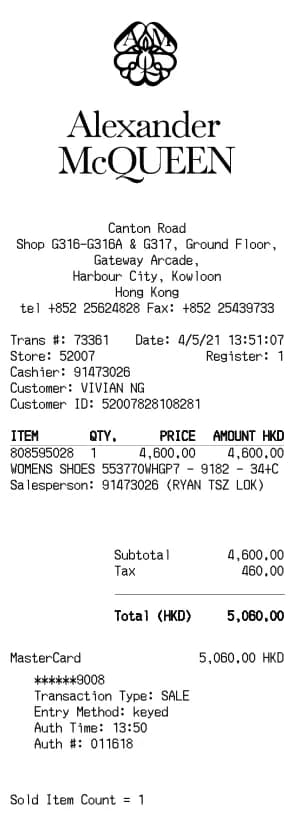
Alexander McQueen Receipt Generator
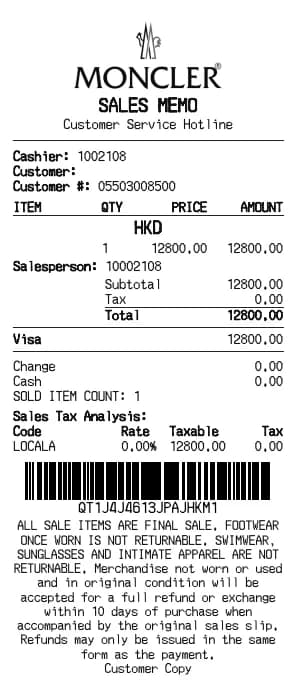
Moncler Receipt Generator
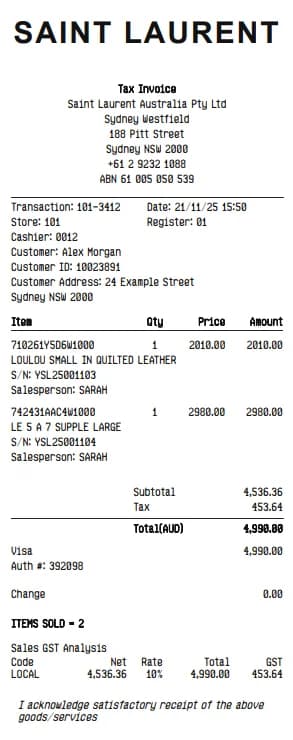
YSL Receipt Generator
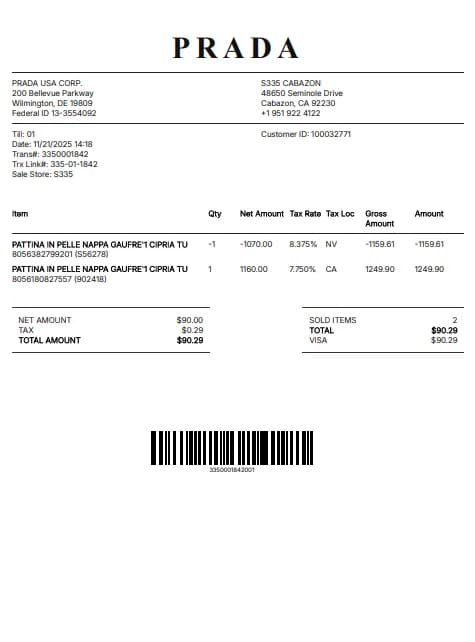
Prada Receipt Generator
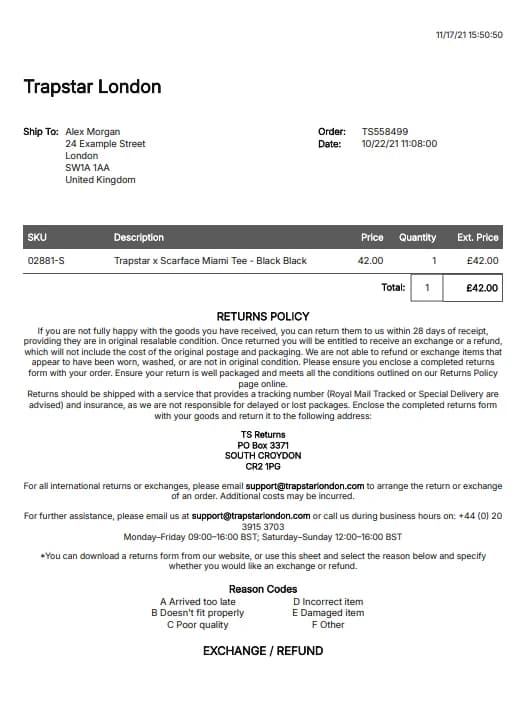
Trapstar Receipt Generator
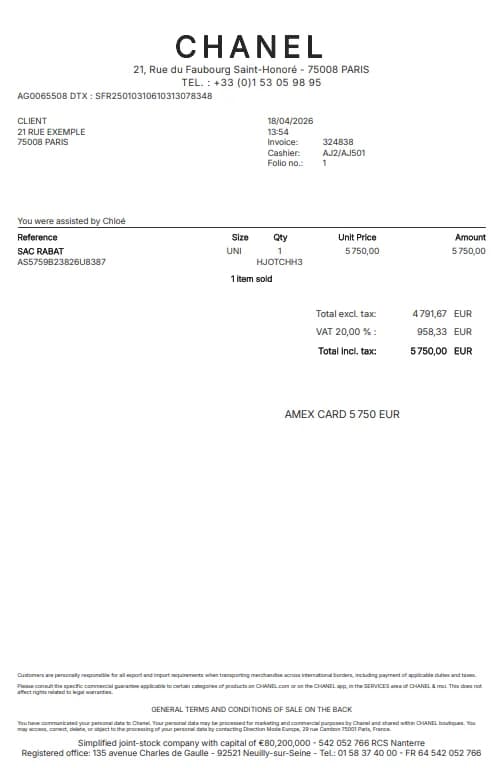
Chanel Receipt Generator
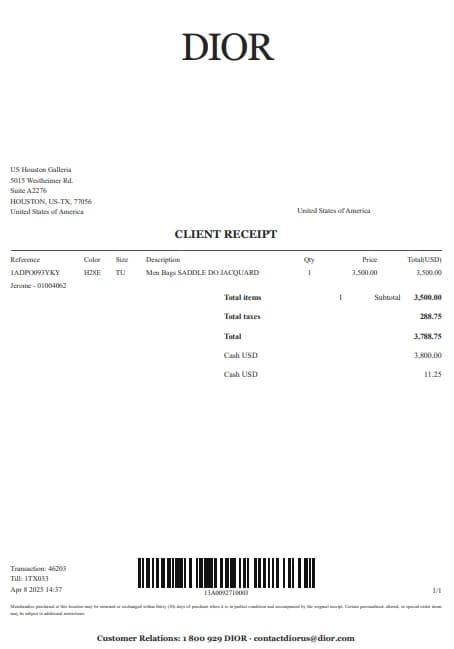
Dior Receipt Generator
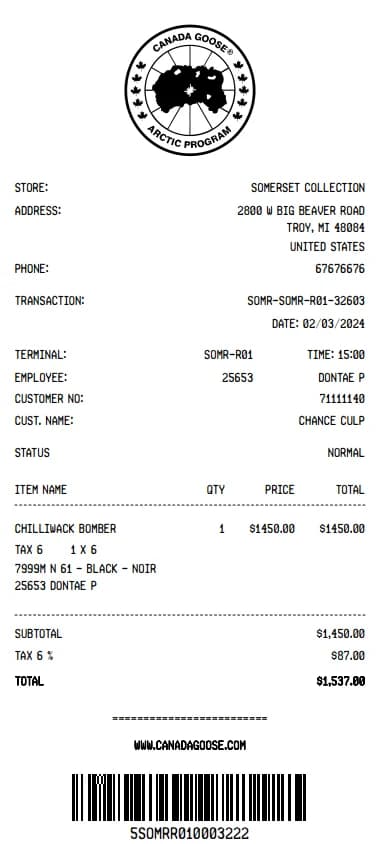
Canada Goose Receipt Generator
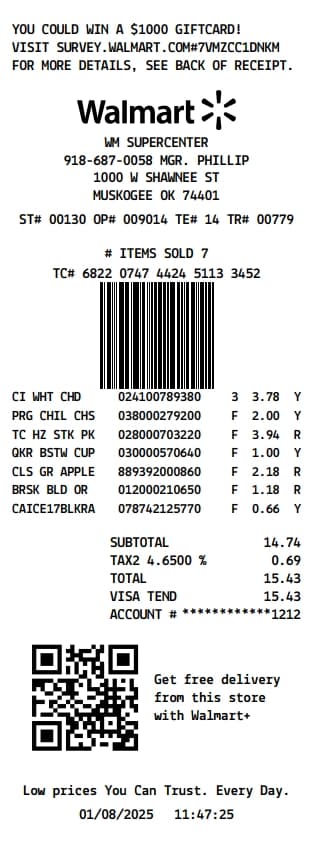
Walmart Receipt Generator
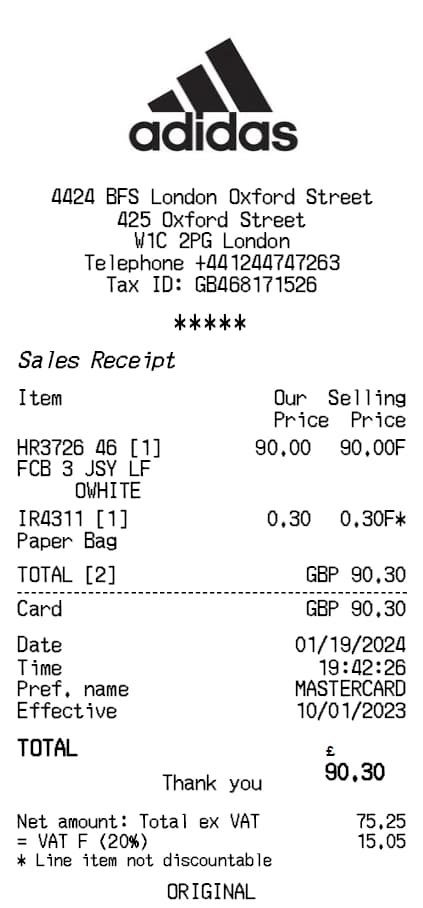
Adidas Receipt Generator
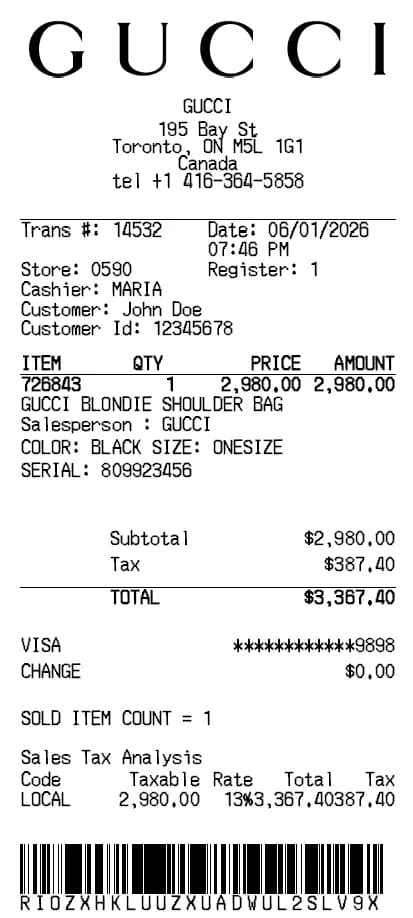
Gucci Receipt Generator
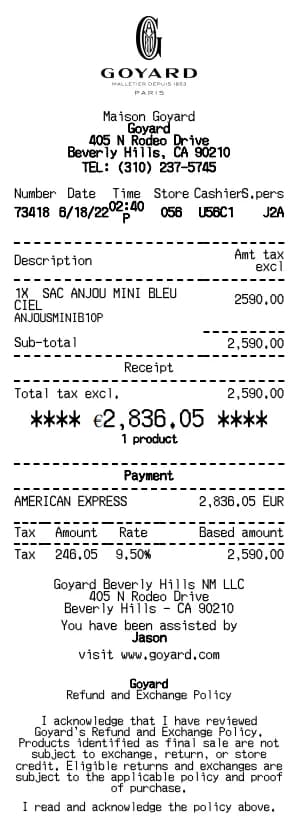
Goyard Receipt Generator
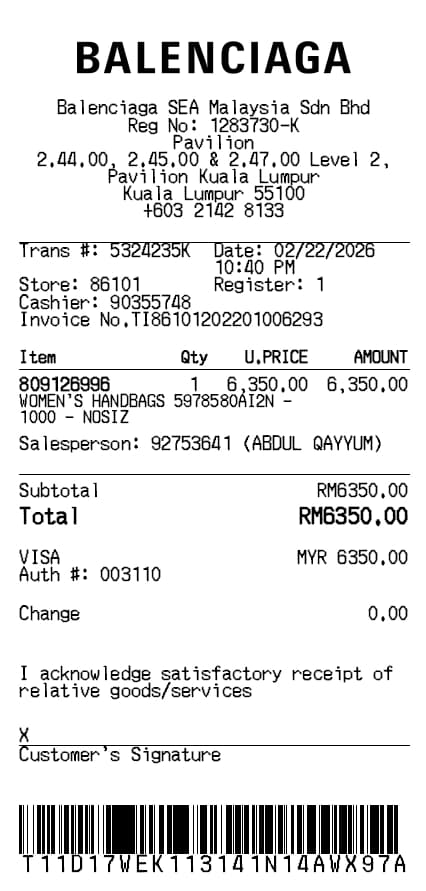
Balenciaga Receipt Generator
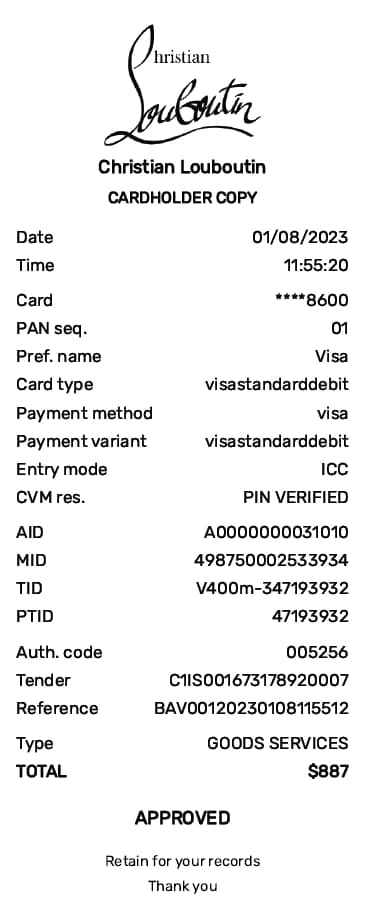
Christian Louboutin Receipt Generator
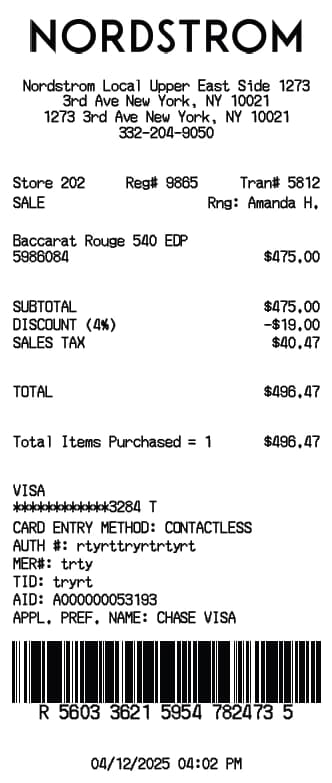
Nordstrom Receipt Generator
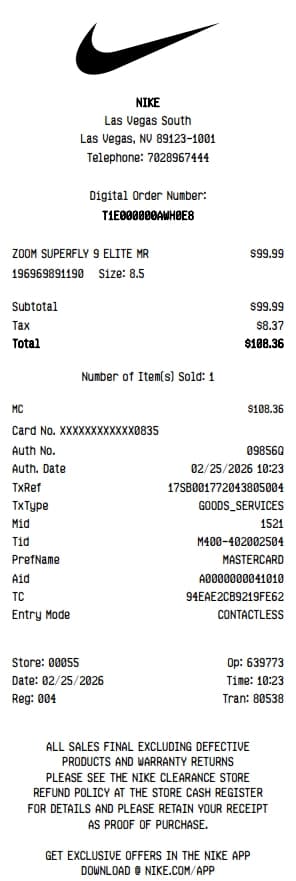
Nike Receipt Generator
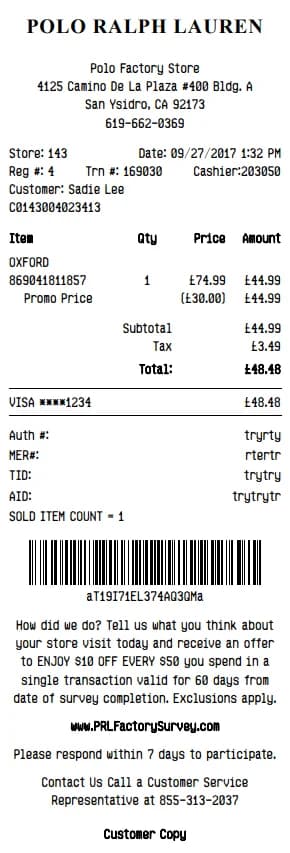
Polo Ralph Lauren Receipt Generator

Robert Brooks
Robert is a former CPA turned tech writer. He contributes to BuildReceipts by ensuring our receipt templates meet standard accounting practices and provide all the necessary details for expense tracking.
Create Your Receipts Now
Choose a template, enter your details and check the preview before downloading. See Pricing for receipt plan limits.