Dior Receipt Generator
Customize your template with real-time preview.
Live Preview
CLIENT RECEIPT
How to make a Dior receipt?
Follow this simple step-by-step guide to generate a professional Dior receipt using our editor.
1. Open the Dior template
Choose Dior from the Ecommerce receipt category.
2. Enter receipt details
Edit the store, associate, transaction, date, and till information.
3. Add purchased items
Enter product references, colors, sizes, descriptions, quantities, and prices.
4. Review and download
Confirm the totals, cash change, and barcode in the A4 preview, then download the PDF.
FAQs
Everything you need to know about the Dior and how our receipt maker works. If you still can't find what you're looking for, feel free to reach out.
Explore other templates
More templates from the Ecommerce category
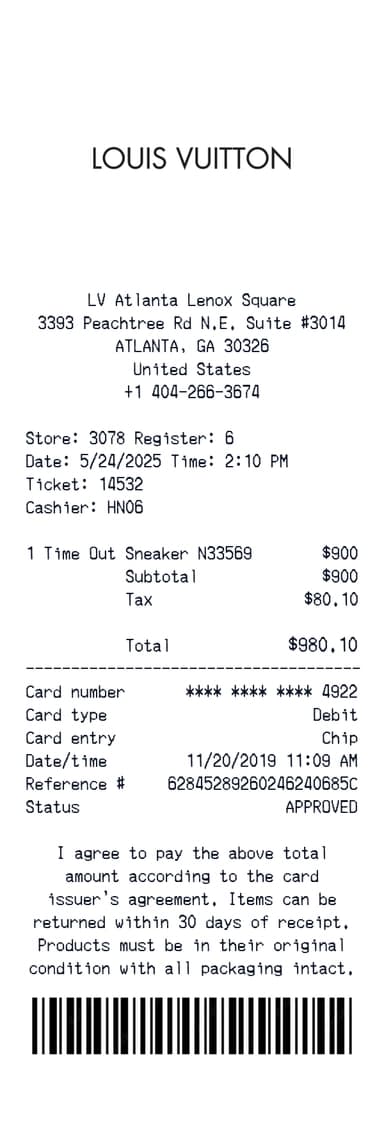
Louis Vuitton Receipt Generator
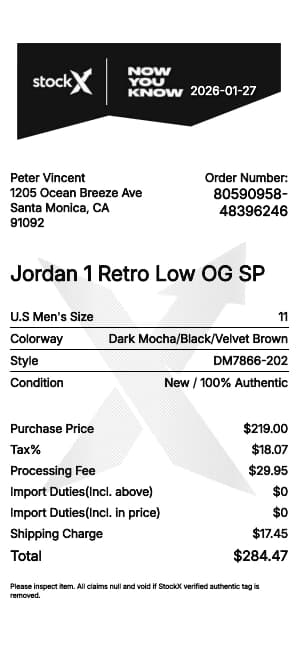
StockX Receipt Generator
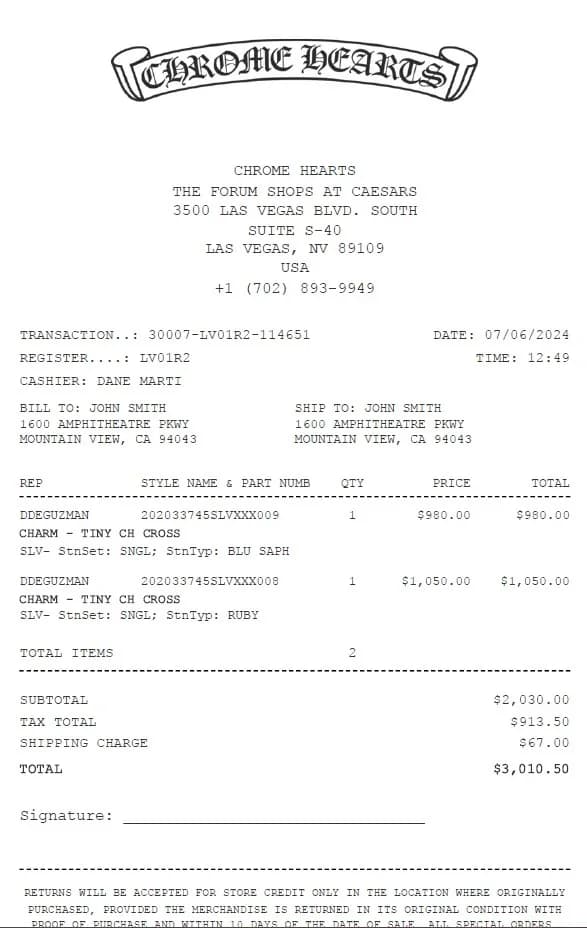
Chrome Hearts Receipt Generator
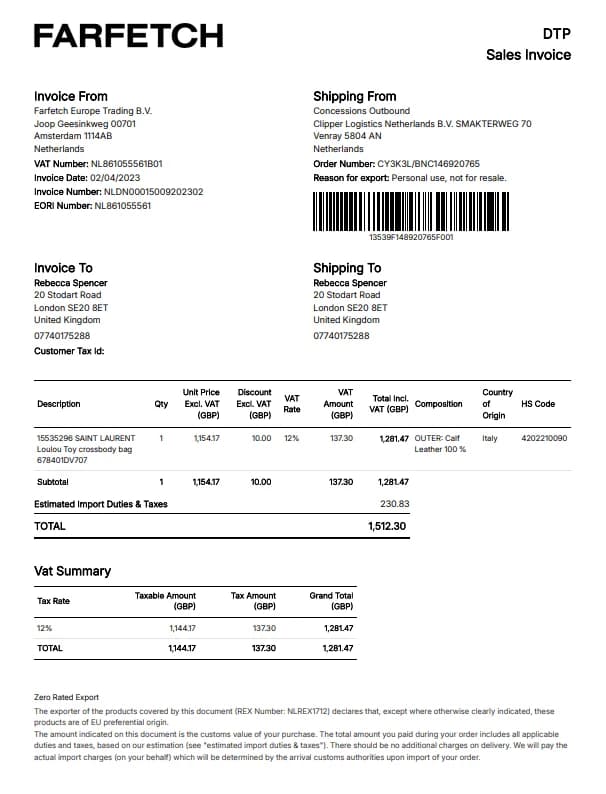
Farfetch Receipt Generator
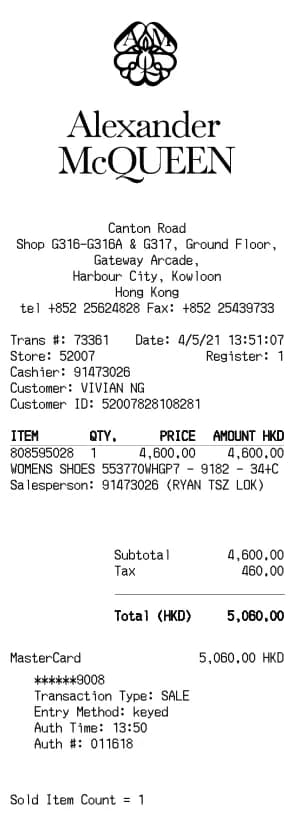
Alexander McQueen Receipt Generator
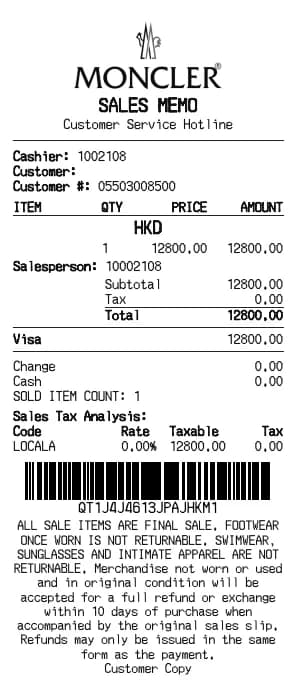
Moncler Receipt Generator
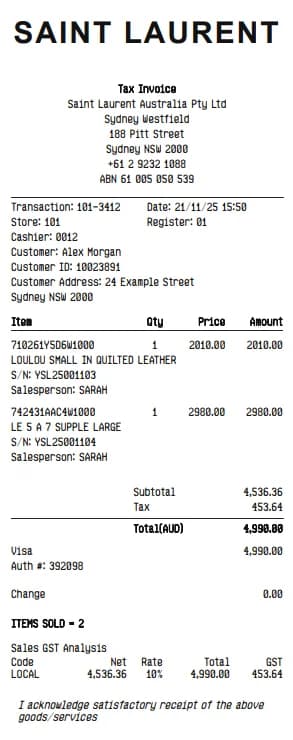
YSL Receipt Generator
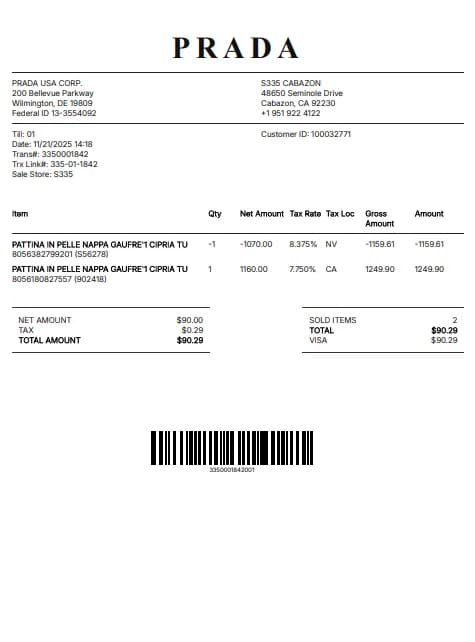
Prada Receipt Generator
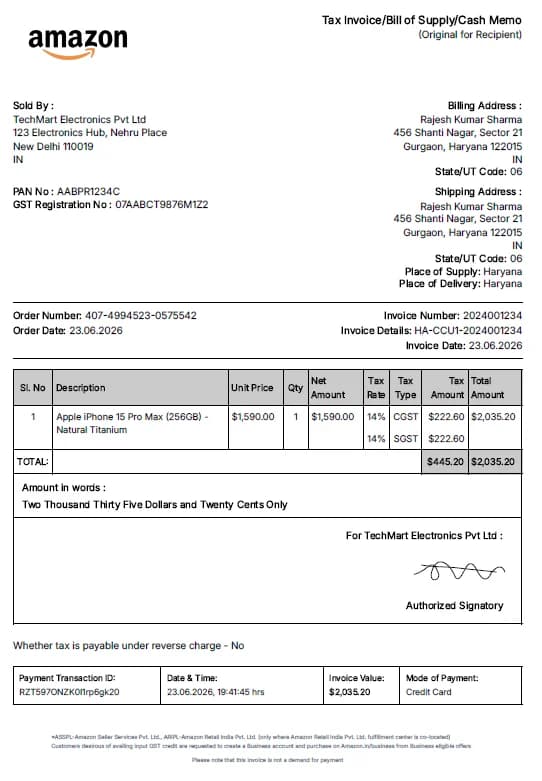
Amazon Receipt Generator
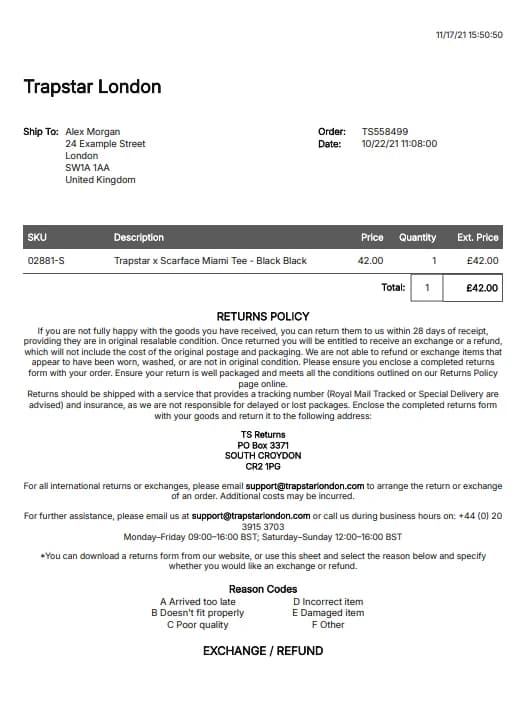
Trapstar Receipt Generator
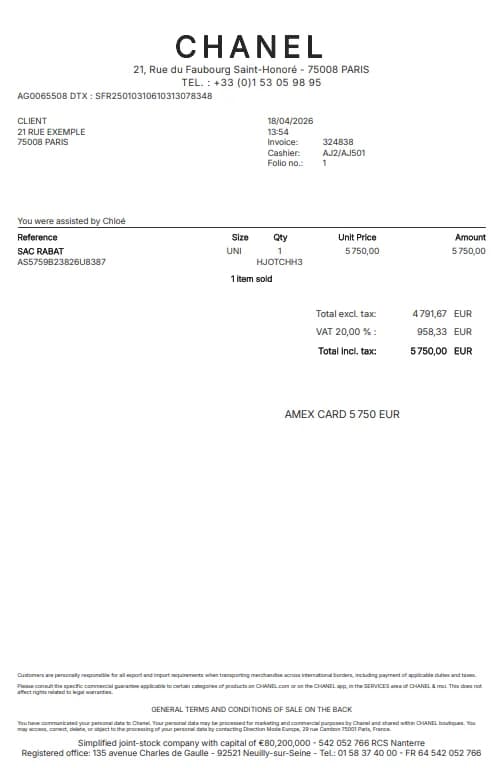
Chanel Receipt Generator
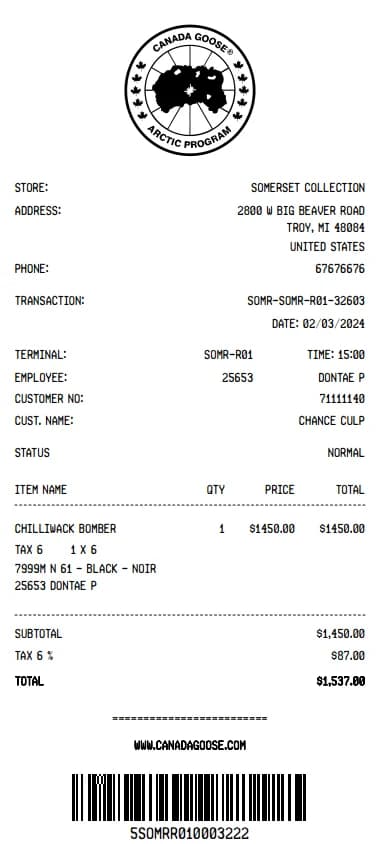
Canada Goose Receipt Generator
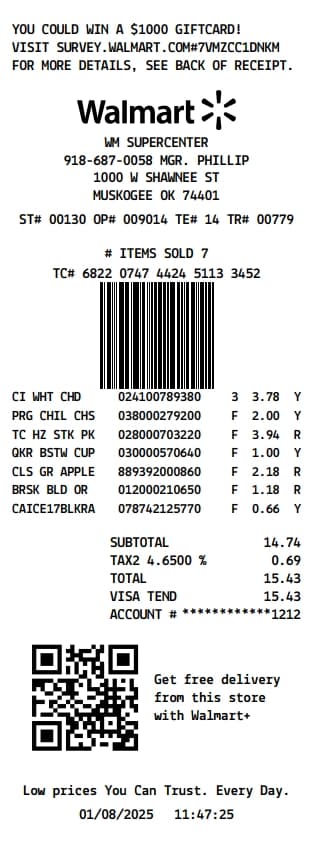
Walmart Receipt Generator
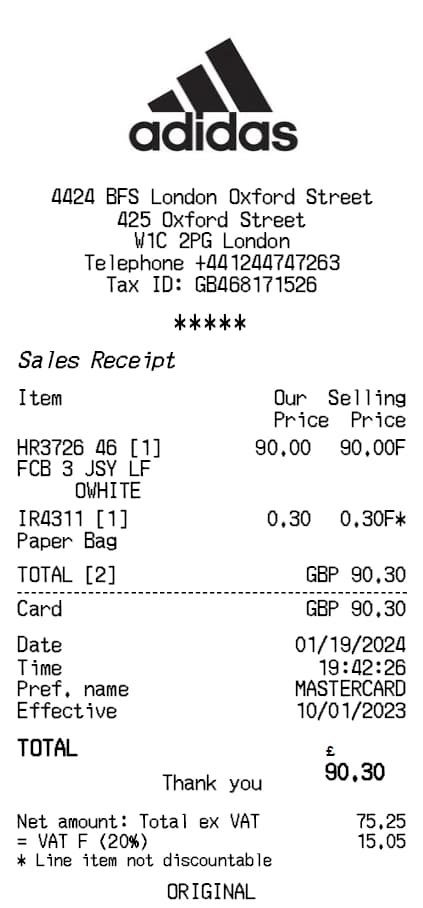
Adidas Receipt Generator
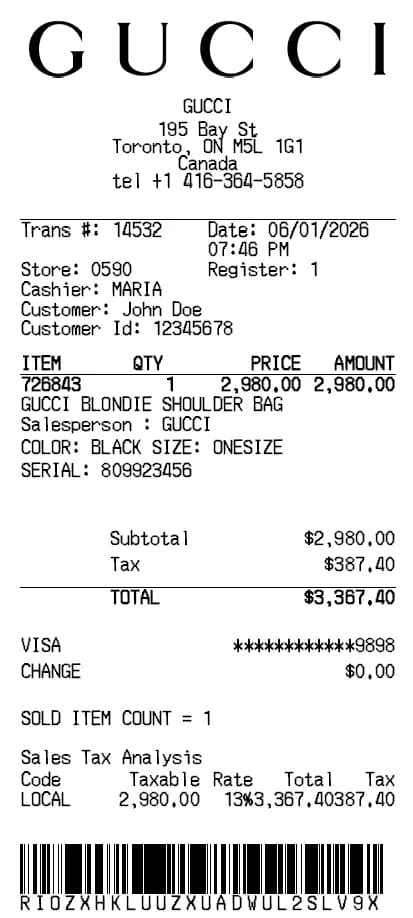
Gucci Receipt Generator
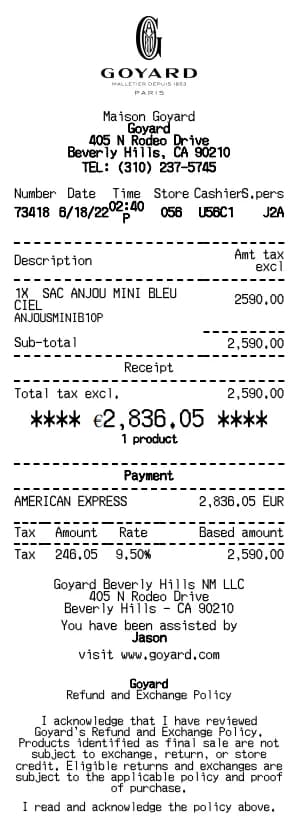
Goyard Receipt Generator
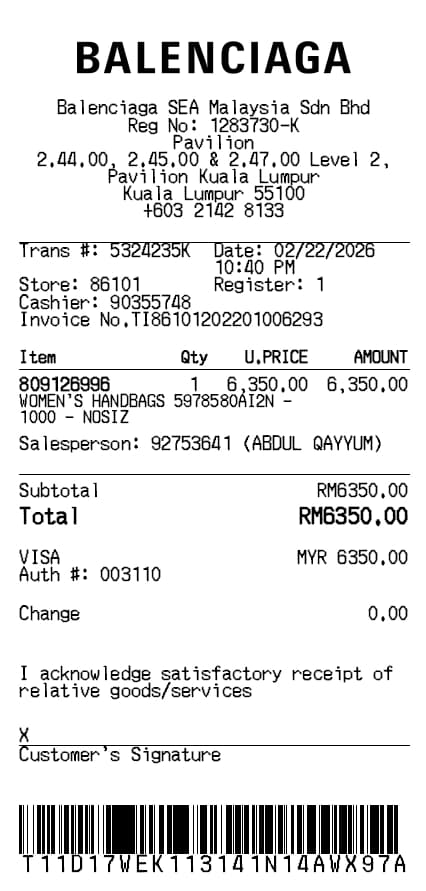
Balenciaga Receipt Generator
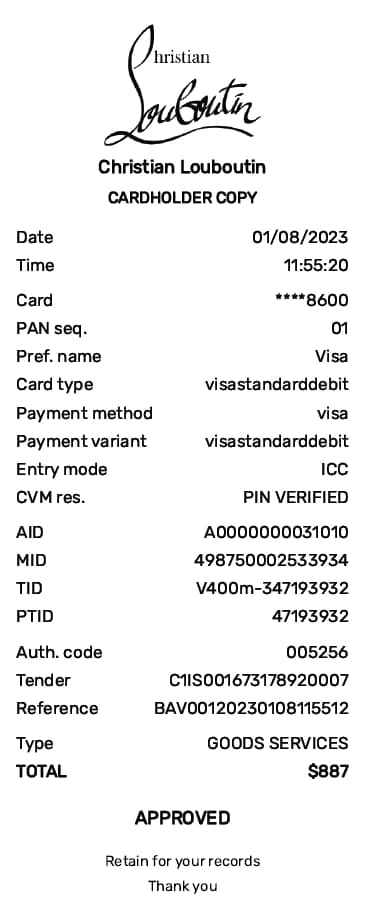
Christian Louboutin Receipt Generator
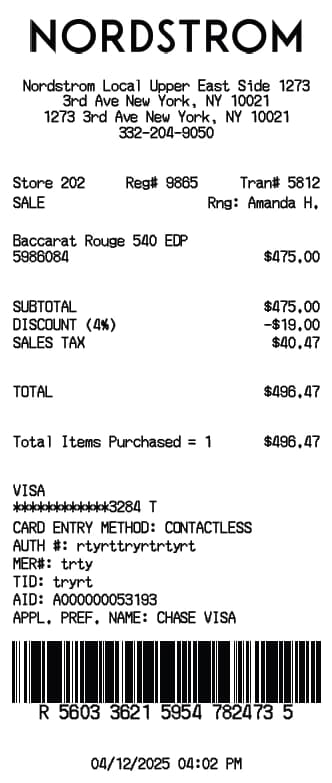
Nordstrom Receipt Generator
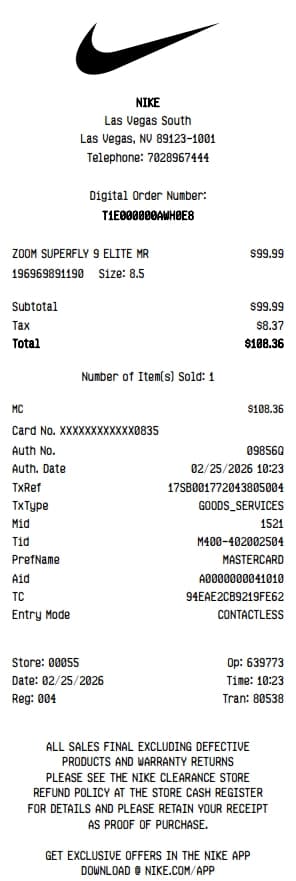
Nike Receipt Generator
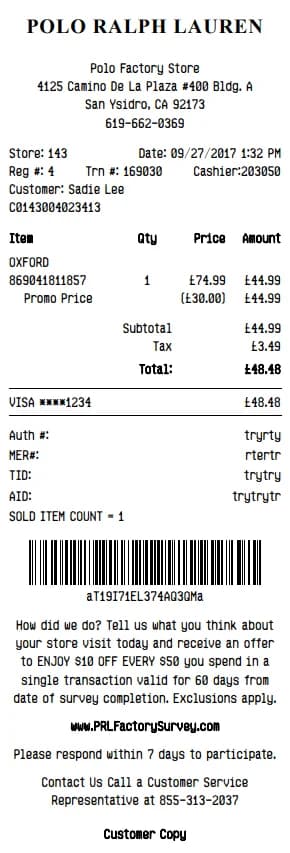
Polo Ralph Lauren Receipt Generator

Sarah Jenkins
Sarah is a content strategist at BuildReceipts. She writes extensively about e-commerce, digital tools, and financial software. Her goal is to make business administration as painless as possible through well-designed receipts.
Create Your Receipts Now
Choose a template, enter your details and check the preview before downloading. See Pricing for receipt plan limits.