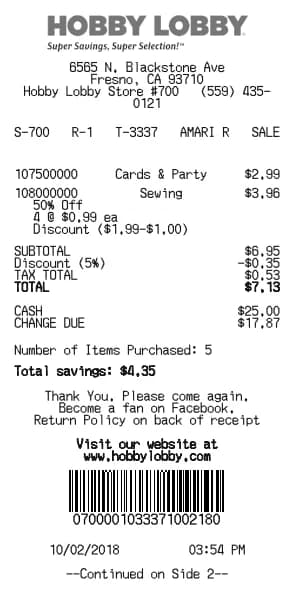
Hobby Lobby Receipt Generator
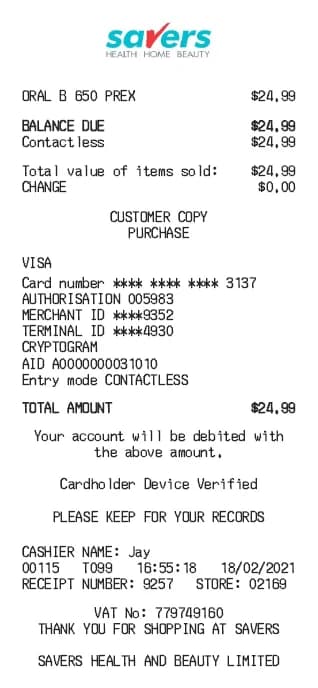
Savers Receipt Generator
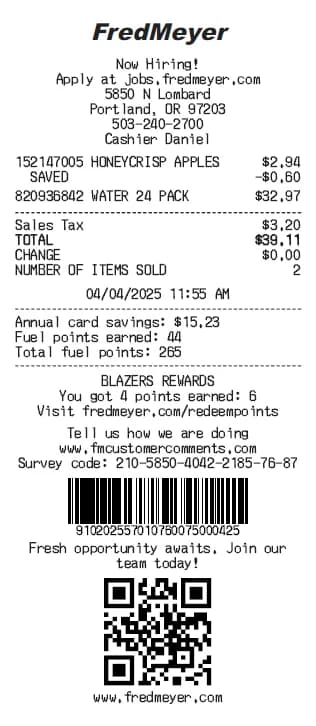
Fred Meyer Receipt Generator
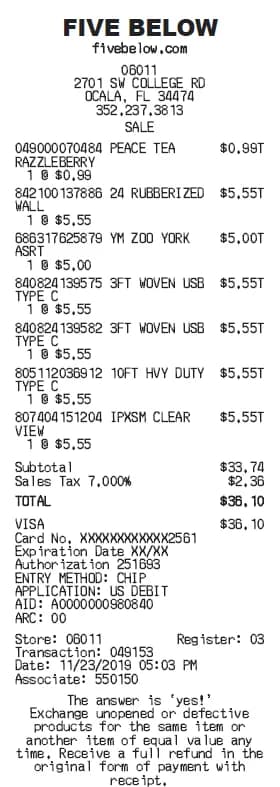
Five Below Receipt Generator
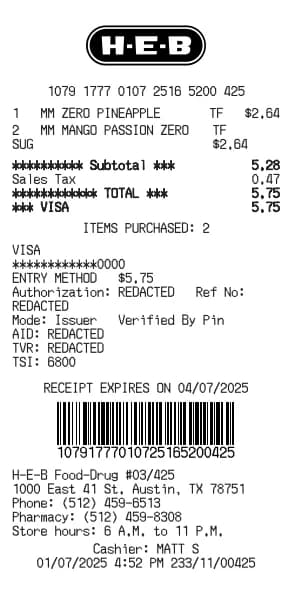
H-E-B Receipt Generator
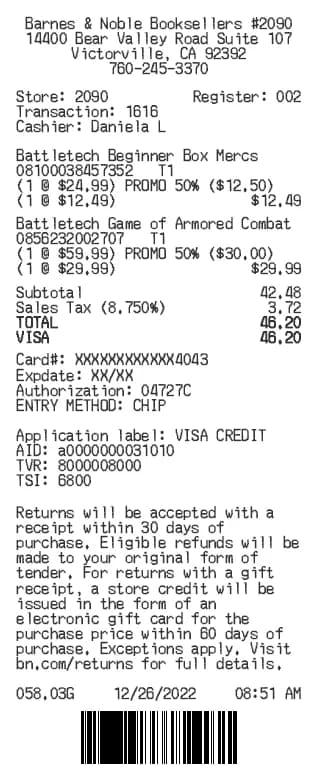
Barnes & Noble Receipt Generator
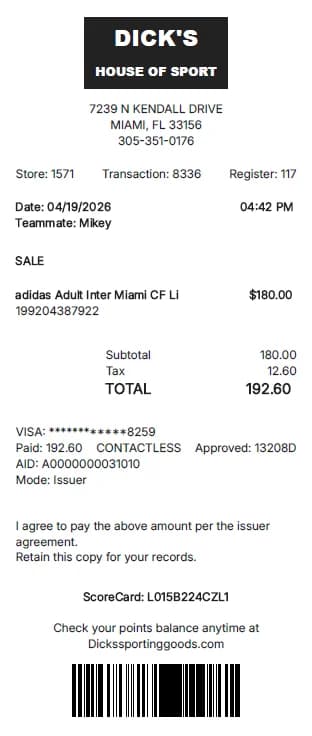
Dick's Sporting Goods Receipt Generator
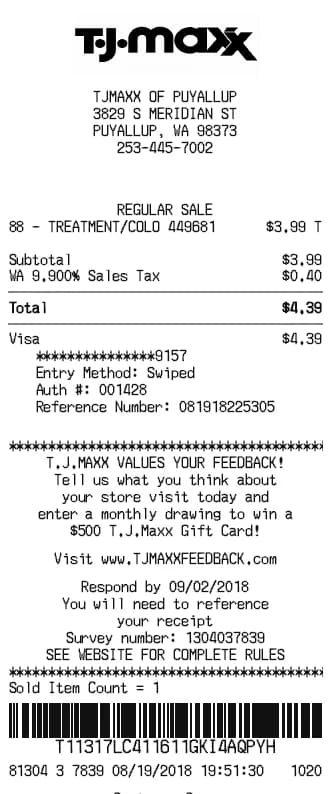
TJ Maxx Receipt Generator
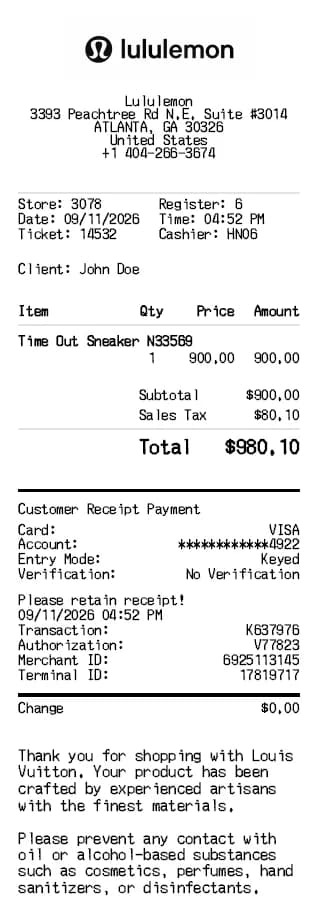
Lululemon Receipt Generator
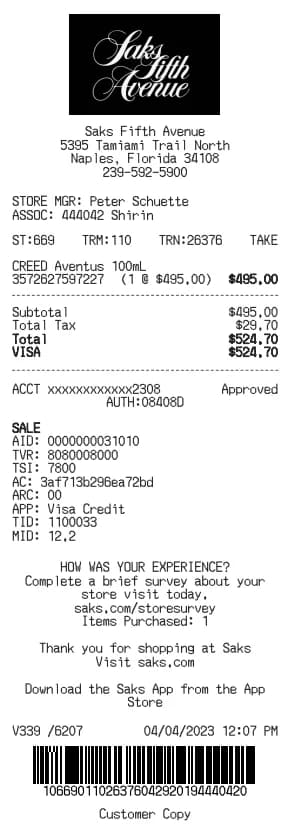
Saks Fifth Receipt Generator
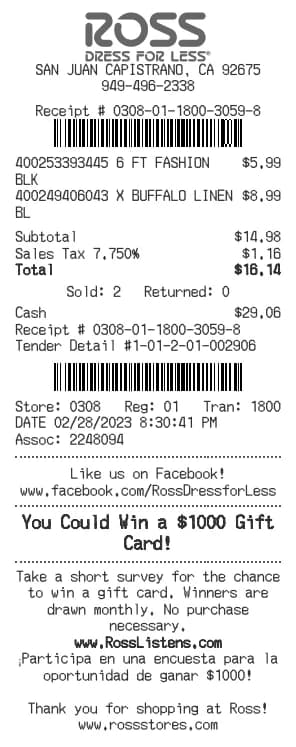
Ross Receipt Generator
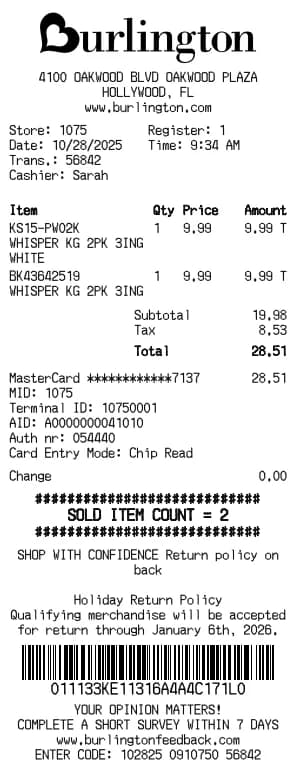
Burlington Receipt Generator
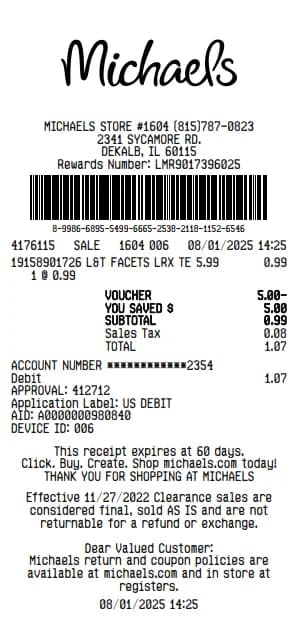
Michaels Receipt Generator
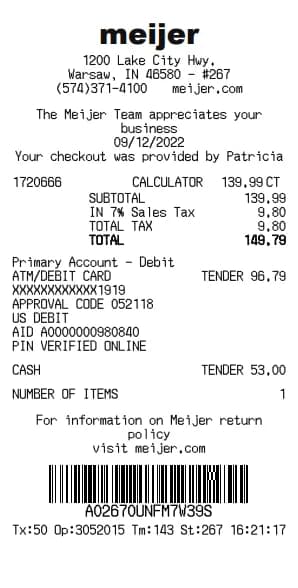
Meijer Receipt Generator
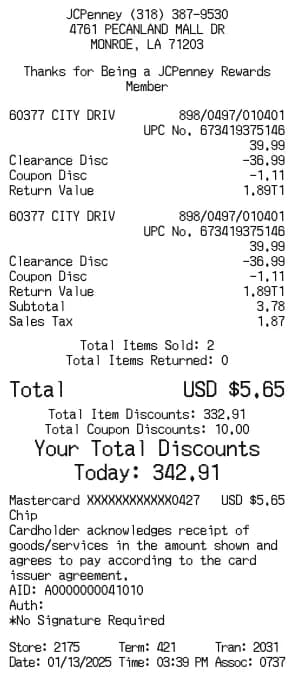
JCPenney Receipt Generator
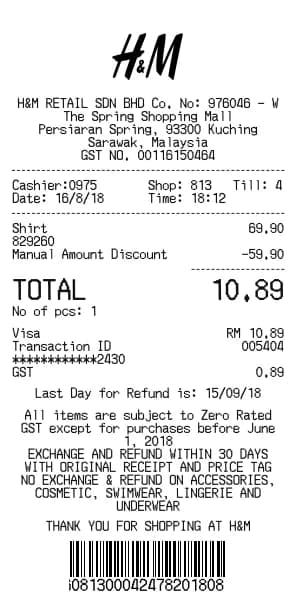
H&M Receipt Generator
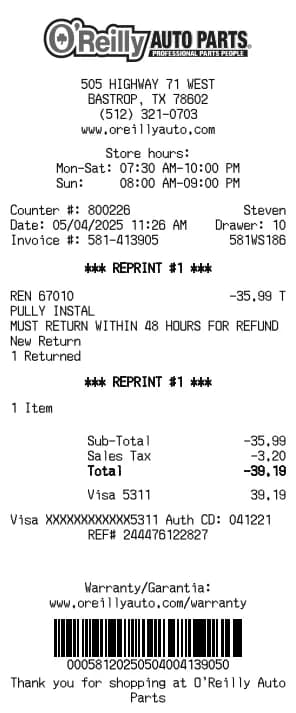
O'Reilly Auto Parts Receipt Generator
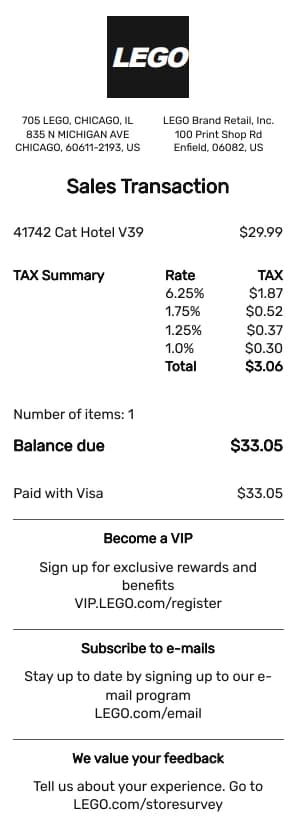
LEGO Receipt Generator
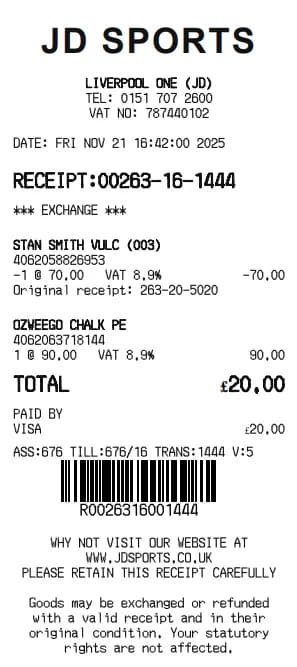
JD Sports Receipt Generator
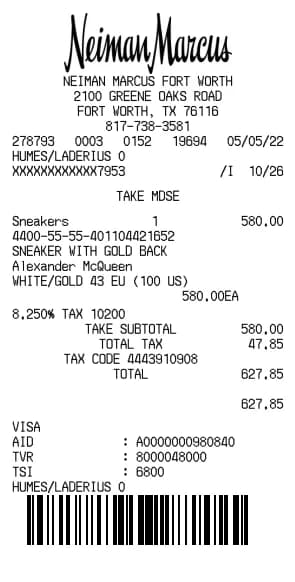
Neiman Marcus Receipt Generator
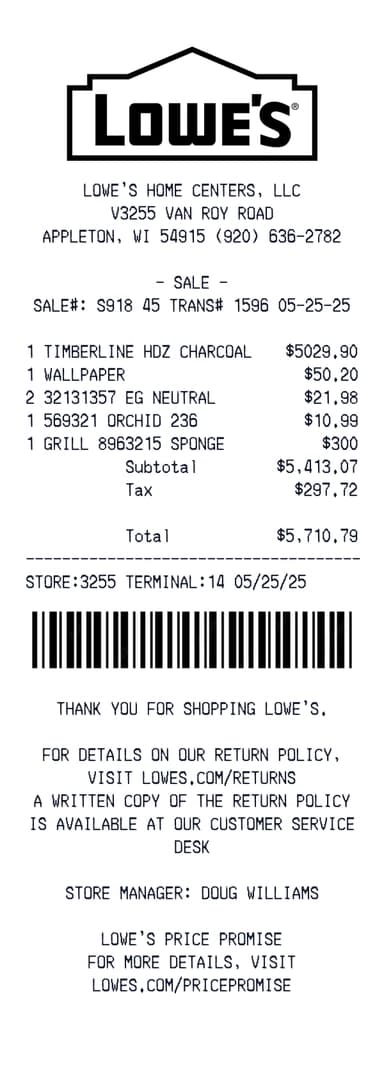
Lowes Receipt Generator
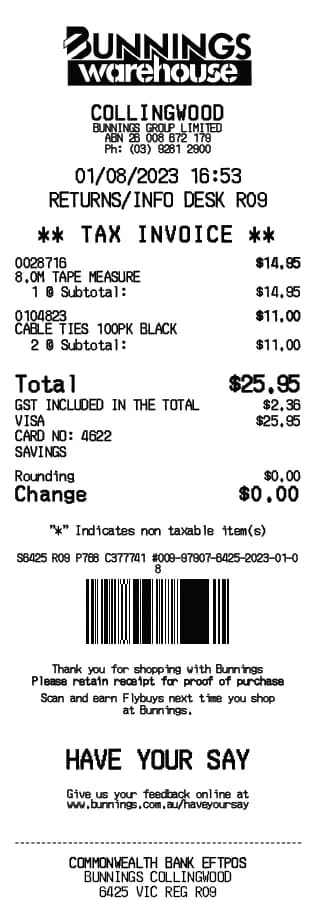
Bunnings Receipt Generator
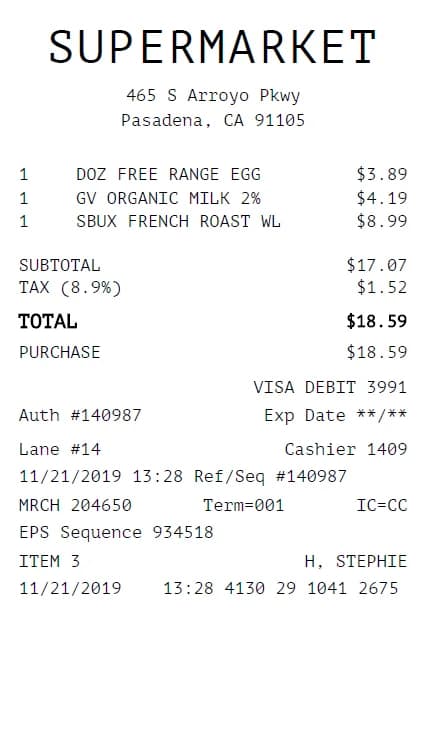
Grocery Receipt Generator
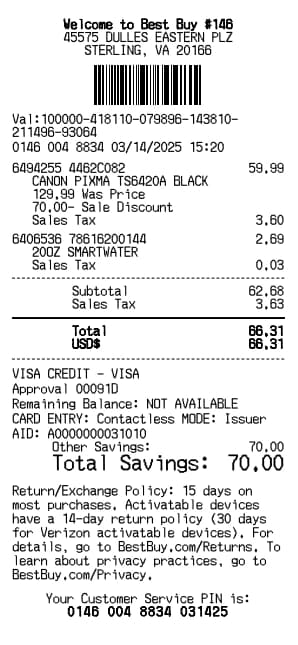
Best Buy Receipt Generator
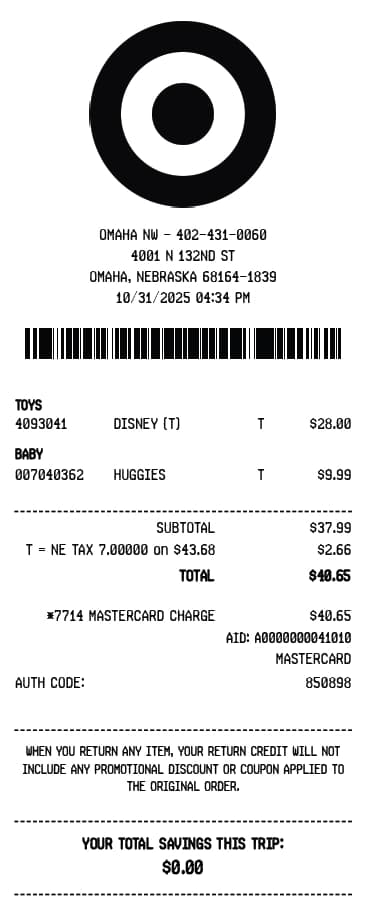
Target Receipt Generator
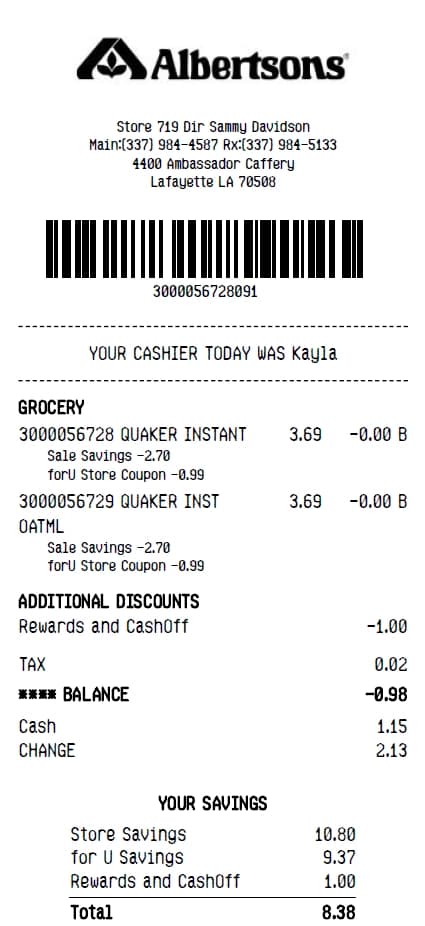
Albertsons Receipt Generator
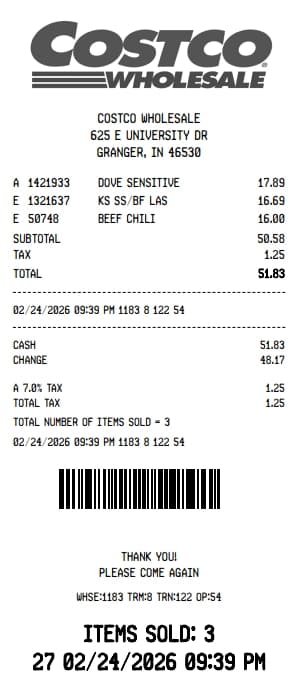
Costco Receipt Generator
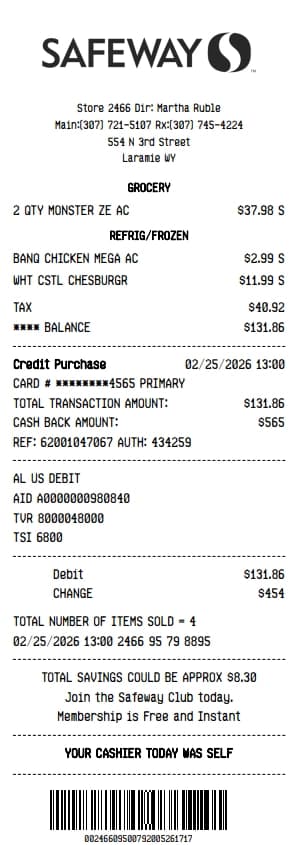
Safeway Receipt Generator
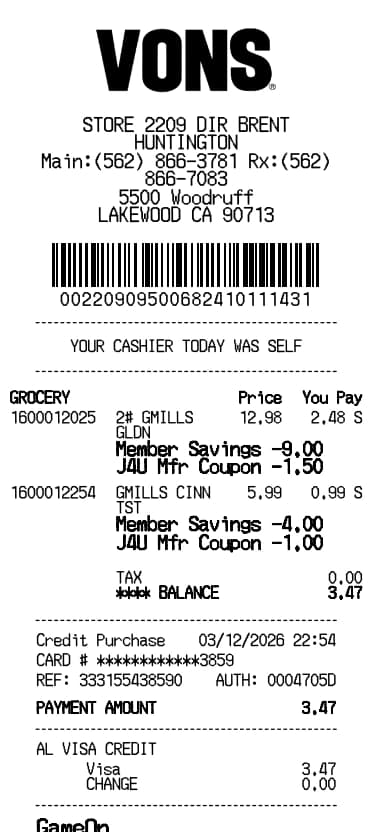
Vons Receipt Generator
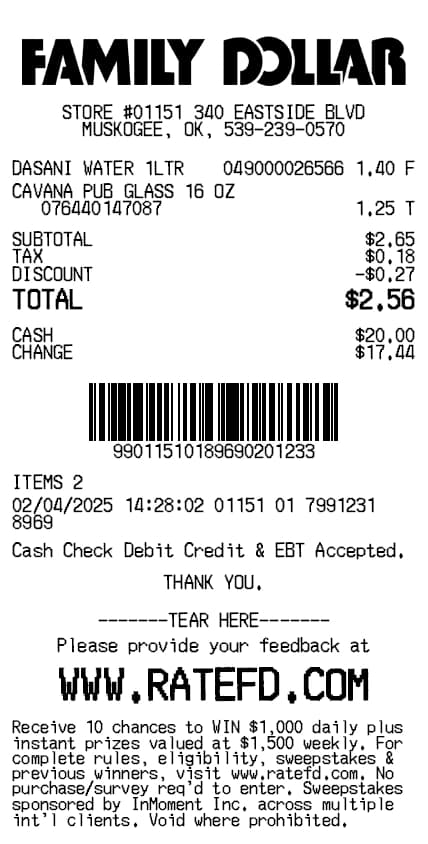
Family Dollar Receipt Generator
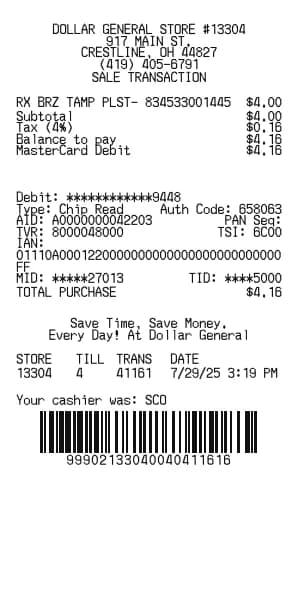
Dollar General Receipt Generator
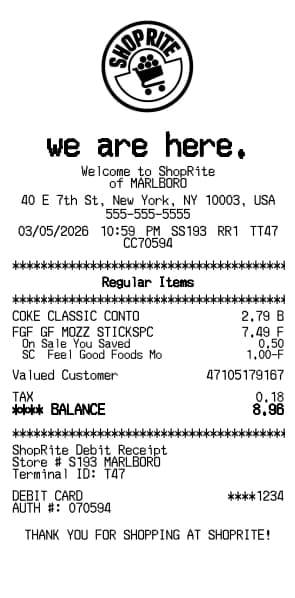
ShopRite Receipt Generator
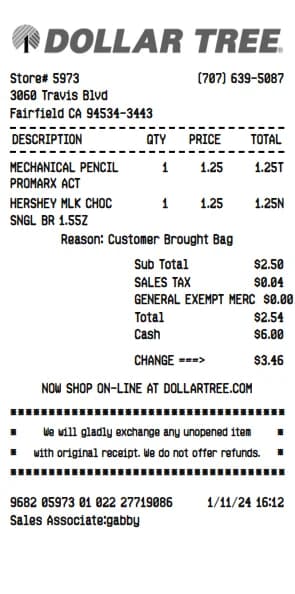
Dollar Tree Receipt Generator
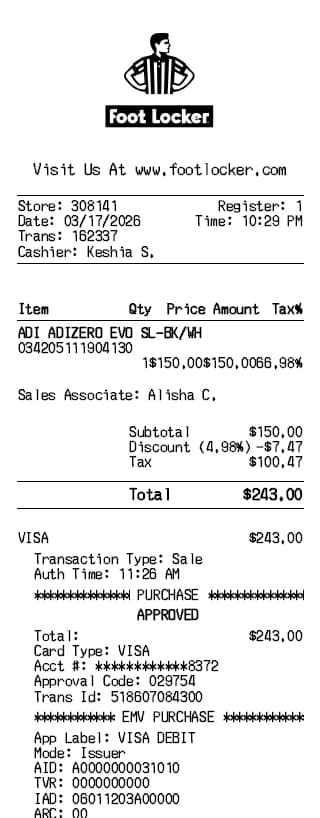
Foot Locker Receipt Generator
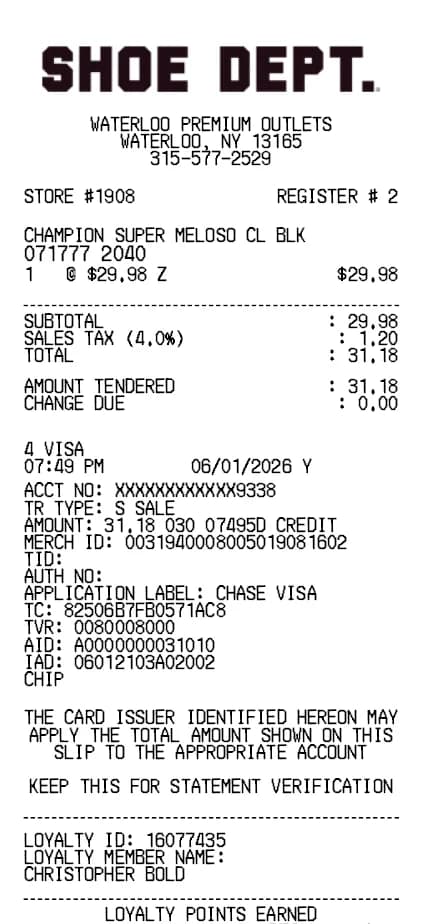
Shoe Receipt Generator
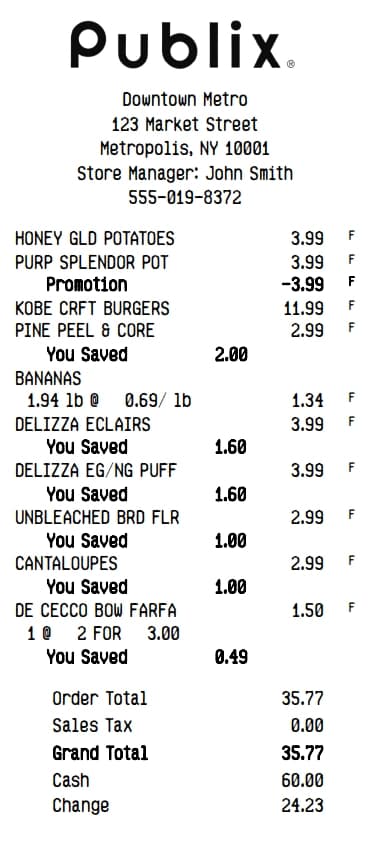
Publix Receipt Generator
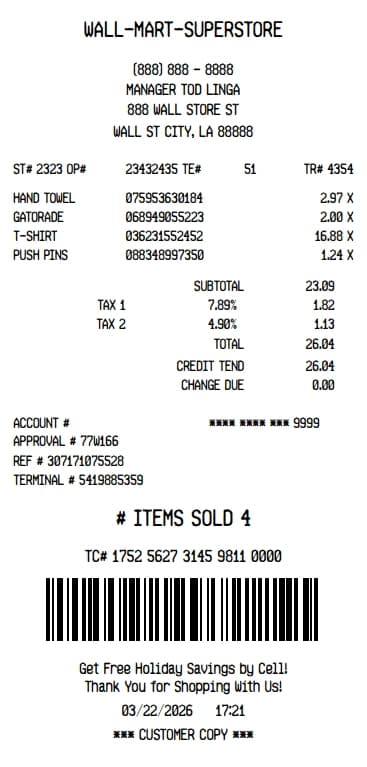
Walmart Superstore Receipt Generator
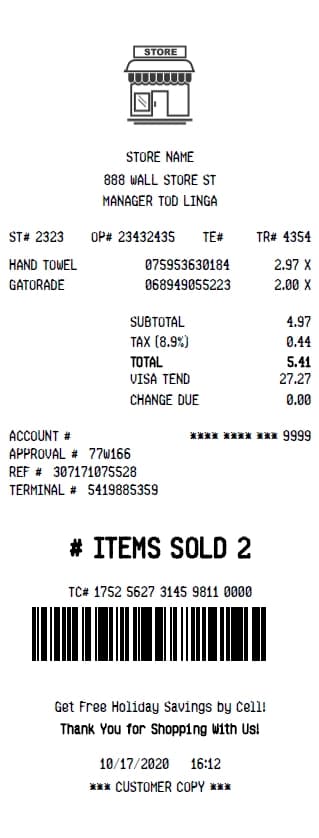
Store Receipt Generator
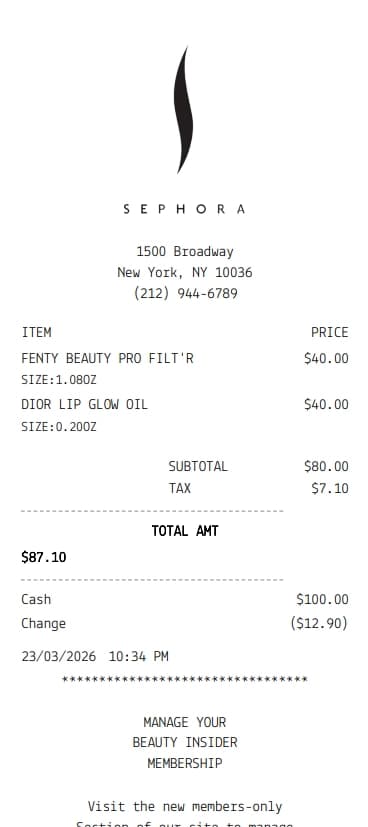
Sephora Receipt Generator
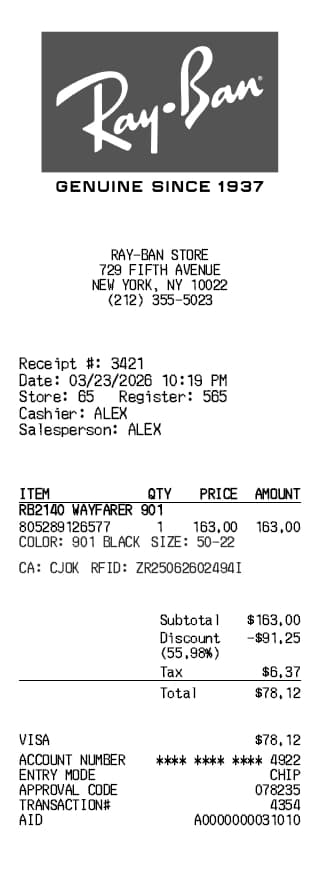
Ray-Ban Receipt Generator
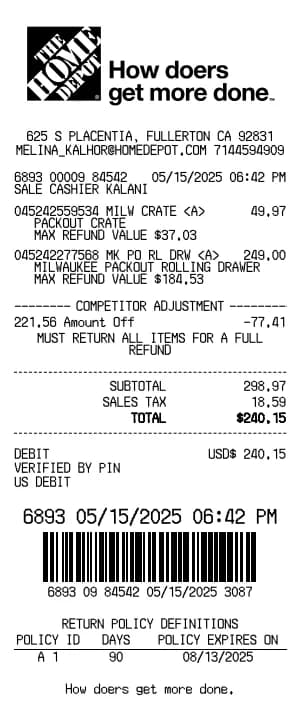
Home Depot Receipt Generator
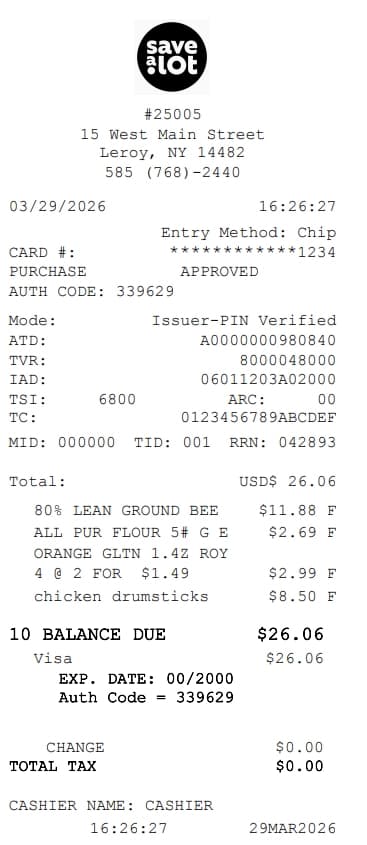
Save A Lot Receipt Generator
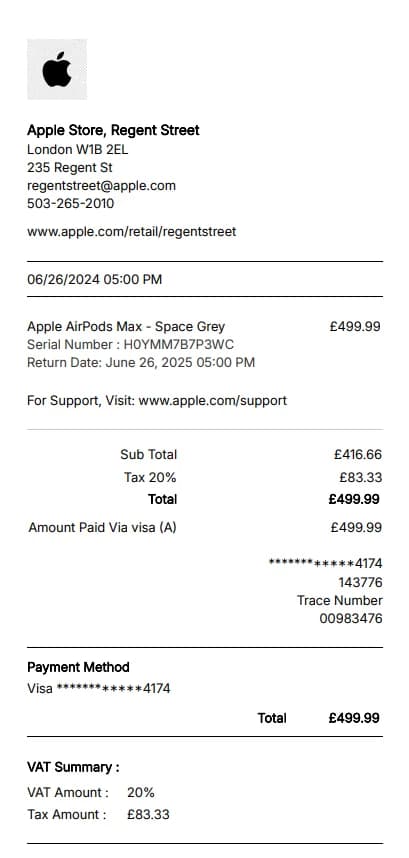
Apple Store Receipt Generator
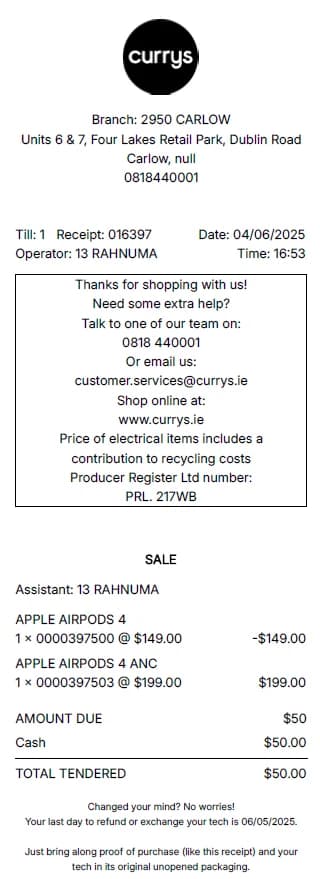
Currys Receipt Generator
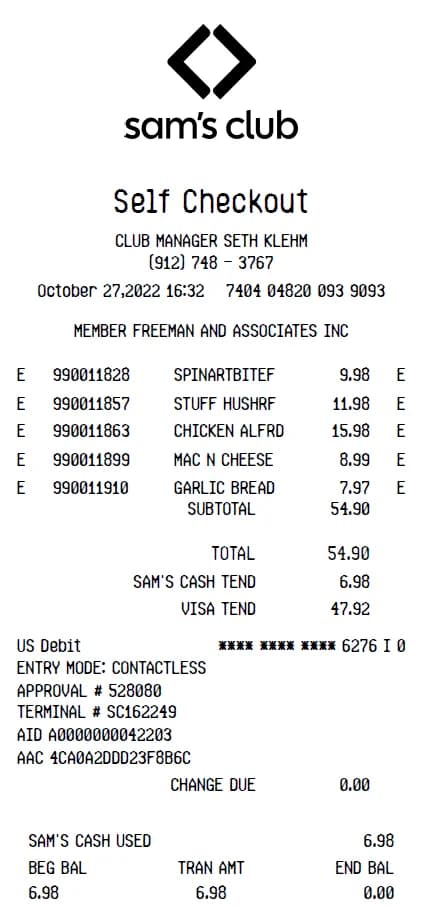
Sam's Club Receipt Generator
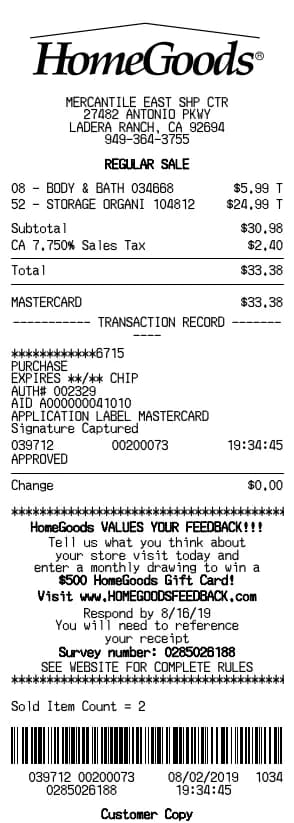
HomeGoods Receipt Generator
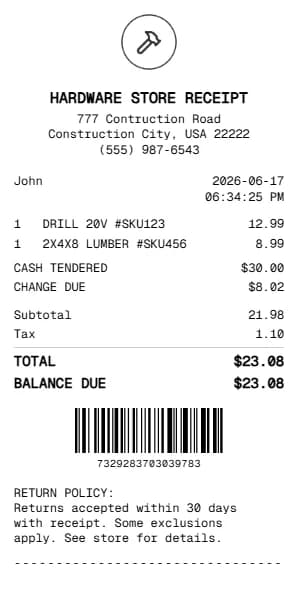
Hardware Store Receipt
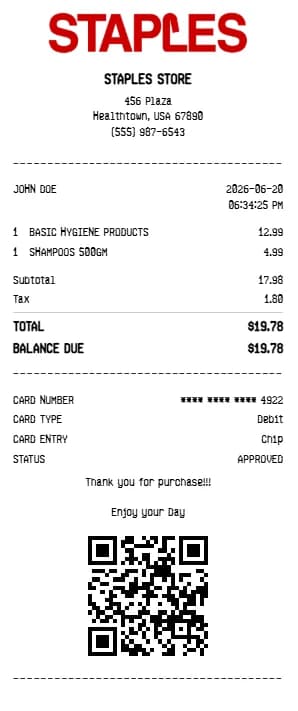
Staples Receipt Generator
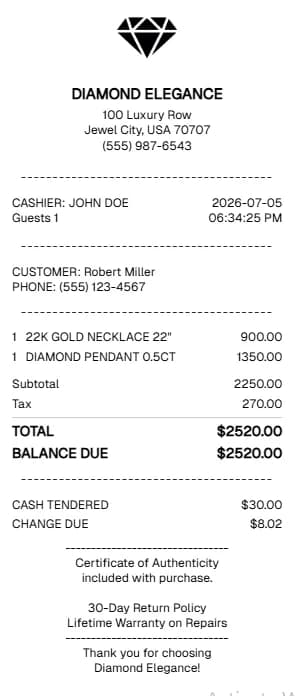
Jewelry Receipt Generator
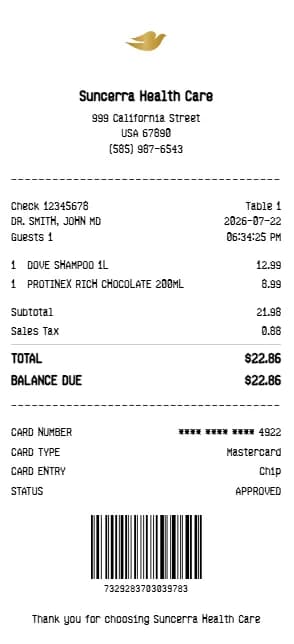
Dove body wash Receipt Generator
Step-by-Step Guide
Create a receipt in three steps
Choose a layout, enter details from your records and review the result before downloading.
1. Choose a template
Select a stores template that suits the record you need.
2. Enter the details
Add only accurate information, such as the date, items, amounts, tax, and payment method.
3. Review and download
Check the preview and total, then download the PDF or print it for your records.
Frequently asked questions about Stores receipts
Answers about creating and using stores receipt templates.
You normally need the date, store or provider, items or services, amounts, tax, and payment method.
Yes. You can change the fields and review the preview before saving or printing the document.
No. Acceptance depends on the policies of the store, employer, tax authority, or other organization requesting it.
They are intended for lawful documentation and expense tracking. Do not use them to represent a transaction that did not occur or to mislead anyone.