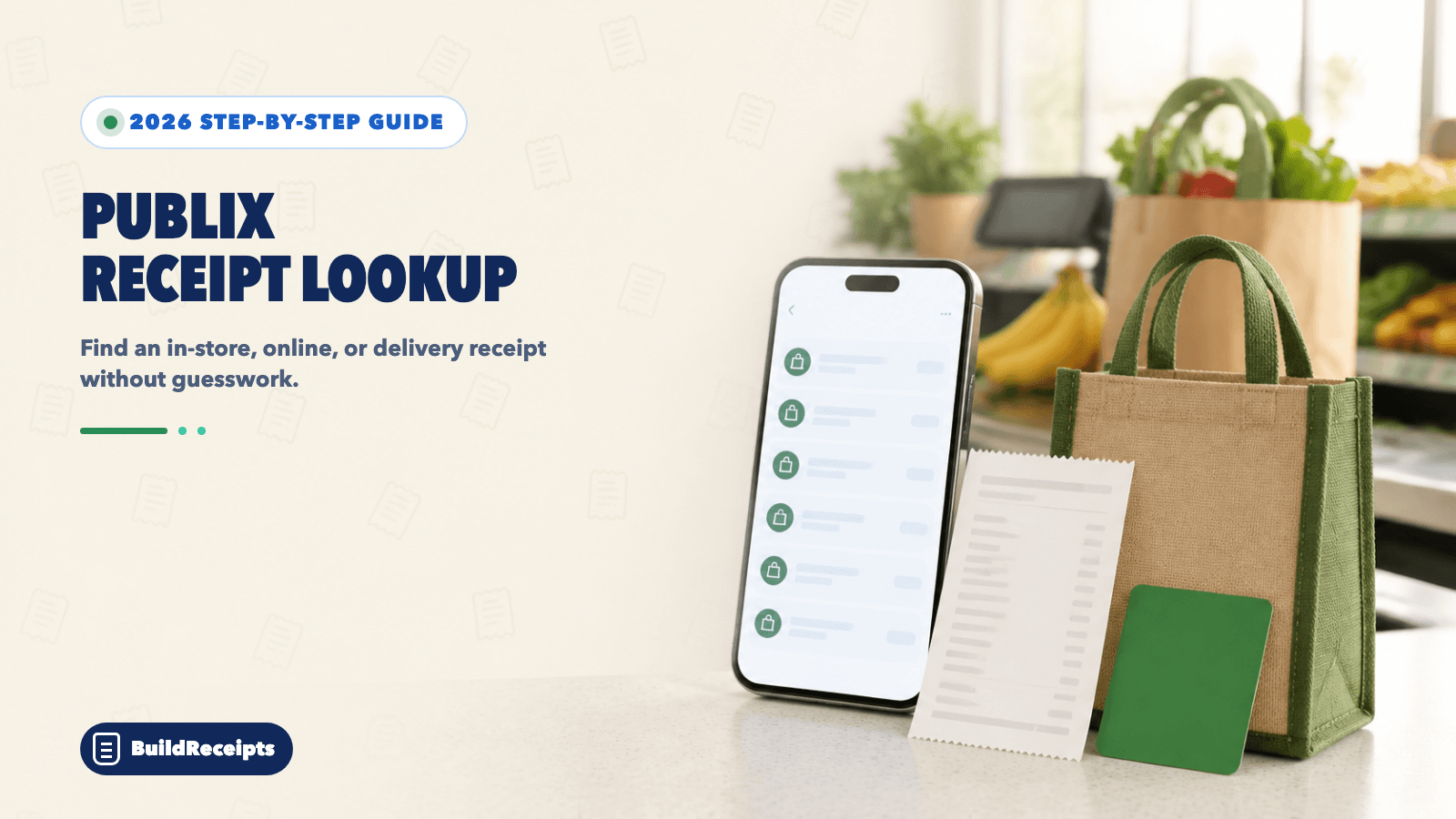
Publix Receipt Lookup: Find or Print a Lost Receipt

Sarah Jenkins
Content Writer
Jump to Section
Quick answer: Club Publix members can find a receipt under Account > Purchases. Choose in-store or online history, then open the sale. Publix keeps this account history for up to 180 days.
If a sale is not in the account, visit customer service. Publix says a store may be able to look up a receipt when you paid with a card or entered your phone number at checkout.
Delivery receipts use a different path. Find those in the Publix delivery or Instacart order history. The steps below cover each case.
Updated August 24, 2026. Reviewed by the BuildReceipts Editorial Team against current Publix and Instacart help pages.
Can You Look Up a Publix Receipt?
Yes, in many cases. Start with the place that holds your type of purchase.
| Purchase typeWhere to lookMain limit | ||
| In-store Club Publix purchase | Account > Purchases | Phone number must have been entered at checkout |
| Publix online order | Online purchases in account history | Must be tied to the signed-in account |
| Publix delivery order | Delivery or Instacart order history | Use the account that placed the order |
| Card purchase not in the app | Store customer service | Publix says lookup may be possible |
| Purchase older than 180 days | Store help or other real records | Outside Club Publix account history |

How to Find a Publix Receipt in the App
Publix now calls e-receipts Purchases. This feature is for Club Publix members.
Step 1: Open the Publix app and sign in to your Club Publix account.
Step 2: Tap Account, then select Purchases.
Step 3: Switch between in-store purchases and online orders.
Step 4: Open the purchase you need. Check the store, date, items, tax, and total.
Step 5: Show the digital purchase to customer service, or use your device's print or save choice when you need a copy.
Publix says a purchase can take 24 to 48 hours to appear. If you just left the store, give the account time to update.
How to Find a Publix Receipt Online
The website uses the same Club Publix history as the app.
Step 1: Sign in to Publix.com with the account used for the purchase.
Step 2: Open Account, then choose Purchases.
Step 3: Choose online or in-store history.
Step 4: Select the sale and save or print the page with your browser.
If the website sends you to a different region or does not show the feature, use the Publix app or ask store customer service for help.
How to Save Future Publix Receipts
A Club Publix purchase is saved only when Publix can link it to your account.
Step 1: Join Club Publix and add a verified phone number.
Step 2: Enter that phone number on the PIN pad before you pay.
Step 3: Look for Customer ID Accepted on the checkout screen.
Step 4: In your account, open Settings and scroll to Receipt Preferences.
Step 5: Choose a printed copy, an emailed copy, or neither.
If you need work or tax records, keeping an email or paper copy is safer than using account history alone. Our simple guide to organizing receipts for taxes shows how to name and sort each file.
How to Find a Publix Delivery Receipt
Publix delivery orders may be handled through Instacart. After delivery, Instacart emails the full receipt. Check spam if the email is missing.
In the delivery app
Step 1: Tap the Account icon.
Step 2: Tap Orders.
Step 3: Choose the Publix order.
Step 4: Tap Receipt.
On a computer
Step 1: Open the menu in the upper left.
Step 2: Select Your orders.
Step 3: Choose View order detail.
Step 4: Select View Receipt at the top.
If one order had items from more than one store, the receipt view can show the full order. Check that you are reading the Publix items before you use the total.
How Long Does Publix Keep Purchase History?
Club Publix keeps purchase history for up to six months, or 180 days, from the purchase date. A new sale may take 24 to 48 hours to show.
This limit is for the history you can see in your account. It does not mean every store system or card record follows the same period. If the sale is older, ask customer service what can still be found. Do not count on a reprint until staff confirms it.
Why Is My Publix Purchase Missing?
| ProblemSimple fix | |
| The purchase was made today | Wait up to 24 to 48 hours |
| The phone number was not entered | Ask customer service; the sale cannot be added to Club Publix after payment |
| The wrong account is open | Sign in with the phone or email used at checkout |
| The sale is more than 180 days old | Ask the store and check other real records |
| It was a delivery order | Use delivery or Instacart Orders, not only Club Publix history |
| The receipt email is missing | Check spam and search the order date or total |

Can You Add an Old Receipt to the Publix App?
No. Publix says it cannot add a purchase to Club Publix after payment when your phone number was not entered at checkout.
You can still take the paper receipt to the store if you have it. If it is lost, customer service may try a lookup when you paid with a card or used your phone number. For a wider recovery plan, use our lost receipt steps.
Can You Return a Publix Item Without a Receipt?
Publix asks shoppers to bring the item and receipt for a return or exchange. A digital purchase from Club Publix works like a paper receipt and can be shown on a phone or as a printout.
If you have no receipt, Publix says the store may look it up by the payment card or phone number used at checkout. When no record can be found, the store may ask for Club Publix details or a government photo ID. The refund may be given on a Publix gift card. Publix can limit refunds for misuse or where law requires it.
Read the current Publix Refund Policy before you go. Store staff make the final choice.
What Can Help When the Receipt Is Gone?
A card statement can show the date and total. An order email can show items. A product photo or warranty file may link the item to you. Each record proves a different fact.
None of these forces a store, job, insurer, or tax reviewer to accept a claim. Our guide to proof of purchase without a receipt explains which records are useful and where they fall short.
Important Fields on a Publix Receipt
| FieldWhy it matters | |
| Store name and number | Shows where the sale happened |
| Date and time | Helps staff find the purchase |
| Transaction number | Links the copy to one sale |
| Item names and quantities | Shows what was bought |
| Coupons, tax, and total | Explains the final amount |
| Payment details | Helps match the card or payment type |
| Refund or adjustment lines | Shows later changes to a delivery order |
How BuildReceipts Can Help With a Personal Record
If an official copy is gone, the Publix receipt template can help you organize details you already know. Use facts from your card line, item, notes, email, or delivery record.
BuildReceipts cannot search Publix or Instacart systems. It cannot verify a sale. A custom document is not an official Publix receipt or valid proof of purchase. Never use it as false proof for a return, tax claim, work expense, warranty, or ownership check.
Conclusion
Start with Account > Purchases for a Club Publix sale. Use the delivery order history for an Instacart order. If the account copy is missing, customer service may be able to search by the card or phone number used at checkout.
Save the official copy when proof matters. A personal record can help you stay organized, but it cannot replace Publix data.
Primary Sources
Facts in this guide were checked on August 24, 2026. We used Publix's official pages for purchase history and refunds, plus the official Publix delivery help page for digital receipts and charges.
Frequently Asked Questions
Have more questions about Publix Receipt Lookup: Find or Print a Lost Receipt? Check out these common queries.