Lowe's Receipt Lookup: How to Find or Reprint a Receipt

Sarah Jenkins
Content Writer
Jump to Section
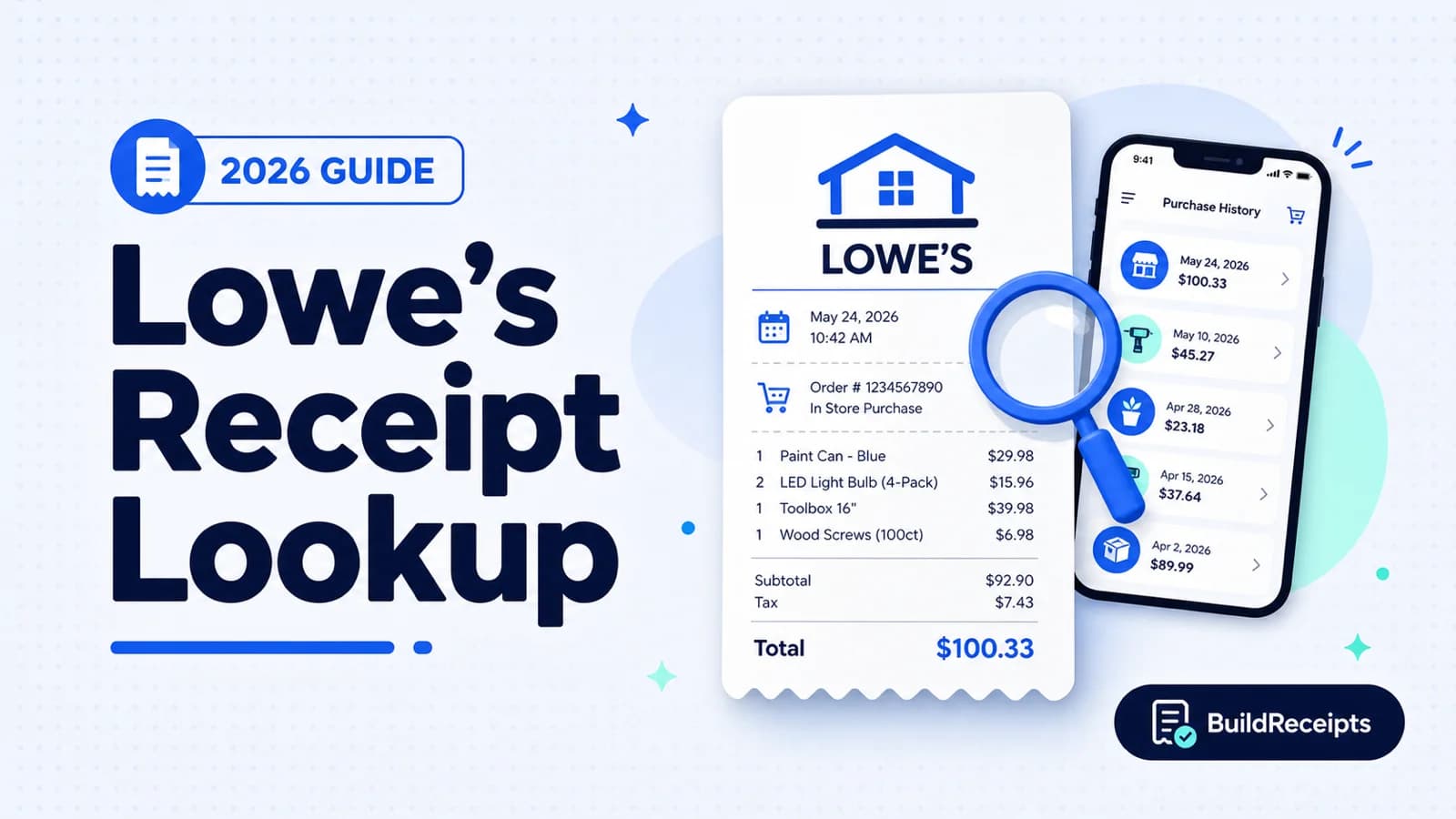
A lost Lowe's receipt may still be easy to find. If you used an account, start with My Order History. For a store purchase, take your payment card to customer service.
Guest orders need the email and order number. Cash purchases are harder to trace. There is no card number to match.
Start with Lowe's own purchase record. BuildReceipts cannot search Lowe's systems or issue an official Lowe's receipt. A custom document is not a valid substitute for proof of purchase.
Can Lowe's Look Up a Receipt?
Yes. Lowe's can try to find or confirm many purchases. It may use a paper or digital receipt. It may also use an order number, payment card, phone number, or MyLowe's account.
A match is not promised. The result depends on your payment method and the details you have. Start your search as soon as you can.
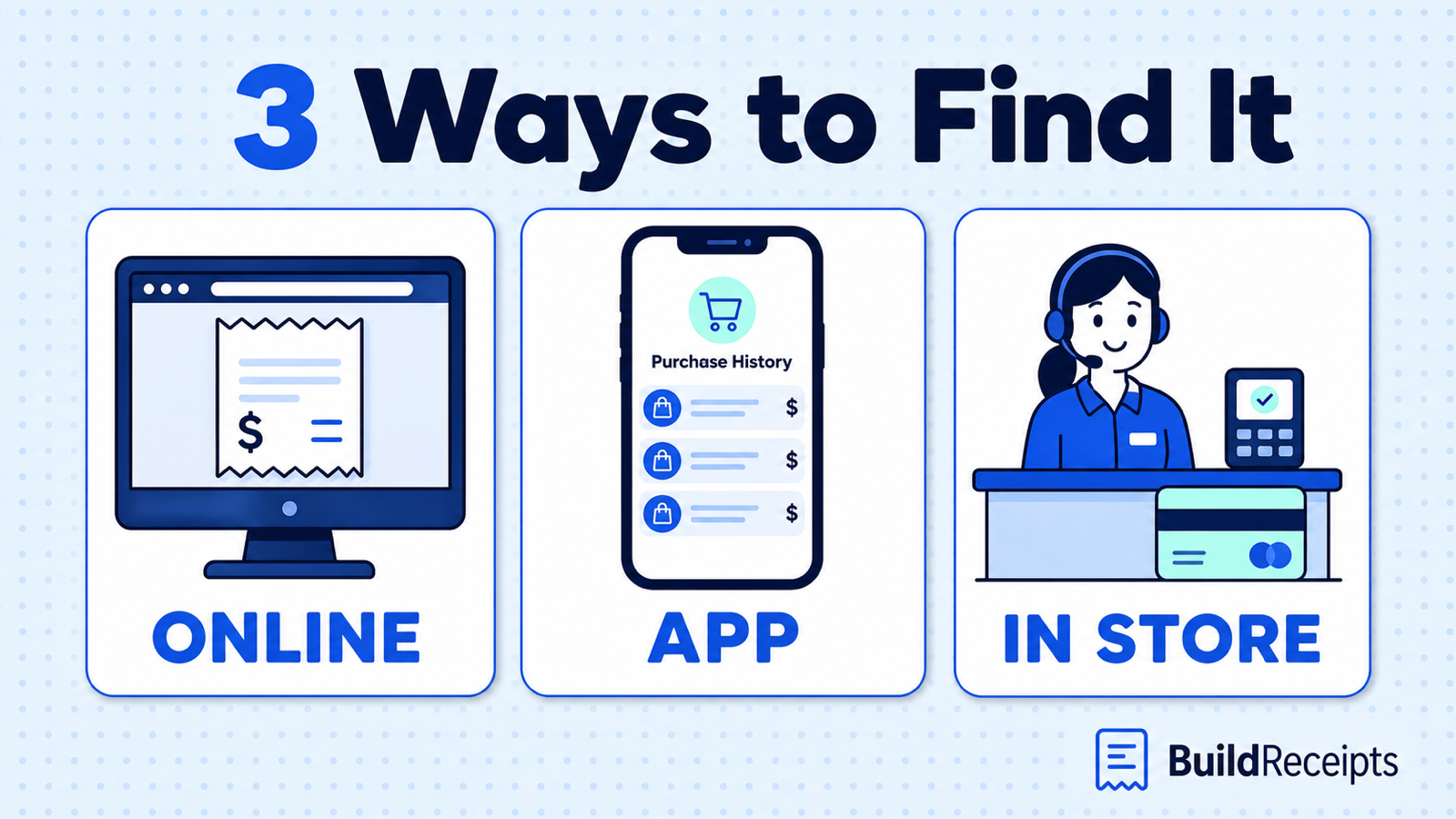
Choose the Right Lowe's Receipt Lookup Method
Pick the path that fits how you bought and paid. This can save time.
| How you bought or paid | Best place to look | What you need |
| Signed-in online order | My Order History | Lowe's account login |
| Guest online order | Check Order Status | Email address and order number |
| Store purchase by card or digital wallet | Customer service | Same card or phone, date, and store |
| Store purchase linked to MyLowe's | Purchase History or customer service | Account or linked phone number |
| Cash or check purchase | Original store customer service | Store, date, total, and item details |
What You Need Before You Start
Write down what you know before you search. Even a close date can help.
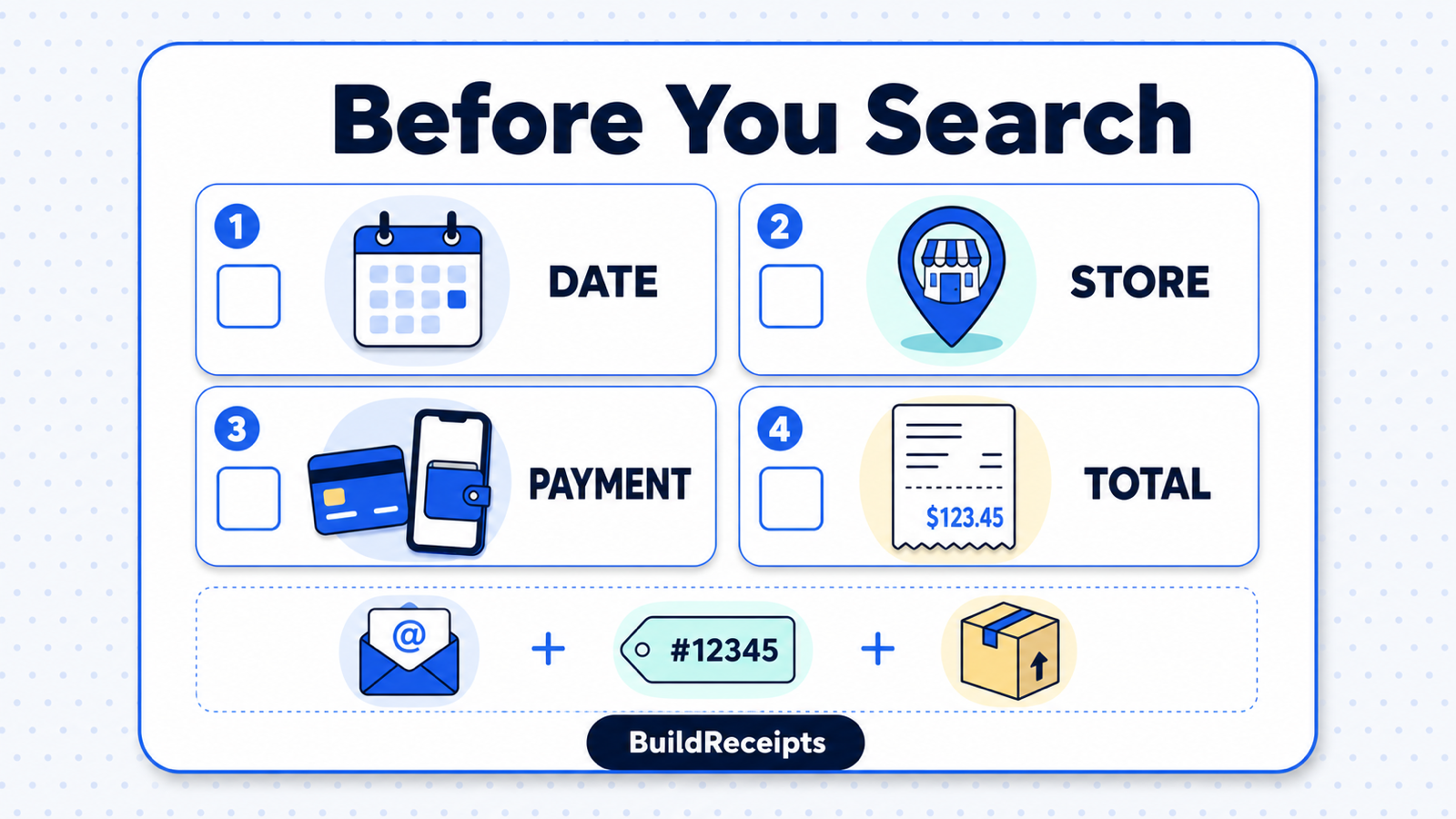
- Store city or location
- Approximate purchase date and time
- Total amount paid
- Item name or model number
- Order number, email, or linked phone number
- Card, digital wallet, check, or other payment method
Do not send a full card number by email or chat. Use the Lowe's site, app, phone line, or customer service desk.
How to Find a Lowe's Receipt Online
Start online if the purchase is tied to MyLowe's.
Step 1: Sign in. Open Lowe's My Order History.
Step 2: Check All Orders, Online Orders, and Store Purchases.
Step 3: Search by item or date. Open the purchase that looks right.
Step 4: Open the receipt or order details. Print it or save it as a PDF.
Some accounts show Export Purchase History. It can put many purchases in one work file. Open one order when you need the full details for that sale.
What "Add Existing Receipt" Does
The Add Existing Receipt button does not find a lost receipt. It lets you type details from a paper receipt, often to claim rewards points.
Lowe's says you can do this from Purchase History on its site or app. Point claims must be made within 45 days. You can add up to three receipts a day, but not a guest online order.
How to Find a Lowe's Receipt in the App?
Button names may change, but the main path stays simple.
Step 1: Open the Lowe's app and sign in to the right account.
Step 2: Open your account area. Tap Purchase History or Orders.
Step 3: Check both store purchases and online orders.
Step 4: Tap the purchase to view its details or digital receipt.
Step 5: Use Share, Print, or Save if that option appears.
If the purchase is missing, check that you used the right account. Then try the website. A store purchase may not show if you skipped your ID or phone number.
How to Get a Lowe's Receipt Reprinted In Store?
Try customer service at the same store. For a return, bring the item, photo ID, and purchase details.
Card or Digital Wallet Purchase
Bring the card used for the purchase. If you used Apple Pay or a digital wallet, bring the same phone. The store may see a number that differs from your bank card.
Phone Number or MyLowe's Purchase
Give the phone number tied to your account. You can also sign in and show the purchase. This may be faster than a search by date and total.
Check or Cash Purchase
A check gives the store more details than cash. Bring the check number or bank record if you have it.
For cash, give the store, time, total, and item details. The store may not find the purchase, so keep cash receipts when you can.
How to Find a Guest or Online Order
Search your email for "Lowe's order" and the item name. Check spam and trash too. The order email should show your order number.
Open the Lowe's Check Order Status page. Enter the checkout email and order number. Then open the order details.
If that fails, use the Lowe's Help Center. Keep the order number, email, phone number, date, and total ready. This helps the team check the right purchase.
How Far Back Can Lowe's Look Up a Receipt?
Lowe's does not list one set lookup time for every purchase. An online order and a cash purchase may have different records.
Some sites claim a fixed number of years, but do not count on that. Check Purchase History first. Then ask Lowe's about your purchase. A return window is not the same as a record period.
What If Lowe's Cannot Find the Purchase?
Check your email and any other Lowe's account. Then ask the original store. Our lost receipt guide has more ways to find the paper trail.
A bank statement can show the date, store, and total. It does not show each item, tax line, or discount. So it is not an itemized receipt.
For a work or warranty file, save the order email and delivery note. Keep the item number, photos, and store messages too. These may help, but Lowe's decides what proof it accepts.
Can You Return Something Without the Receipt?
Lowe's asks for valid proof of purchase. It may check an order number, payment card, or digital wallet. It may also check a phone number or rewards account.
The refund check may need a valid photo ID. Return dates can vary by item. Read the Lowe's return policy before you go.
Order History can help you find a purchase. It may not be the final return proof. Open the order and look for a digital receipt, return link, or barcode.
How BuildReceipts Can Help After the Lookup
After you have tried Lowe's official recovery routes, a custom Lowe's-style record may help with a clearly labeled personal file. It is not a replacement receipt for a return, warranty, or expense claim. Keep the seller-issued and payment records beside it.
Keep a Personal Record in 4 Steps
- Step 1: Gather the source files and mark any unknown facts.
- Step 2: Enter only the details those files support.
- Step 3: Check the preview and label it non-official.
- Step 4: Save it beside the originals, not in place of them.
What the BuildReceipts Copy Cannot Do
The PDF is a personal record. Lowe's did not issue it. It cannot recover a lost purchase or act as official store proof.
Use only true details from a real purchase. Never use the tool to claim a sale that did not happen. For work costs, keep the source proof too. Our IRS receipt rules guide explains why this matters.
Conclusion: Start With the Real Purchase Record
Use My Order History for a linked purchase. Use the email for a guest order. For a store sale, take your payment method and purchase details to customer service.
If Lowe's finds the purchase, save its record first. Then use BuildReceipts for a clear PDF copy and keep both files together.
Content updated September 25, 2026. Source checks and edits were AI-assisted. No new human or professional review is claimed.
Frequently Asked Questions
Have more questions about Lowe's Receipt Lookup: How to Find or Reprint a Receipt? Check out these common queries.