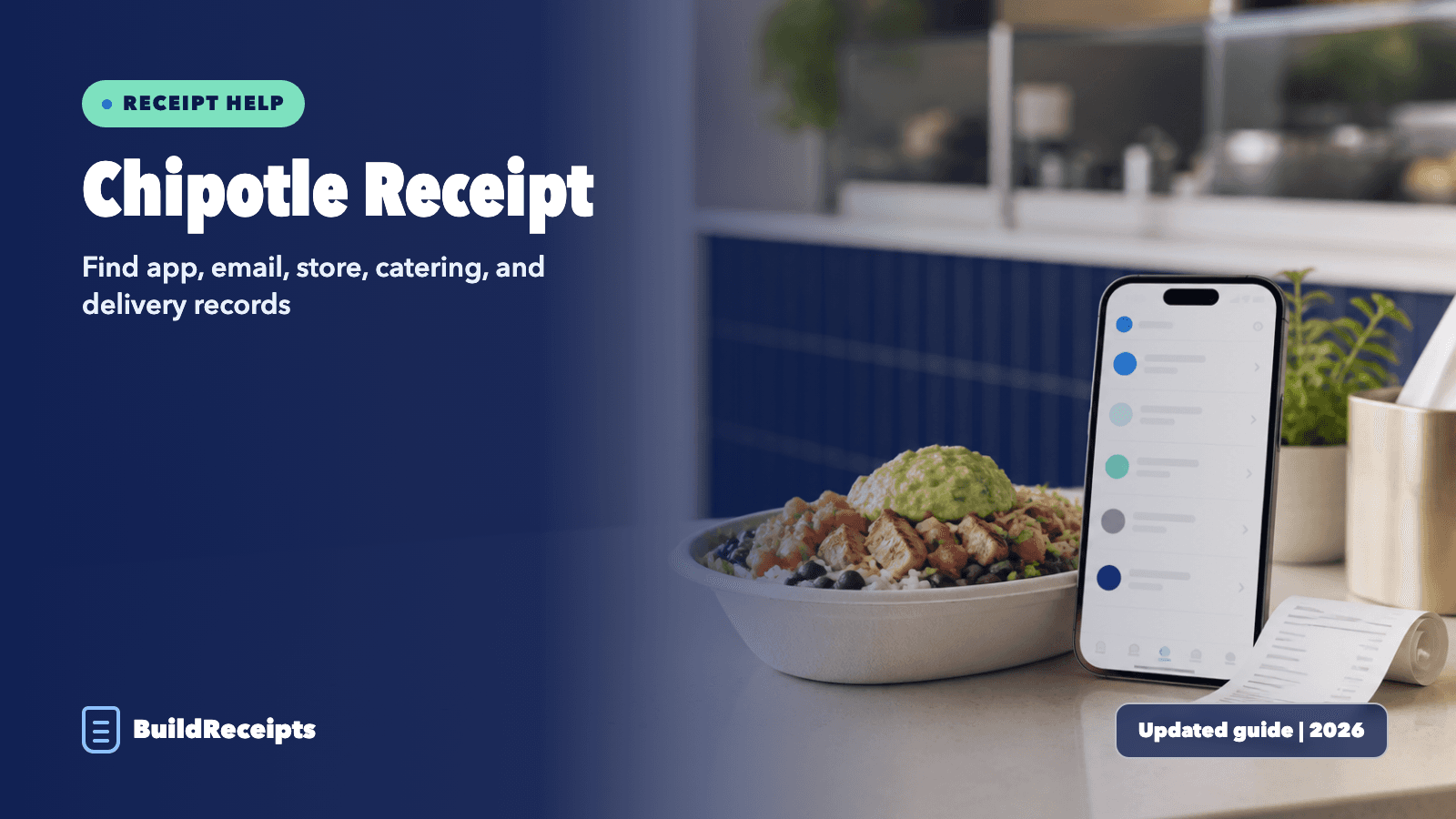
Chipotle Receipt: Find App, Email, and Store Records

Sarah Jenkins
Content Writer
Jump to Section
Quick answer: Check the app account and email used for the order. For a restaurant sale, ask the same location. For catering, sign in to the Chipotle Catering order history. For DoorDash or another delivery app, open that service instead.
Chipotle does not offer one public lookup page for every sale. The best path depends on where you paid.
This guide shows each path. It also covers receipt numbers, missing Rewards points, delivery orders, and lost receipts.
Updated August 26, 2026. Written by Sarah Jenkins, Content Writer. Reviewed by the BuildReceipts Editorial Team against current Chipotle U.S. support and Rewards pages.
Which Chipotle Receipt Path Should You Use?
| How you ordered | Look here first | Next step if missing |
| Chipotle app or website | The same account and order email | Use Chipotle Contact Support |
| Restaurant counter | Your paper receipt | Ask the same location about the sale |
| Chipotle Catering | Catering account Order History | Contact the catering team |
| DoorDash, Uber Eats, or another app | That delivery app's order history | Contact that delivery service |
| Cash sale with no receipt | The restaurant that took the order | Give the date, time, amount, and items |

How to Find a Chipotle Receipt in the App or Online
A digital order should be tied to the account used at checkout. The screen may show an order record rather than a full receipt.
Step 1: Open the Chipotle app or website. Sign in with the email or phone used for the order.
Step 2: Open your account. Look for recent orders, order history, or Rewards points history.
Step 3: Pick the order with the right date, restaurant, items, and total.
Step 4: Open the order details. Save the screen or use your device's print option if the details are complete.
Step 5: If the full item list is not there, check the order email. Use Chipotle support if both records are missing.
Guest checkout may not appear in a Rewards account. In that case, the email and restaurant are more useful.
Use the same login. A new account will not show old orders.
How to Find a Chipotle Email Receipt
Step 1: Open the inbox used when you placed the order.
Step 2: Search for Chipotle. You can also search the order date, amount, or restaurant city.
Step 3: Check Spam, Junk, Promotions, and Trash.
Step 4: Open the matching confirmation. Check the order number, location, item list, fees, tax, and total.
Step 5: Print the message or save it as a PDF. Keep the email too, since it came from the order system.
Keep both files. One can help if the other is lost.
How to Get a Chipotle Store Receipt Copy
A counter sale may not be in your online account. The same restaurant is the best place to ask about a receipt reprint.
Step 1: Find the exact location. A card charge, map history, or Rewards activity may help.
Step 2: Write down the date, rough time, total, payment type, and items.
Step 3: Call or visit the location. Ask if staff can find the sale and print a copy.
Step 4: Be ready to show safe payment facts, such as the card's last four digits. Never send a full card number.
A store may not be able to find an old sale. Chipotle does not promise that every lost paper receipt can be replaced.
Ask soon. Old sales can be hard to find.
How to Find a Chipotle Catering Receipt
Chipotle Catering has its own account area and Order History. Use the catering login, not only the main food-order account.
Step 1: Go to the Chipotle Catering sign-in page.
Step 2: Sign in with the account used for the catering order.
Step 3: Open Order History. Pick the event date and matching total.
Step 4: Save the order details and payment record. If a tax-ready invoice is needed, ask catering support what it can provide.
Keep the order email too. It can help if the page will not load.
How to Find a Chipotle Delivery Receipt
Start with the company that took your payment. A Chipotle order and a third-party delivery order can have different records.
Step 1: Check the order email. Find the seller or delivery service named on it.
Step 2: If DoorDash handled the order, open that order in DoorDash. Our DoorDash receipt guide shows the save and print steps.
Step 3: If Uber Eats handled it, use the Uber or Uber Eats order history.
Step 4: Ask the service that charged you about the issue. This can be a lost receipt, fee, refund, or delivery problem.
Where to Find Numbers on a Chipotle Receipt
Chipotle receipt layouts can change by location and order type. Use the label beside a number, not only its place on the page.
Do not guess a code. Read it from the real order record.
| Field | What it helps with | Where it may appear |
| Order or confirmation number | Finds a digital order | Email subject, order details, or near the top |
| Check number | Helps staff match a store sale | Top or middle of a paper receipt |
| Restaurant details | Shows which location took the order | Receipt header |
| Date and time | Narrows the sale search | Near the order details |
| Items and options | Shows what was bought | Main receipt lines |
| Subtotal, tax, fees, tip, and total | Explains the final charge | Lower part of the receipt |
| Payment type | Helps match the payment record | Near the total |
| Survey code | Opens a guest survey when offered | On eligible paper receipts |

How to Ask for Missing Chipotle Rewards Points
First check that the purchase was made after you joined Rewards. Also check that you used the right account.
Step 1: Save the valid receipt and order facts.
Step 2: Open Chipotle Contact Support. Choose the closest Rewards or order problem.
Step 3: Send the real date, location, amount, and receipt details.
Step 4: Make the request soon. Current terms set a 30-day limit for this type of points request.
Past points are not added by default. Chipotle says it may add them if you have a valid receipt. The limits are two buys on one date, two in one week, and four in one month.
Send a clear image if asked. Keep the full receipt in view.
What to Do When the Receipt Is Missing
| Problem | Best next step |
| Order is not in the app | Check the login, email, and guest checkout details |
| No email arrived | Search Spam and confirm which inbox was used |
| Paper receipt is lost | Ask the same restaurant with the date, time, total, and payment type |
| Catering record is missing | Use the separate Catering Order History |
| Delivery receipt is missing | Open the delivery service that took the payment |
| Bank charge has no item list | Use it to identify the sale, then ask for an itemized record |
| Charge is not yours | Contact the bank and secure the account |
If the official copy is gone, the lost receipt guide shows other real records to collect. The guide to proof of purchase without a receipt shows what may help. It also shows what may not help.
How BuildReceipts Can Help With a Personal Record
The custom Chipotle-style layout can sort facts from your own records. It may help with a private file, lesson, or design sample.
BuildReceipts cannot search Chipotle systems. It cannot restore an order or prove a sale. A custom receipt is not an official Chipotle record or proof of purchase.
Do not use it for a return or refund. Do not use it for points, tax, work, or a card dispute.
Conclusion
For a digital order, start with the same Chipotle account and email. Ask the same restaurant for a counter sale. Use the separate catering account for catering and the delivery app for third-party orders.
Keep the official record when you find it. A personal copy can organize known facts, but it cannot replace the merchant record.
Primary Sources
Facts in this guide were checked on August 26, 2026. We used Chipotle's current Contact Support, Rewards Terms, and Catering Order History. Rules and screens can change, so check the live pages before making a time-sensitive request.
Content updated September 25, 2026. Source checks and edits were AI-assisted. No new human or professional review is claimed.
Frequently Asked Questions
Have more questions about Chipotle Receipt: Find App, Email, and Store Records? Check out these common queries.