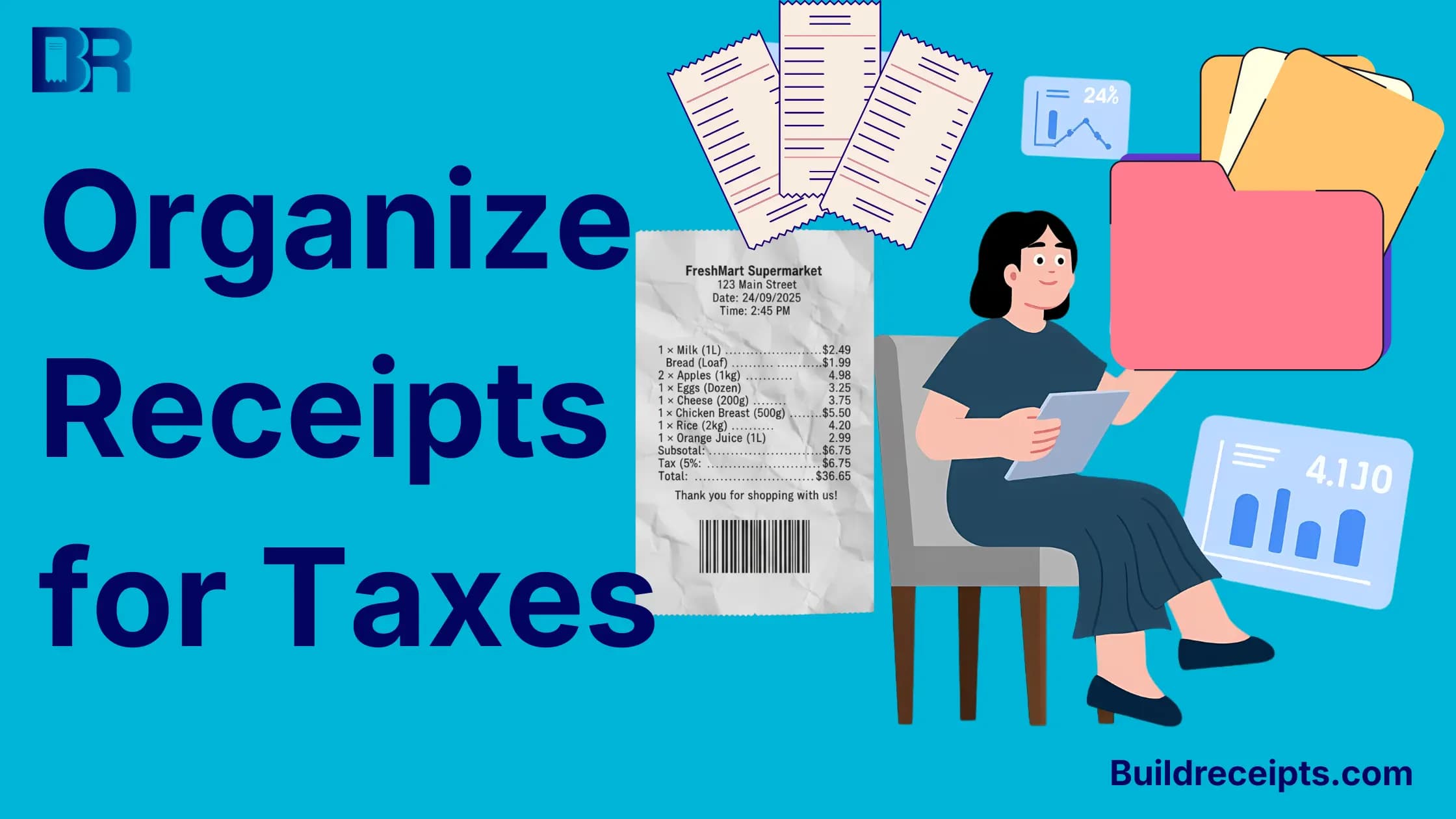
How to Organize Receipts for Taxes Without Last-Minute Stress

Mmichael carter
Content writer
Jump to Section
To organize receipts for taxes, save each full receipt, file it by year and expense type, match it to the payment, and add a short business-purpose note. Keep refunds with the sale and make a protected backup.
You do not need a complex filing system. You need one you can keep using. The example below shows how to name the files, match a mixed purchase, and flag a missing record without guessing.
Check What Your Tax Records Need to Show
For US business records, the IRS recordkeeping guide lists key supporting details and notes that more than one document may be needed. A receipt total alone may not explain what you bought or why it was for work.
Read the IRS receipt requirements before using this checklist. Some expenses need added records. A well-named folder does not make a cost deductible.
- Seller, date, and amount.
- Items or services and evidence of payment.
- Business purpose and any personal part of the cost.
- Refunds, credits, or other changes.
Set Up One Folder System
Start with a year folder, such as Tax-records/2026. Inside it, use a few groups that match your books: supplies, travel, meals, software, services, and equipment. These are filing labels, not a ruling on how to report each cost.
Add an Inbox folder for files not yet checked and a Missing-records folder for open requests. Use the same place for paper scans and email PDFs so neither set gets missed.
A File Name You Can Search
Use purchase date, seller, and a short reference: 2026-09-25-example-supplier-ORDER1042-receipt.pdf. Give related files the same start, then end them with payment, refund, or note.
Do not put full card numbers, tax IDs, or private client details in file names. If you use cloud storage, keep access limited to people who need the records.
How to Organize Receipts in 4 Steps
Step 1: Save the Full Source Record
Download the seller's receipt or scan the whole paper copy. Include all pages and small print that explains the charge. Check that the date, seller, items, and total are readable. Keep the original file unchanged.
Step 2: Match the Payment
Find the related bank, card, or other payment record. Compare the final amount, not just a pending hold. Check for a tip, split payment, refund, or currency change if the amounts differ.
Step 3: Add the Business Context
Write a short separate note while the facts are clear. Say what the purchase was for and mark any personal items. Do not change a seller's receipt to hide the personal part.
Step 4: File, Back Up, and Review
Move checked files out of Inbox and into the right year and type. Keep a protected backup in a second place. Open a few saved files to make sure they work. Review missing items each week rather than waiting for tax time.
Worked Example: Match a Mixed Purchase and Refund
This is an illustrative filing example, not tax advice or a real customer case. An order contains $40 of printer paper for a studio and a $20 personal item. No tax or fees are included in this example. The card is charged $60. The personal item is later returned for $20.
| File | What it shows | Your check |
| ORDER1042-receipt.pdf | $40 paper + $20 personal item = $60 | Keep all item lines |
| ORDER1042-payment.pdf | $60 final card charge | Match seller, date, and amount |
| ORDER1042-refund.pdf | $20 personal-item refund | Match the credit to the original order |
| ORDER1042-note.txt | Paper for studio print jobs; personal item returned | Keep the personal part separate |
The net cash outflow is $60 - $20 = $40. That does not by itself decide a deduction; your records still need to support the business purpose and tax treatment. Do not record both the original total and net amount as two expenses.
Keep a Small Record-Matching Sheet
A spreadsheet can point to the source files without replacing them. Use one row per purchase and link any later refund to it.
| Column | What to enter |
| Date and seller | The purchase facts from the source record |
| Reference | Order or receipt number |
| Paid and refunded | Separate figures, not a hidden change to the original |
| Business purpose | A short note and any personal share |
| Source files | Links to receipt, payment, and refund |
| Status | Checked, missing item detail, or waiting for seller |
What if a Receipt Is Missing or Incomplete?
Ask the seller for its copy and save the request. Check email and order history too. Follow the lost receipt recovery steps before making a personal note.
Record only facts you can support. A bank entry may show a payment without its items. A new receipt-style document is not the original and does not guarantee that an expense will be accepted.
How Long Should You Keep the Files?
Do not delete every file after one fixed period. Check the purpose and the IRS record-retention rules. Property, payroll, refunds, and other cases can have different limits. State, contract, or insurance needs may be longer.
Digital copies need to be complete, readable, available, and reproducible. See IRS Publication 583 for electronic record-system guidance. Test the backup and check other requirements before destroying paper.
Where BuildReceipts Can Help
If you issue receipts for your own sales, an itemized receipt layout can help record what each payment covers. Use true details, then keep the receipt with the invoice and payment record.
BuildReceipts does not recover missing merchant files, verify an expense, or make a custom document official proof. Use a separate folder or record system for the source documents; do not assume a receipt maker is your long-term archive.
A Short Weekly Check
Open Inbox, match new payments, attach refunds, and note any missing details. Then check the backup. The time needed depends on your sales and records; there is no fixed ten-minute rule.
Conclusion
Save the source, match the payment, add the reason, and file the related records together. That simple habit gives you and your tax preparer a clearer file without rebuilding the year from memory.
Content updated September 25, 2026. Source checks and edits were AI-assisted. No new human or professional review is claimed.
Frequently Asked Questions
Have more questions about How to Organize Receipts for Taxes Without Last-Minute Stress? Check out these common queries.