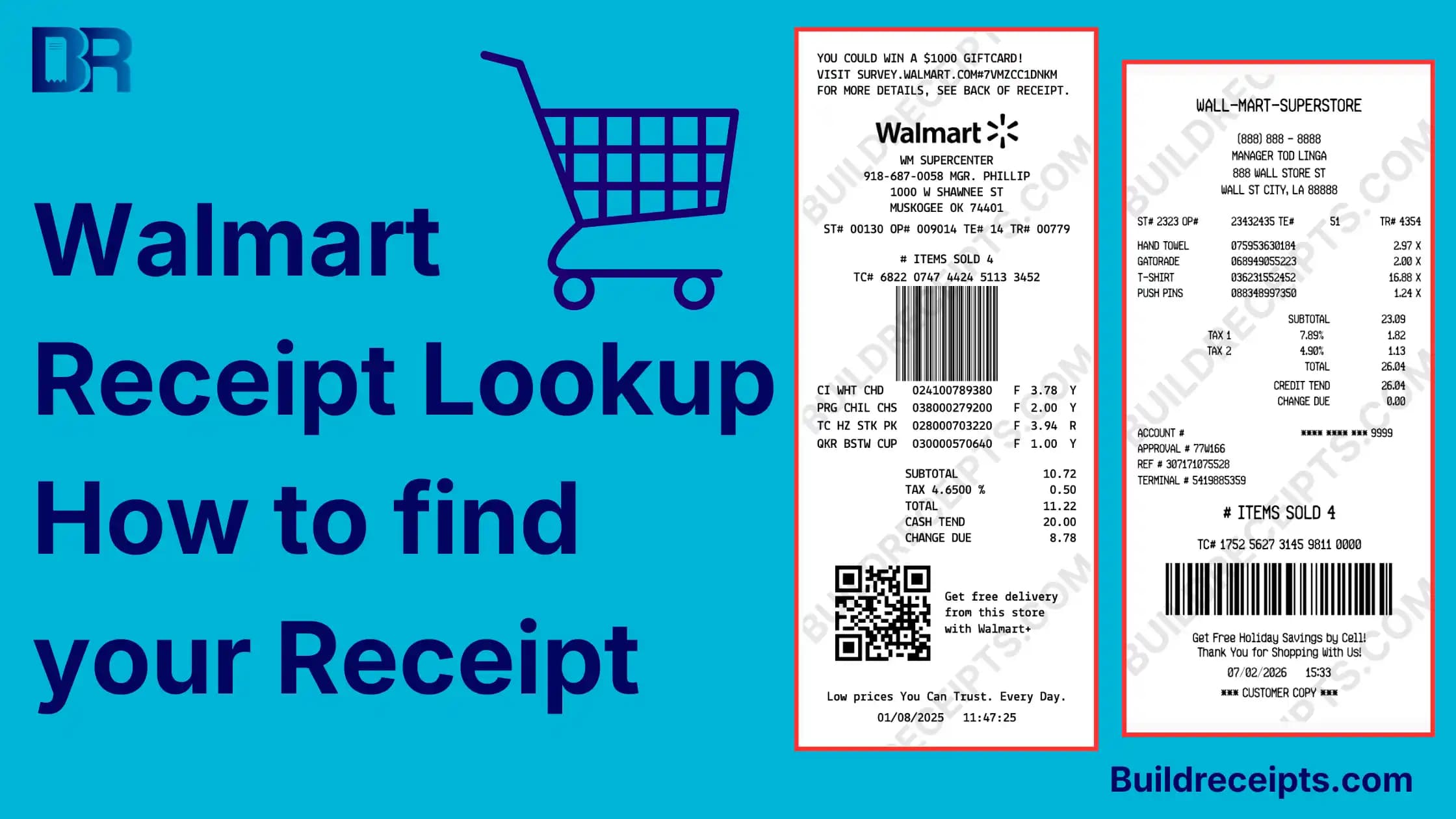
Walmart Receipt Lookup: Find Store and Online Receipts

Sarah Jenkins
Content Writer
Jump to Section
For a recent Walmart store purchase paid by card, use Walmart's official receipt lookup. Enter the store, purchase date, exact total, card type, and last four digits. For pickup, delivery, shipping, or online orders, sign in and check Purchase History.
A cash payment or a detail that does not match can stop the search. Use the checklist below before asking Walmart for help. A custom receipt maker cannot search Walmart's records.
How to use Walmart receipt lookup?
Use Walmart receipt lookup for a recent store receipt paid by card. Go to Walmart's lookup page. Enter the store, date, card type, last 4 digits, and total. If Walmart finds it, you can view, download, or print a copy.
For online, app, pickup, or delivery orders, check Walmart order history instead. If you paid cash and lost the paper receipt, the lookup tool may not be enough.
What Can the Walmart Tool Find?
Walmart explains how to find store receipts: use card details for lookup, or Purchase History for saved purchases. Its help page also gives a support route for other payment types.
That means the lookup tool is best when you know:
| Lookup field | Fill in before you search |
| Store | ZIP or city/state: __________; store: __________ |
| Purchase date | Date of sale: __________ |
| Exact receipt total | Total, including tax: $__________ |
| Card type | Type used for this sale: __________ |
| Last four digits | Last four only: __________ |
You can print this five-field checklist or copy it into a note. Use it privately. Never add your full card number or security code.
How to look up a Walmart store receipt?
This is the best path for a Walmart lost receipt from an in-store card purchase.
Step 1: Open the Walmart tool
Go to Walmart's official receipt lookup page. Make sure you are on Walmart.com, not a random third-party site.
Step 2: Enter the purchase location
Search by ZIP code, city, or state. Choose the Walmart store where you made the purchase.
Step 3: Enter purchase details
Add the purchase date, card type, last 4 digits of the card, and total amount. Use your bank or card statement if you do not remember the exact total.
Step 4: View the receipt
If Walmart finds a match, open the receipt. Check that the items, date, amount, and store match your purchase.
Step 5: Print or save it
Use the print option if you need paper. Save a digital receipt if you need to email it, upload it, or keep it for records.
How to find a Walmart receipt from order history?
Use order history for Walmart.com orders, app orders, pickup, and delivery.
Step 1: Sign in to Walmart
Open Walmart.com or the Walmart app. Sign in to the account used for the order.
Step 2: Open purchase history
Go to Purchase History or Orders. This is where Walmart keeps many online and app purchases.
Step 3: Find the order
Search by date, item, or order type. If you used pickup or delivery, check the order tied to that Walmart account.
Step 4: Open receipt details
Open the order and look for the receipt, invoice, order details, or print options. If there is a print option, save the receipt as a PDF.
Can you reprint a Walmart receipt?
Yes, in many cases. If Walmart finds your store receipt, you can reprint the receipt details or save a copy. If the purchase is in the order history, open the order and print or download the receipt.
For a duplicate receipt, the safest wording is "copy" or "duplicate copy." It should match a real purchase. Do not create a receipt for a purchase that did not happen.
How BuildReceipts helps with Walmart records?
BuildReceipts should not replace the original Walmart receipt. Always try Walmart's lookup page or order history first.
After you find verified details, BuildReceipts can format a personal or internal record. It cannot issue an official Walmart duplicate. Walmart, an employer, or a warranty provider decides what evidence it accepts.
Step 1: Get the real details first
Use Walmart's lookup page, order history, the app, or your card statement.
Step 2: Open the right BuildReceipts tool
For a Walmart-style record, use the Walmart receipt tool. For a large store format, the Walmart Superstore receipt tool may fit better.
Step 3: Enter only true details
Add the real store name, date, items, tax, total, and payment method.
Step 4: Label the file clearly
Label it "Personal record created from verified details; not issued by Walmart." Do not call a self-made file backup proof of purchase or an official duplicate.
Step 5: Save it with the original proof
Keep the BuildReceipts copy with the Walmart receipt, order history page, or bank statement.
What if Walmart Receipt Lookup Does Not Work?
Use these checks to narrow the problem. These are search tips, not a promise that Walmart can recover every receipt.
| Problem | What to check next |
| Wrong store | Check where you shopped; a bank merchant label may not identify the exact branch |
| Pending charge | Use the final sale total, not an estimated hold; posted and purchase dates may differ |
| Split payment | A charge on one card may be only part of the receipt total; ask Walmart if you cannot match the full total |
| Cash or another payment type | Use Walmart support; the card lookup is not a cash search |
| Online, pickup, or delivery order | Use the account that placed the order and check Purchase History |
| Older purchase | Check saved emails and account records; ask Walmart what it can retrieve rather than assume a fixed history limit |
For a return or claim, keep the seller record and any payment evidence. Our guide on what to do after losing a receipt covers the next recovery steps.
What counts as proof of purchase?
Proof of purchase is a record. It shows what you bought, where you bought it, when you bought it, and what you paid.
The original Walmart receipt is the best proof. It can show items, tax, discounts, payment method, and store details.
Other support can include:
- Walmart order history
- Walmart app purchase history
- Email confirmation
- Bank or card statement
- Warranty record
- Store customer service note
If item details are missing, ask Walmart for its itemized record. A total on a bank statement does not let a receipt maker recover the items you bought.
Simple file name for Walmart receipts
Use a file name that is easy to search later.
Good examples:
- walmart-groceries-2026-06-27.pdf
- walmart-lost-receipt-backup.pdf
- walmart-duplicate-receipt-office-supplies.pdf
- walmart-proof-of-purchase-return.pdf
Conclusion
If you paid in-store with a credit or debit card, start with Walmart receipt lookup. If you bought online, in the app, pickup, or delivery, check order history.
If the receipt is still missing, use a bank statement, email, app history, or store help desk.
Once you have the real details, BuildReceipts can help you keep a clean backup. Use it for honest records, not as fake proof.
Content updated September 18, 2026. Source checks and edits were AI-assisted. No new human or professional review is claimed.
Frequently Asked Questions
Have more questions about Walmart Receipt Lookup: Find Store and Online Receipts? Check out these common queries.