Little Caesars Receipt Generator
Customize your template with real-time preview.
Live Preview
How to make a Little Caesars receipt?
Follow this simple step-by-step guide to generate a professional Little Caesars receipt using our editor.
1. Select Little Caesars Template
Choose the Little Caesars template from the Fast-food category to start creating your receipt.
2. Enter Store & Order Details
Add your Little Caesars store code, address, order number, and cashier name for an authentic look.
3. Customize Your Items & Totals
Add items, quantities, price, and specify the tip amount to automatically update the grand total.
4. Download Your PDF
Preview your customized Little Caesars receipt and download it as a professional PDF.
FAQs
Everything you need to know about the Little Caesars and how our receipt maker works. If you still can't find what you're looking for, feel free to reach out.
Explore other templates
More templates from the Fast-food category
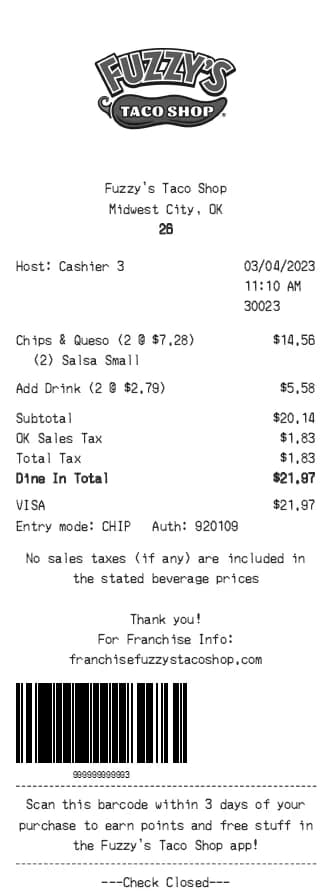
Fuzzy's Taco Shop Receipt Generator
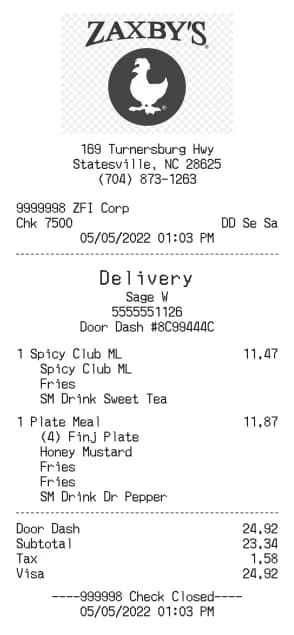
Zaxby's Receipt Generator
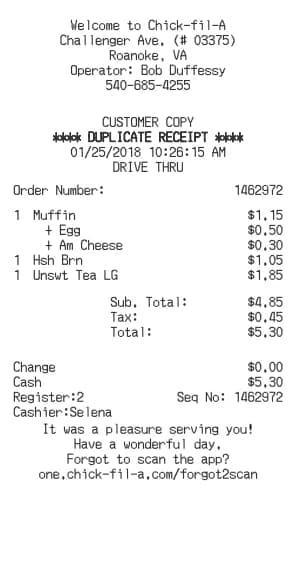
Chick-fil-A Receipt Generator
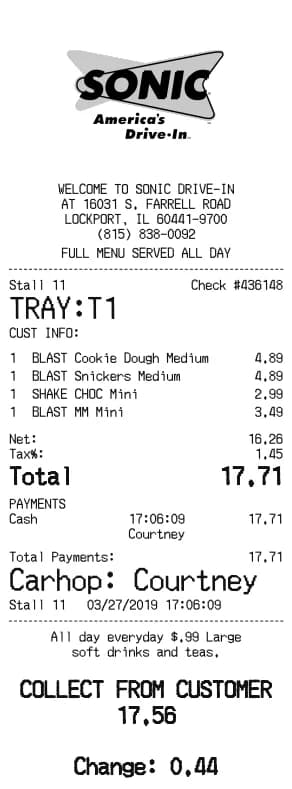
Sonic Drive-In Receipt Generator
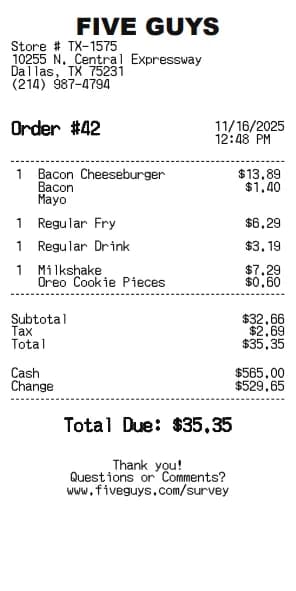
Five Guys Receipt Generator
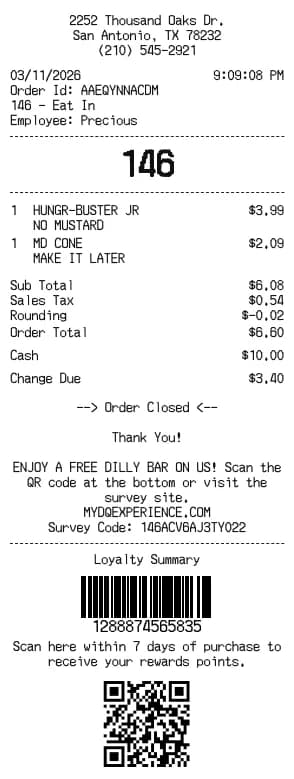
Dairy Queen Receipt Generator
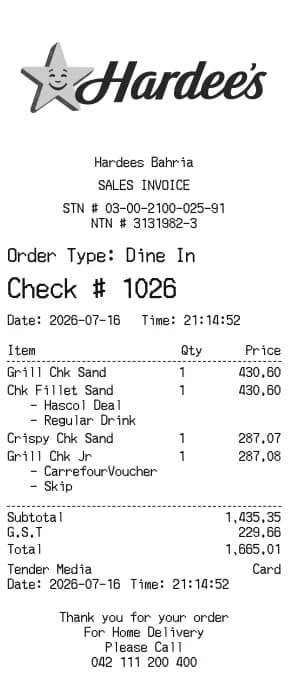
Hardee's Receipt Generator
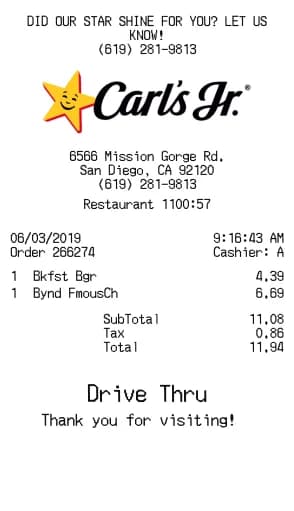
Carl's Jr. Receipt Generator
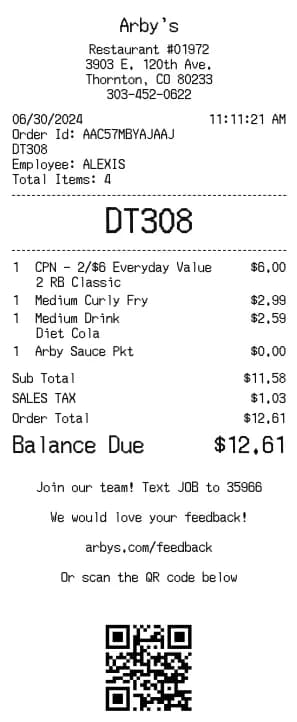
Arby's Receipt Generator
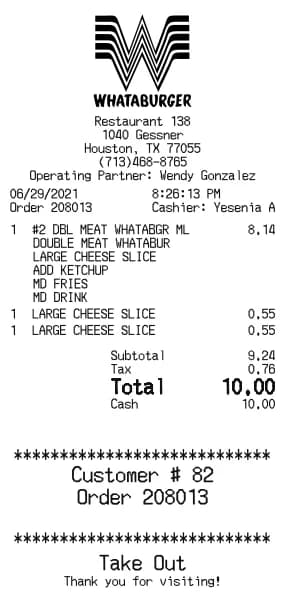
Whataburger Receipt Generator
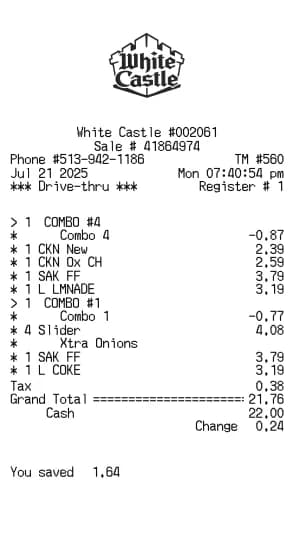
White Castle Receipt Generator
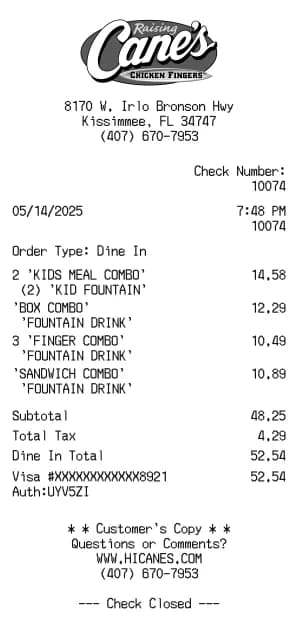
Raising Cane's Receipt Generator
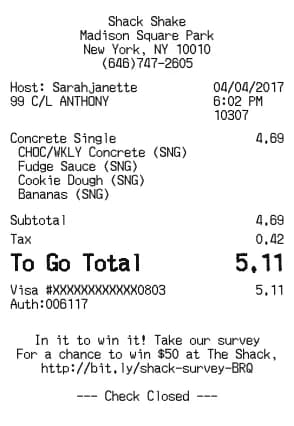
Shake Shack Receipt Generator
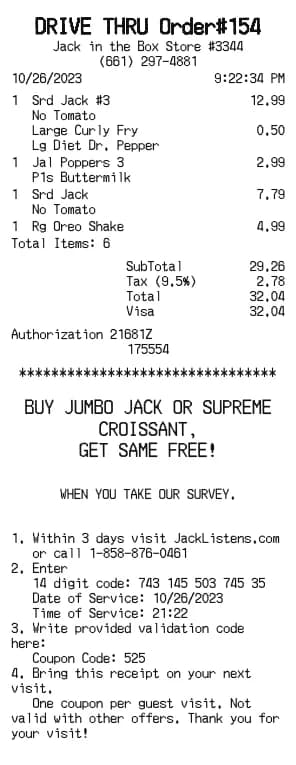
Jack in the Box Receipt Generator
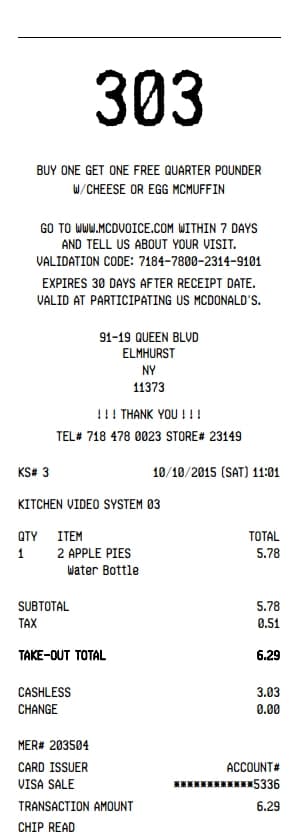
Mcdonalds Receipt Generator
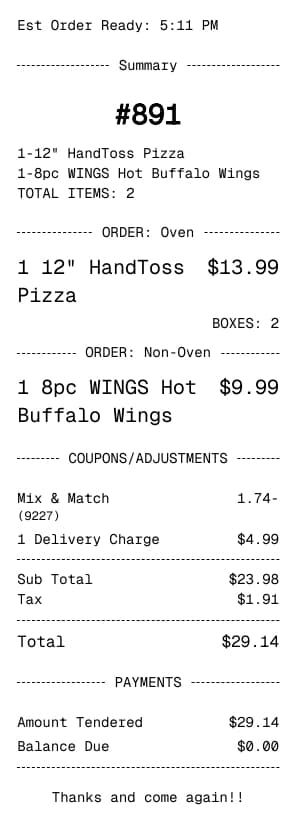
Dominos Receipt Generator
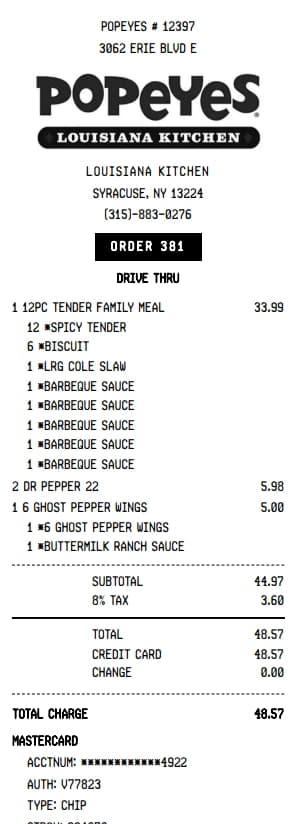
Popeyes Receipt Generator
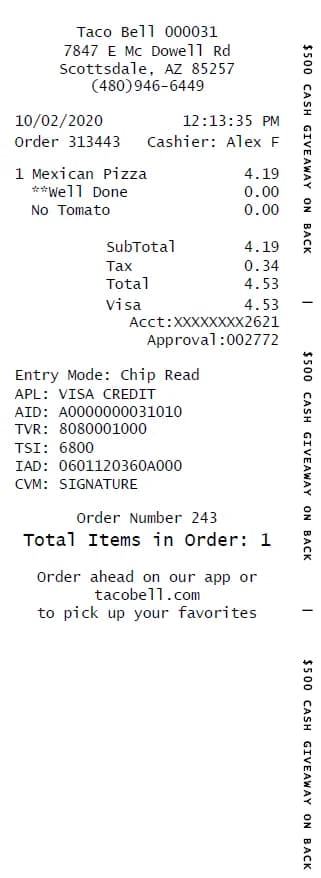
Taco Bell Receipt Generator
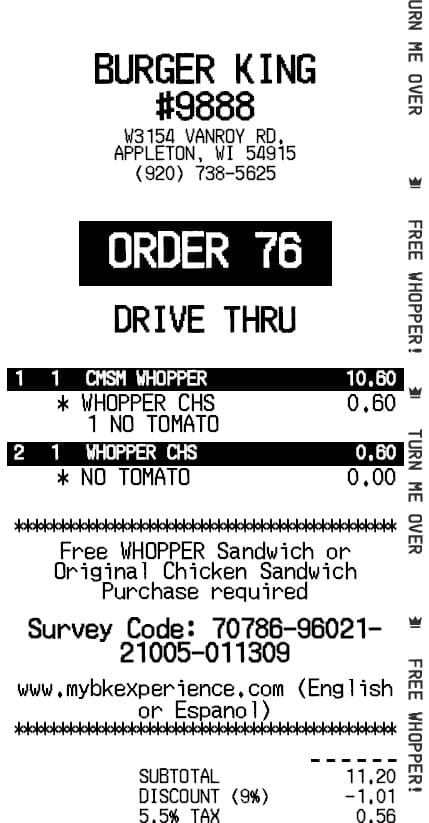
Burger King Receipt Generator
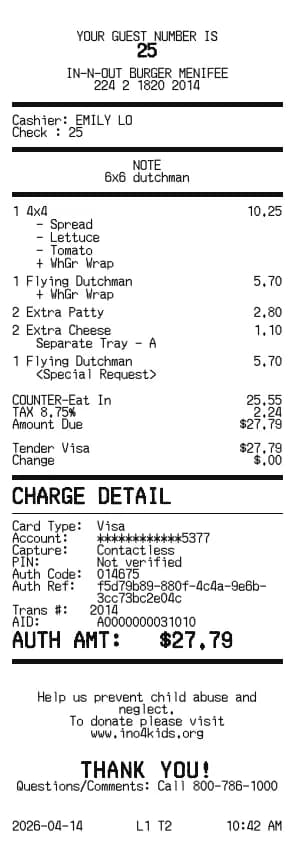
In-N-Out Receipt Generator
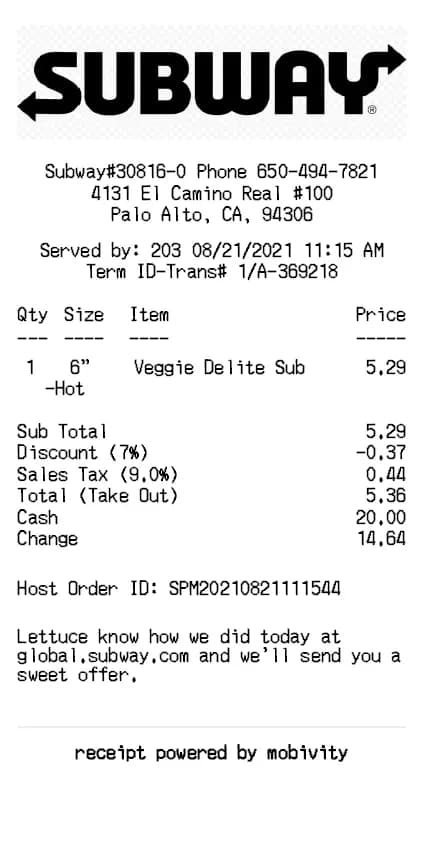
Subway Receipt Generator
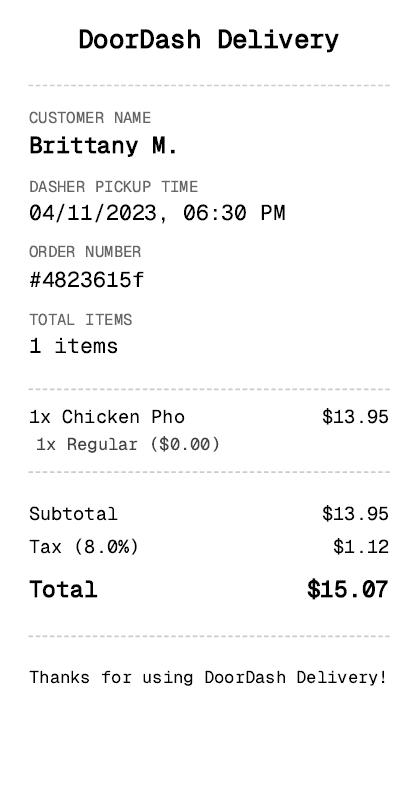
DoorDash Receipt Generator
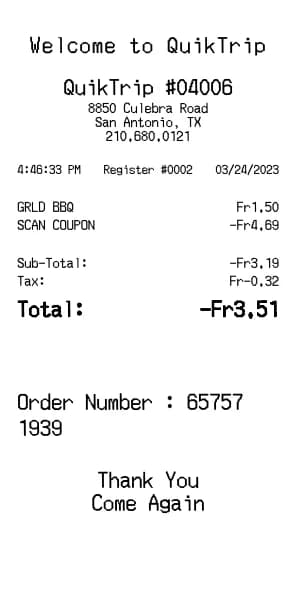
QuikTrip Receipt Generator
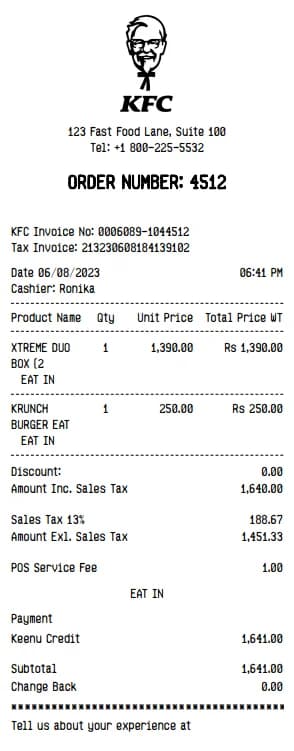
KFC Receipt Generator
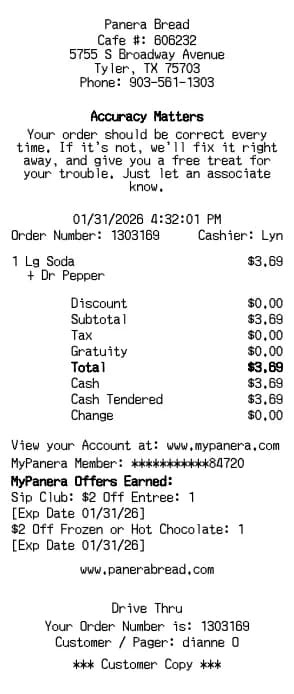
Panera Bread Receipt Generator

Emily Davis
Emily specializes in e-commerce workflows. At BuildReceipts, she creates in-depth tutorials for online sellers to generate professional receipts and invoices that enhance customer trust and brand professionality.
Create Your Receipts Now
Choose a template, enter your details and check the preview before downloading. See Pricing for receipt plan limits.