DoorDash Receipt Generator
Customize your template with real-time preview.
Live Preview
How to make a DoorDash receipt?
Follow this simple step-by-step guide to generate a professional DoorDash receipt using our editor.
1. Select DoorDash Template
Choose the DoorDash template from the Fast Food category to get started with the delivery receipt format.
2. Input Customer & Order Details
Enter the customer's name, the dasher's pickup time, and the unique order number.
3. Add Items & Sub-items
List your food items and use the 'Extra Item' feature to add modifiers like 'Regular' or 'Extra Spicy'.
4. Download Your Receipt
Preview the generated receipt, ensure the tax and totals are correct, and download it as a professional PDF.
FAQs
Everything you need to know about the DoorDash and how our receipt maker works. If you still can't find what you're looking for, feel free to reach out.
Explore other templates
More templates from the Fast-food category
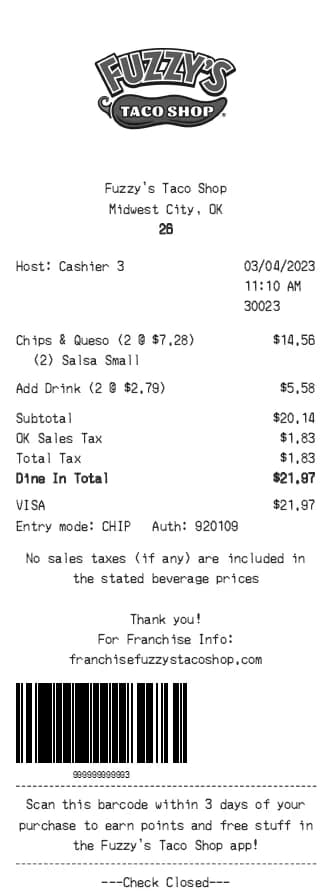
Fuzzy's Taco Shop Receipt Generator
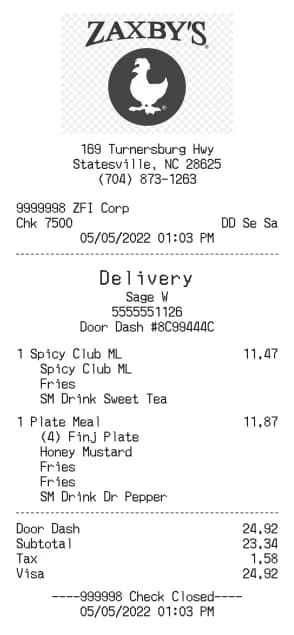
Zaxby's Receipt Generator
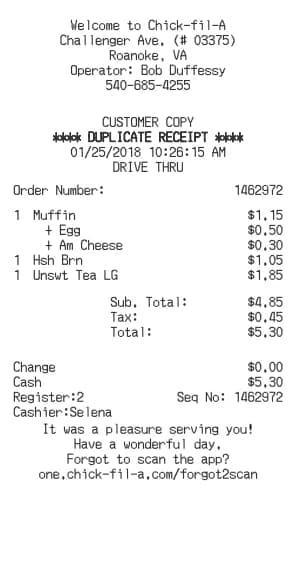
Chick-fil-A Receipt Generator
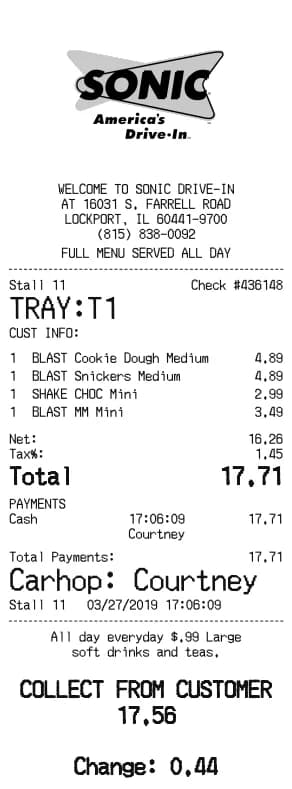
Sonic Drive-In Receipt Generator
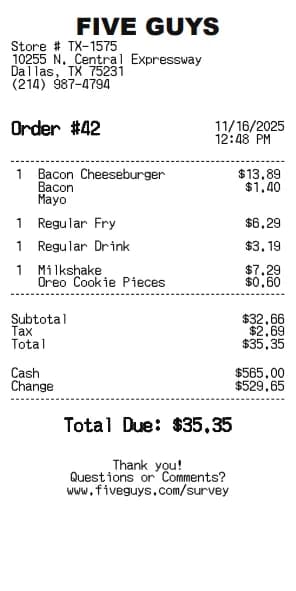
Five Guys Receipt Generator
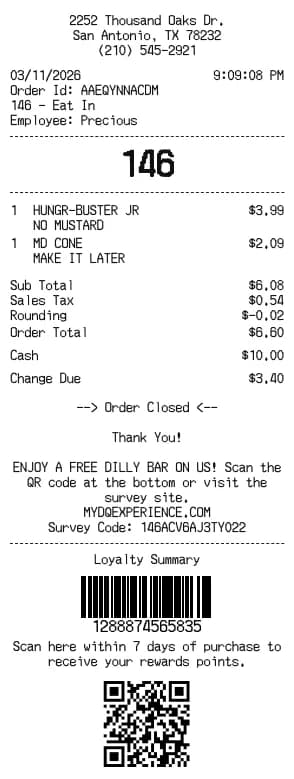
Dairy Queen Receipt Generator
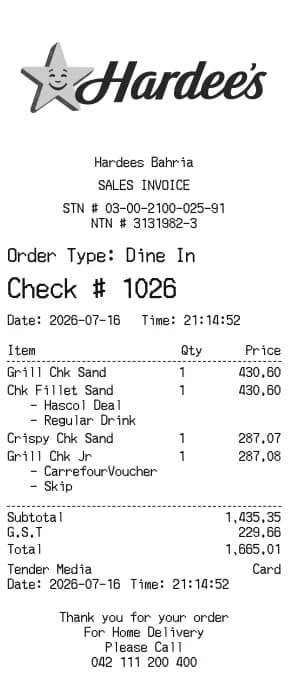
Hardee's Receipt Generator
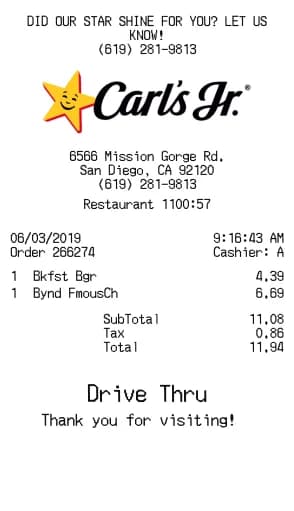
Carl's Jr. Receipt Generator
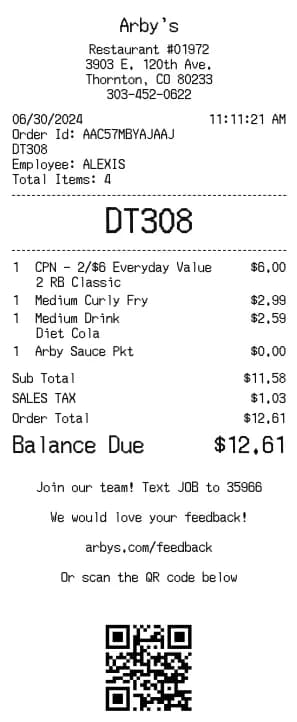
Arby's Receipt Generator
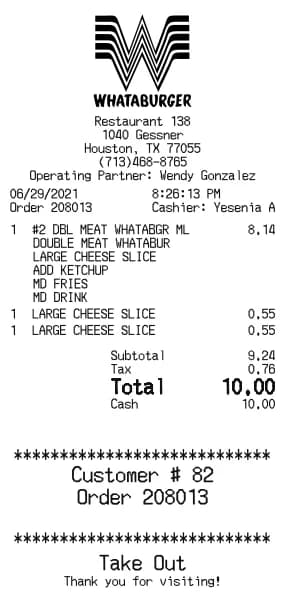
Whataburger Receipt Generator
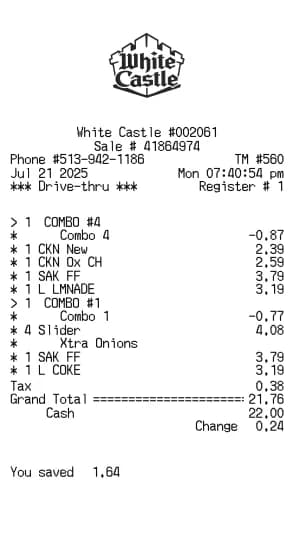
White Castle Receipt Generator
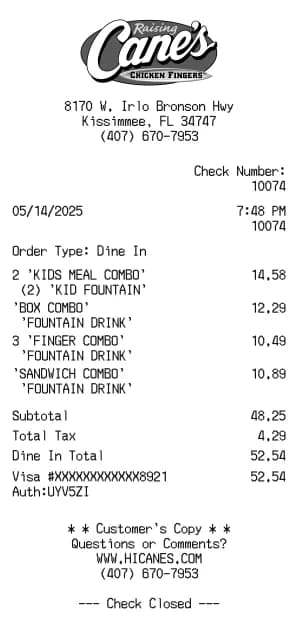
Raising Cane's Receipt Generator
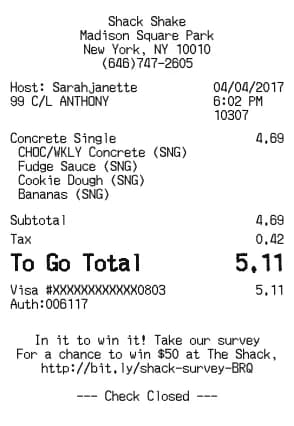
Shake Shack Receipt Generator
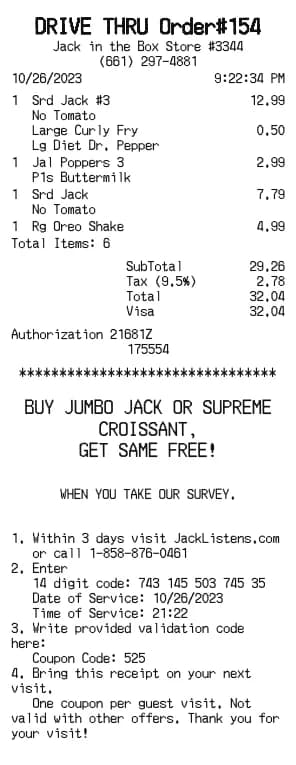
Jack in the Box Receipt Generator
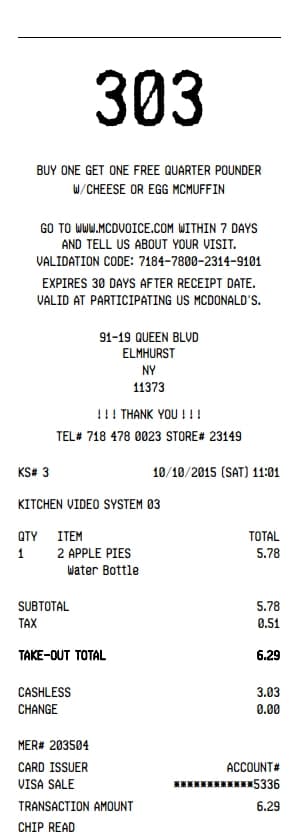
Mcdonalds Receipt Generator
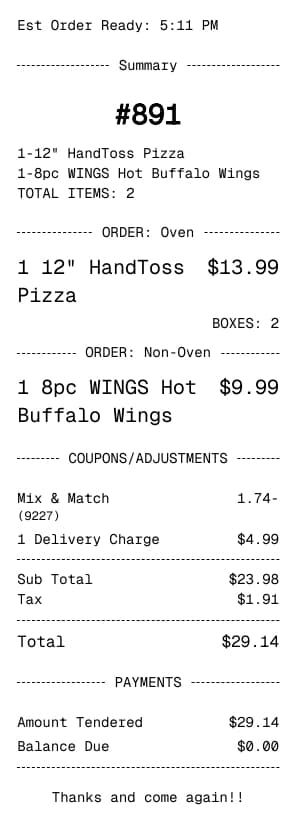
Dominos Receipt Generator
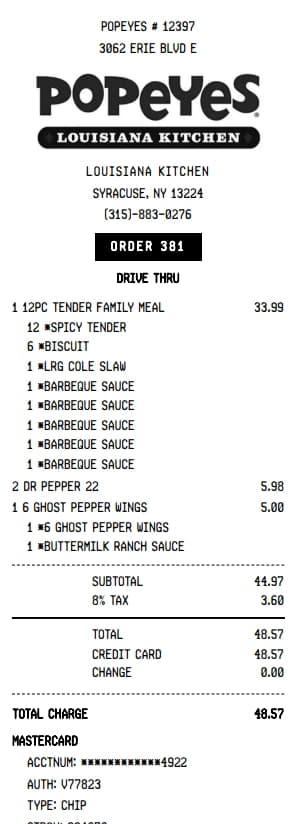
Popeyes Receipt Generator
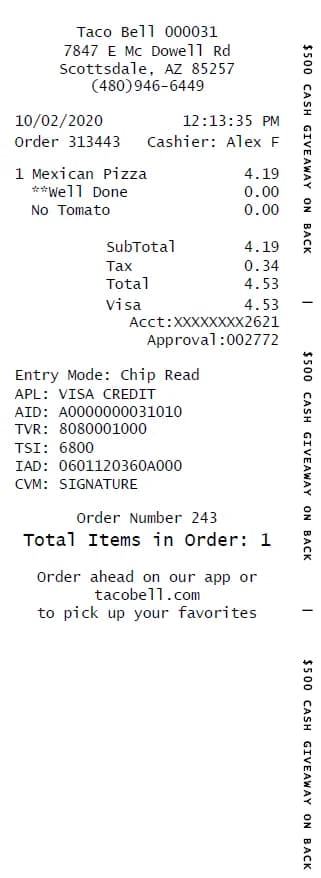
Taco Bell Receipt Generator
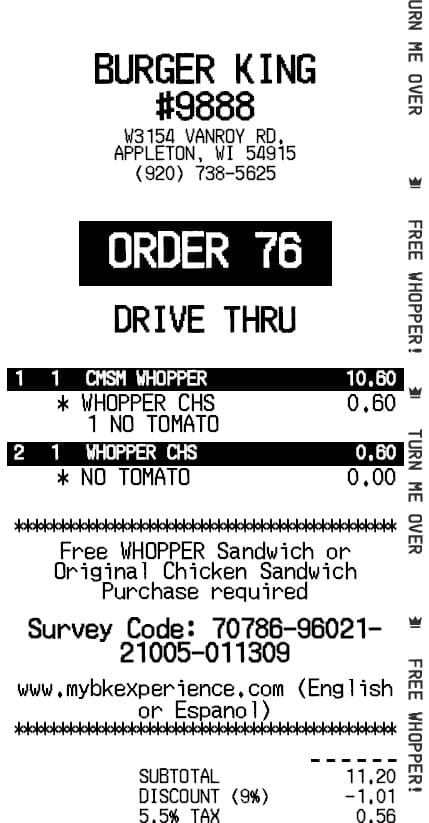
Burger King Receipt Generator
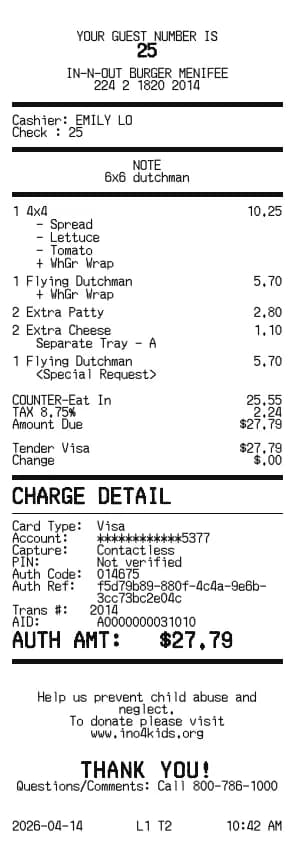
In-N-Out Receipt Generator
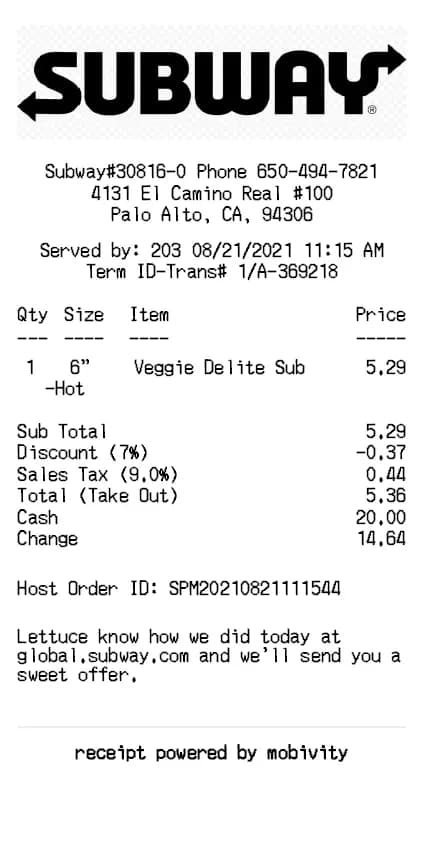
Subway Receipt Generator
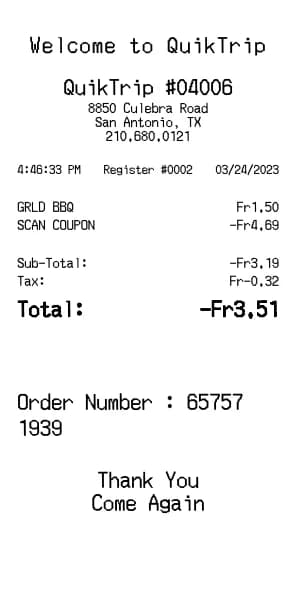
QuikTrip Receipt Generator
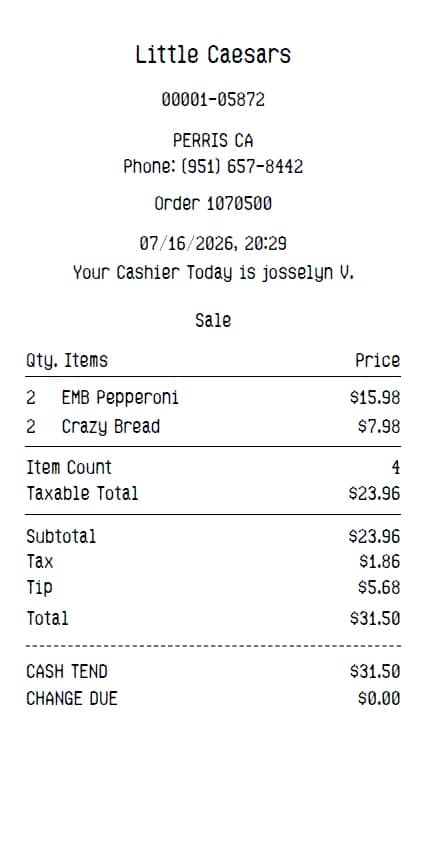
Little Caesars Receipt Generator
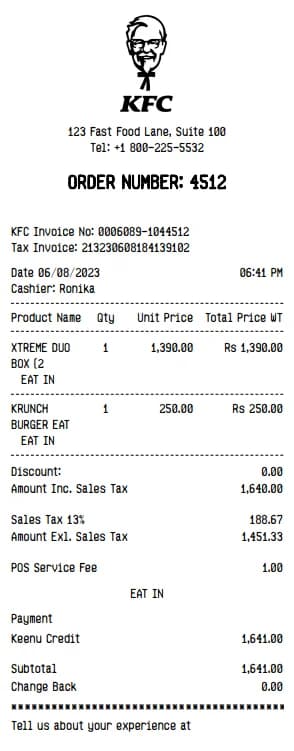
KFC Receipt Generator
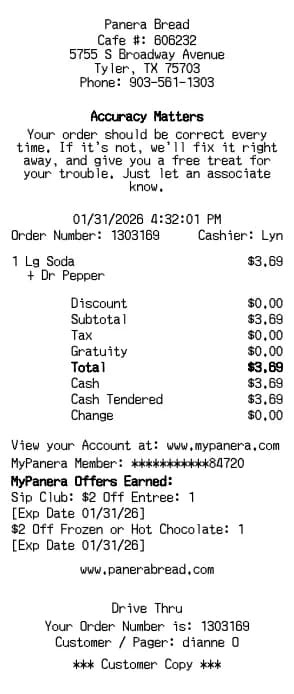
Panera Bread Receipt Generator

Robert Brooks
Robert is a former CPA turned tech writer. He contributes to BuildReceipts by ensuring our receipt templates meet standard accounting practices and provide all the necessary details for expense tracking.
Create Your Receipts Now
Choose a template, enter your details and check the preview before downloading. See Pricing for receipt plan limits.