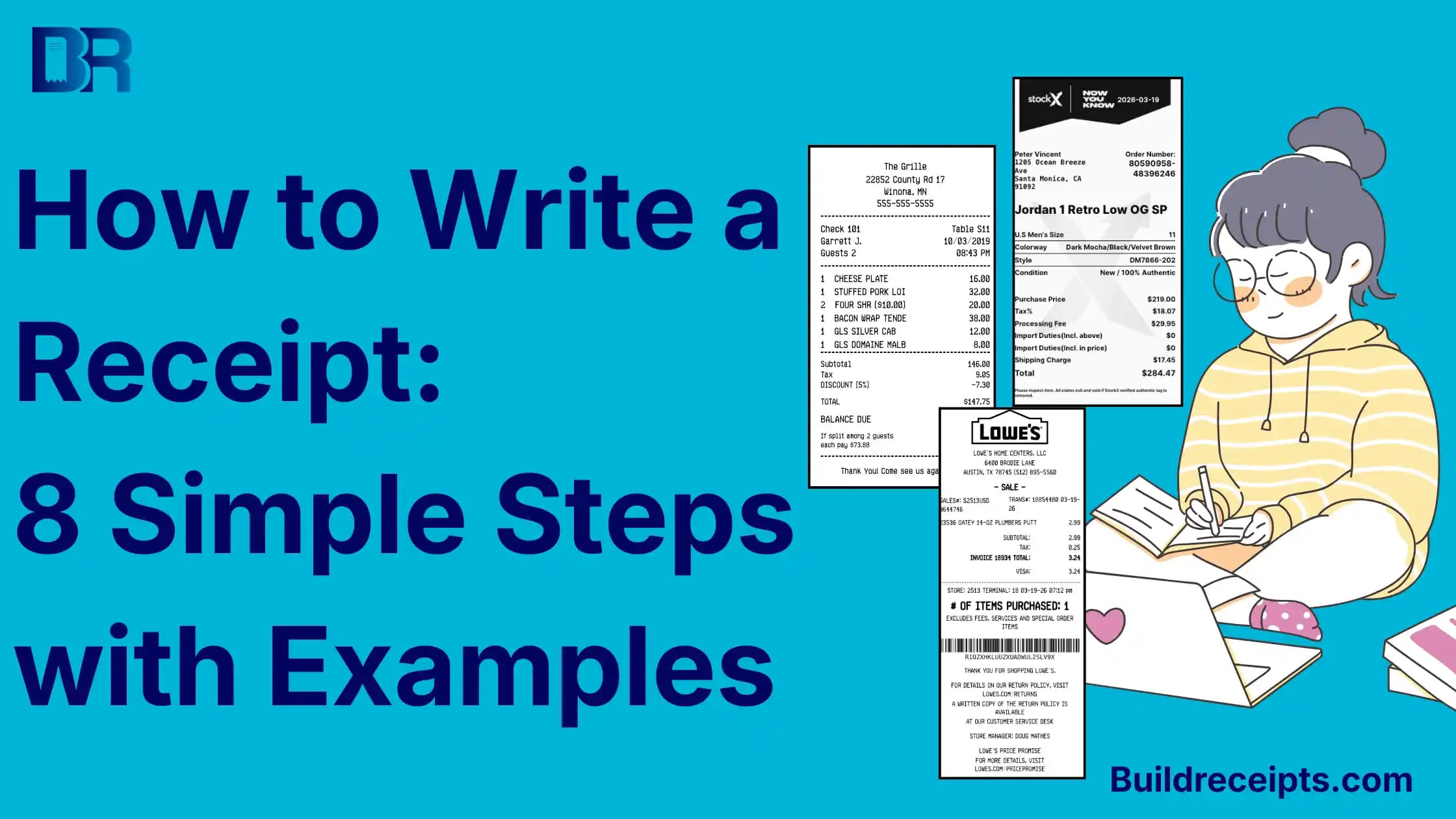
How to Write a Receipt: Fields and Examples

Sarah jenkins
Content Writer
Jump to Section
To write a receipt, name the seller, add the payment date, describe what was sold, and show the amount received. Add the payment method and any balance still due. Give the buyer a copy and keep one.
You can write these details in a receipt book or a plain document. Clear facts matter more than a fancy layout. Use this guide when you know a payment took place but are unsure what to put in each field.
What Should You Write on a Receipt?
Start with the word Receipt and a number you can find later. Keep the payment date separate from the work date or invoice date when they differ.
| Field | What to write | Example wording |
| Receipt number | Your own unique reference | REC-1042 |
| Payment date | The date you received the money | September 25, 2026 |
| Seller | Your name or business and a contact method | Example Repair Shop |
| Payer | The person or business that paid, when needed | Example Client |
| Items or work | A clear description, quantity, and price | 2 chair repairs at $40 each |
| Tax, fees, or discount | Only the charges that apply to this sale | List each one separately |
| Amount received | The money actually paid, not just the bill total | $50 received toward an $80 bill |
| Payment method | Cash, card, check, or the method used | Cash |
| Balance | What is still owed after this payment | $30 due |
A buyer name helps with rent, work, deposits, and orders made for one person. Add only the details needed for the sale. Never include a full card number or security code.
How to Write a Receipt in 4 Steps
Step 1: Add the Date and Receipt Number
Write Receipt at the top. Add the date you received payment and a new receipt number, such as REC-1042. Do not use a tax ID or VAT number as the receipt number. They identify different things.
If the work took place earlier, add a separate service date. When you issue a copy later, label it a duplicate and keep the real payment date. Do not change history to make the copy look new.
Step 2: Name the Seller and Payer
The seller or person who received the money normally issues the receipt. Add their name and a way to reach them. Include the payer's name when it helps match the payment to a customer, lease, or job.
If you are the buyer and lost a shop receipt, ask the shop for a copy. A receipt you create yourself does not become that shop's official record.
Step 3: Describe the Sale and Amount Paid
Use words the buyer can check. Write "two chair repairs" rather than "work." For several items, list the quantity, price per item, and line total. Show any tax, fee, or discount that really applies.
Keep the full bill and amount received separate. A $50 deposit on an $80 bill is not an $80 payment. Write "$50 received; $30 balance due." Use "Paid in full" only when nothing is still owed.
Step 4: Check the Details and Keep Both Copies
Read the receipt against the sale and payment record. Check names, dates, totals, payment method, and balance. Give the buyer a copy and keep the same version in your files.
Writing by hand? Use clear ink, avoid blank spaces that could change the meaning, and check that the buyer's copy is readable. If you prefer a digital layout, follow the steps to make a receipt online.
Receipt Wording Example
This is an illustrative example, not a real sale. The agreed bill for two chair repairs is $80. No tax or extra fee is included in this example; actual rules may differ.
| Field | Completed example |
| Receipt | REC-1042 |
| Seller | Example Repair Shop |
| Received from | Example Client |
| Payment date | September 25, 2026 |
| Work | 2 chair repairs x $40 = $80 |
| Amount received today | $50 cash |
| Balance due | $80 - $50 = $30 |
| Payment status | Partial payment |
A clear closing line is: "Received $50 in cash toward two chair repairs. The remaining balance is $30." When the buyer pays the rest, issue another receipt for that payment and link it to the same job.
What Changes for Cash, Services, or Rent?
For cash, separate the money handed over from the amount kept after change. If the bill is $65 and the buyer hands you $100, a $35 change return leaves $65 paid.
For services, name the work and date or period covered. For rent, identify the property, rental period, payer, recipient, and amount received. Check local rules; a general receipt checklist does not replace them.
Is a Receipt the Same as an Invoice?
An invoice lists charges and usually asks for payment. A receipt records money received. A paid invoice may also record payment if its status, paid amount, date, and remaining balance are clear. Learn how a receipt and an invoice work together.
A quote or estimate is different again: it shows a proposed price. Do not label one as a receipt before a real payment happens.
Common Receipt-Writing Mistakes
| Mistake | Better wording or check |
| Writing only "items" | Name each item or service |
| Using the invoice date as the payment date | Check when the money was received |
| Calling a deposit paid in full | Show amount received and balance due |
| Copying a sample tax rate | Apply the rules for the real sale |
| Using someone else's business name | Use the actual seller's details; request a seller-issued copy when needed |
Keep the Receipt With Its Source Records
A receipt is useful evidence, not a promise that every tax office, store, or employer will accept it. Keep the order, invoice, and payment record that support it. The IRS recordkeeping guide explains the details US business records should show.
For your own real sales, the itemized receipt template can help lay out separate items. Preview every field before you share it. A custom file is not an official record from another merchant or a substitute for proof of purchase.
Conclusion
A good receipt answers four questions: who received the money, when they received it, what it paid for, and how much was paid. Write those facts clearly, show any balance, and keep a copy.
Content updated September 25, 2026. Source checks and edits were AI-assisted. No new human or professional review is claimed.
Frequently Asked Questions
Have more questions about How to Write a Receipt: Fields and Examples? Check out these common queries.