Documentation Guide
DoorDash Receipt Generator: Delivery Orders, Documented
Benefits:
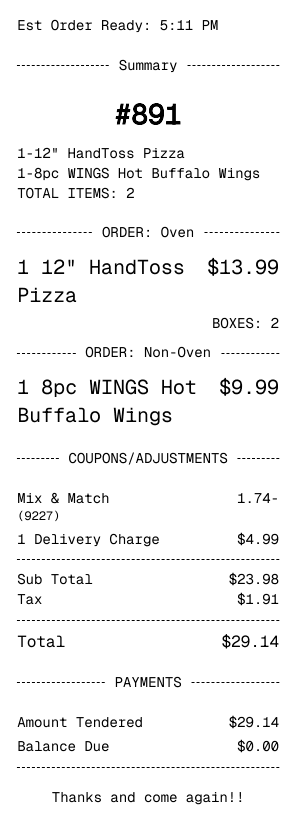
- Matches DoorDash's Order Summary Format: DoorDash receipts break down the restaurant subtotal, delivery fee, service fee, and tip separately. This template reflects that multi-line fee structure accurately.
- Delivery Fee and Service Fee Lines: DoorDash adds multiple fee lines to every order. The template includes each of those as separate entries so the total adds up correctly.
- Restaurant Name and Items: Unlike other delivery platforms, DoorDash receipts show the restaurant name prominently. The template captures that hierarchy.
- DashPass Discount Support: DashPass subscribers see delivery fee waivers on their receipts. The template supports that discount line.
- Tip and Grand Total Calculation: The editor handles the full total breakdown including tip so your documentation reflects the actual charge.
- Free, Private, and Immediate: No account, no server storage. Your delivery records stay in your browser.
Use Cases:
- Delivery Meal Expense Reporting: Remote workers and employees who order delivery for work purposes need clean receipts with full fee breakdowns for expense reports.
- Food Budget Analysis: Delivery apps add significant fees to what seems like a simple food purchase. Keeping accurate records of DoorDash orders helps understand the real cost of delivery versus cooking.
- Business Meal Documentation: Teams that order delivery for meetings or working lunches need proper receipts for budget tracking. This generates a clean, itemized delivery receipt for those occasions.