Quittungs- und Rechnungstools
Durchsuchen Sie Vorlagen nach Kategorie. Tragen Sie Ihre Daten ein, prüfen Sie die Vorschau und laden Sie eine PDF herunter. Markenvorlagen sind unabhängig vom genannten Händler.
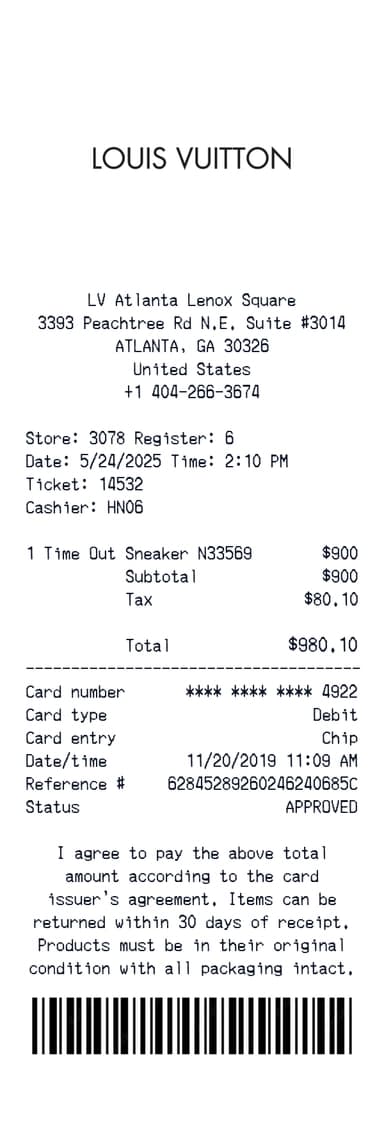
Louis Vuitton Quittungsgenerator
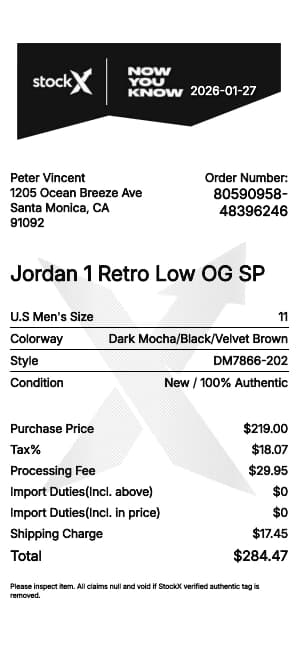
StockX Quittungsgenerator
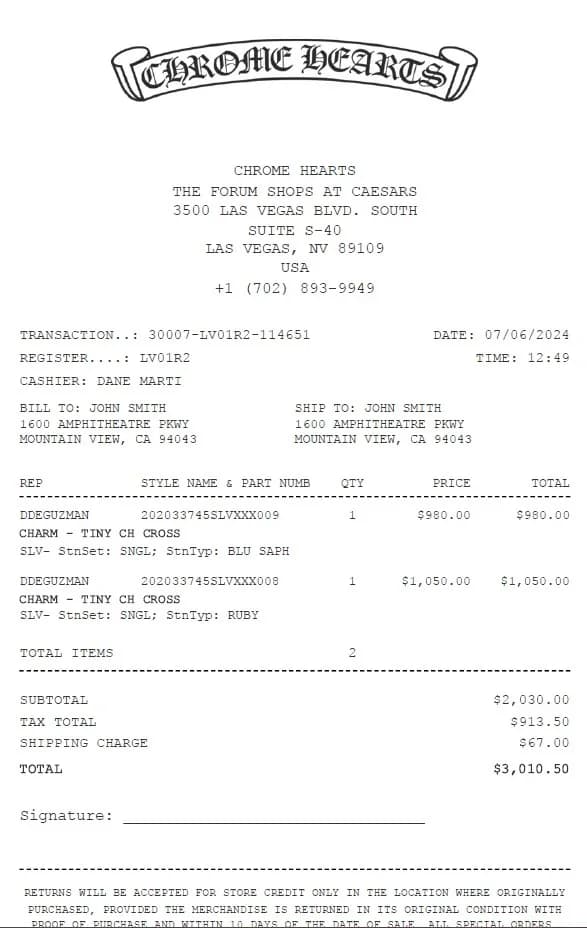
Chrome Hearts Quittungsgenerator
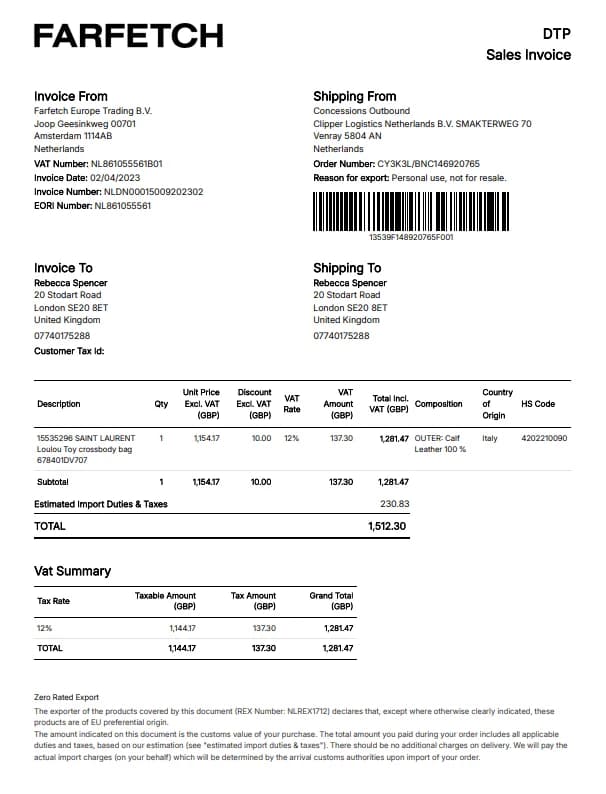
Farfetch Quittungsgenerator
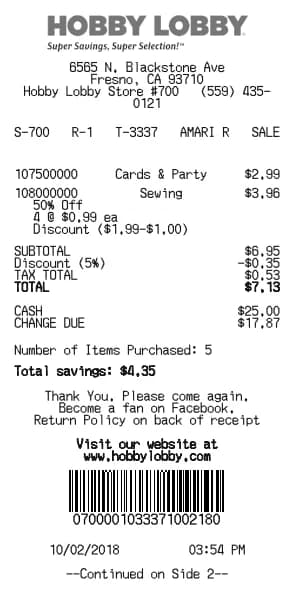
Hobby Lobby Quittungsgenerator
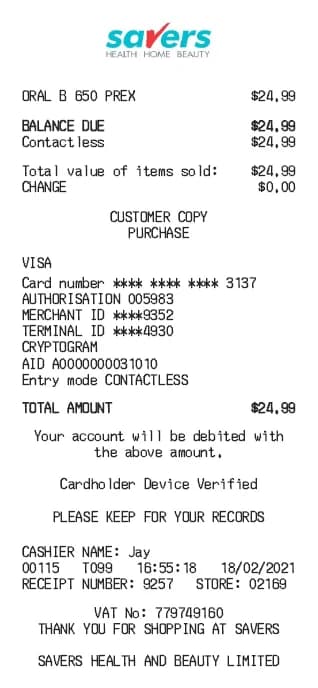
Savers Quittungsgenerator
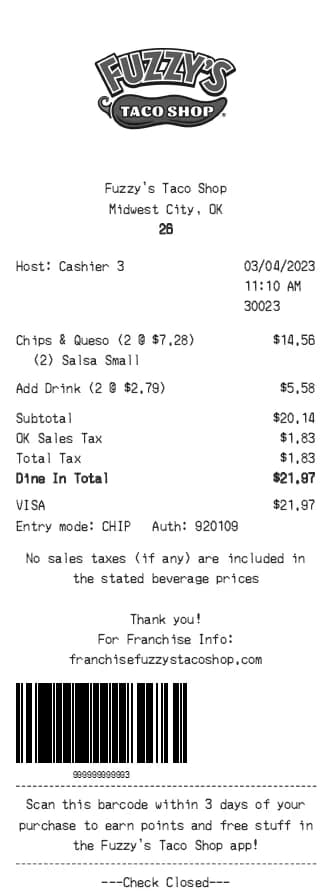
Fuzzy's Taco Shop Quittungsgenerator
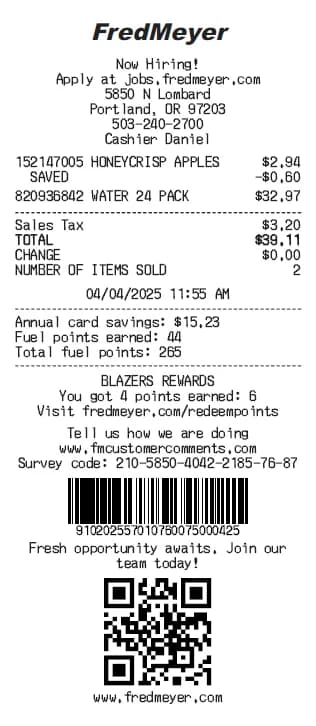
Fred Meyer Quittungsgenerator
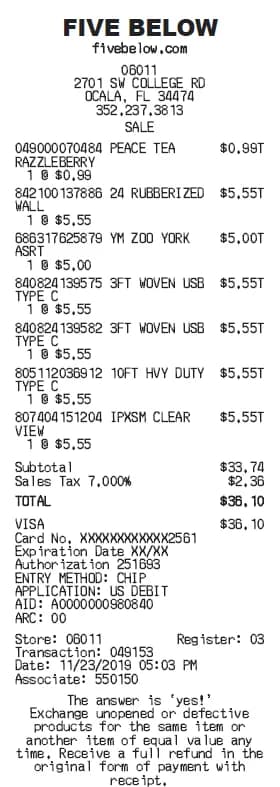
Five Below Quittungsgenerator
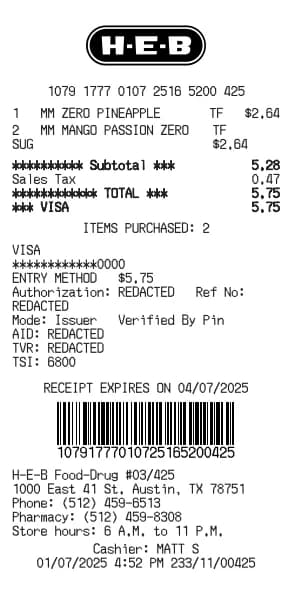
H-E-B Quittungsgenerator
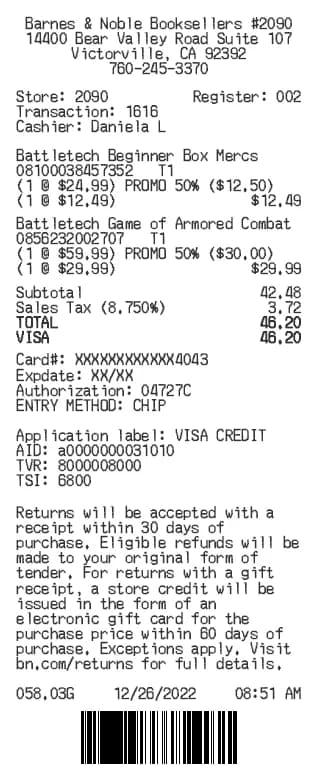
Barnes & Noble Quittungsgenerator
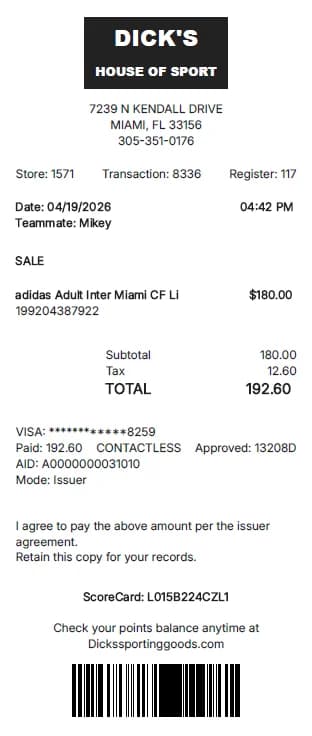
Dick's Sporting Goods Quittungsgenerator
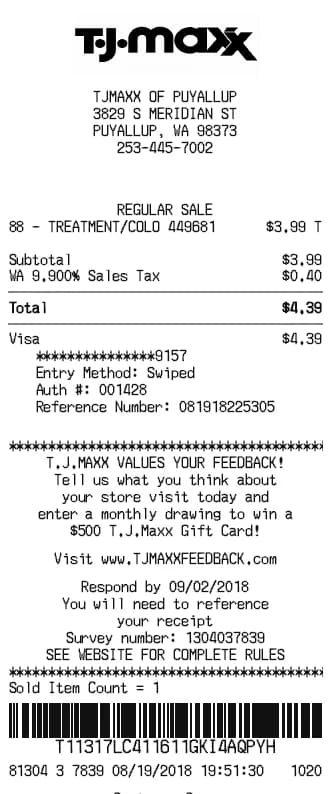
TJ Maxx Quittungsgenerator
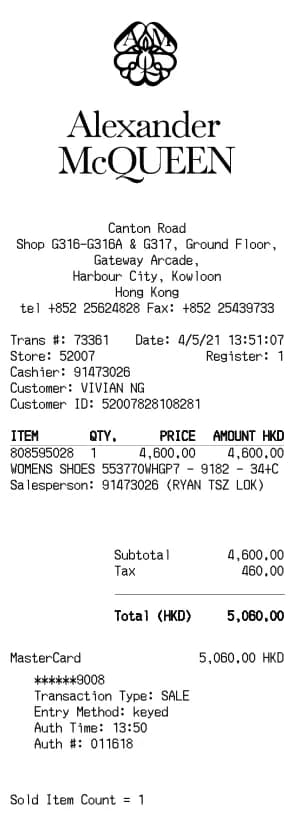
Alexander McQueen Quittungsgenerator
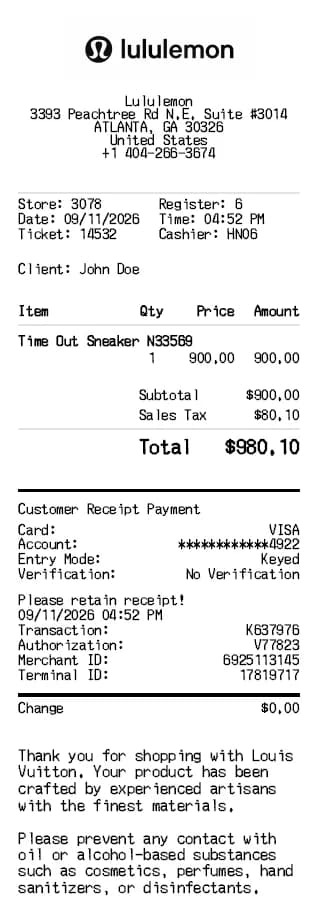
Lululemon Quittungsgenerator
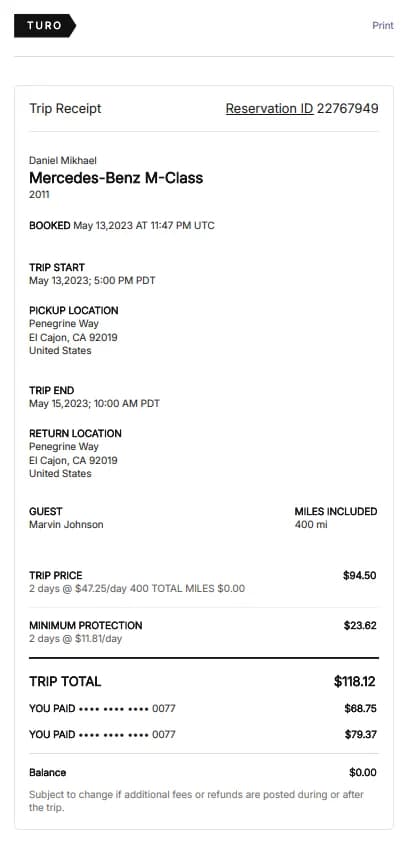
Turo Rental Quittungsgenerator
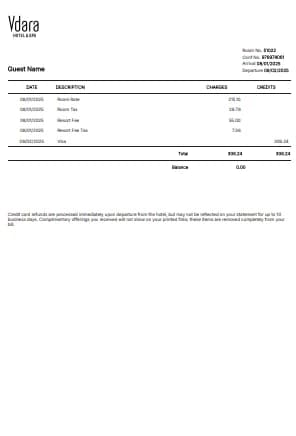
Vdara Hotel Quittungsgenerator
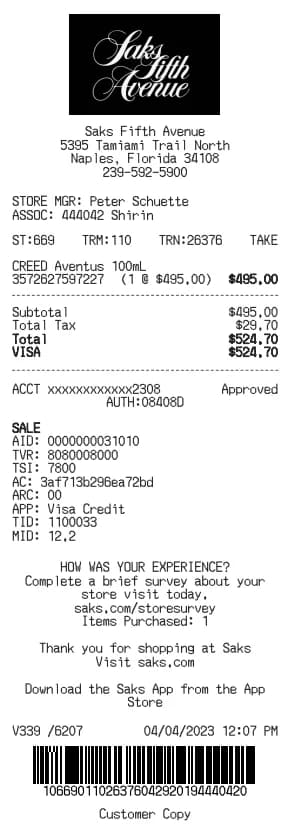
Saks Fifth Quittungsgenerator
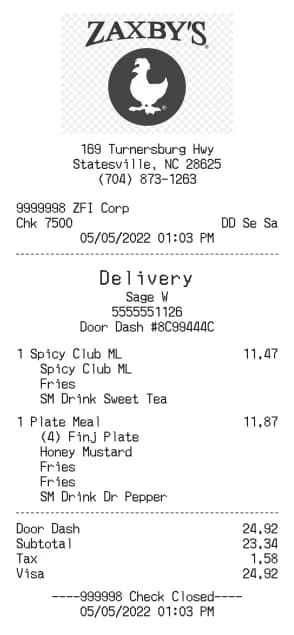
Zaxby's Quittungsgenerator
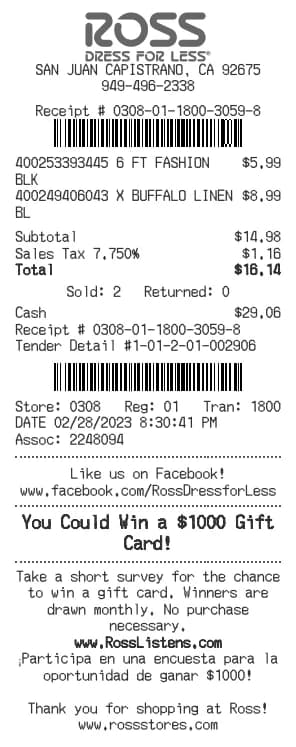
Ross Quittungsgenerator
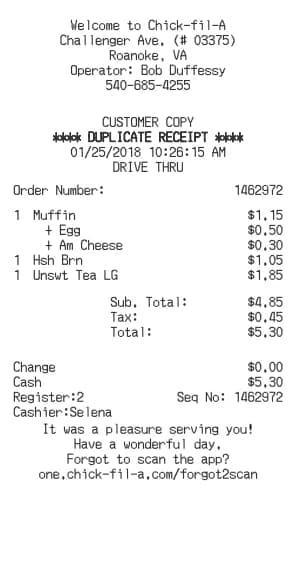
Chick-fil-A Quittungsgenerator
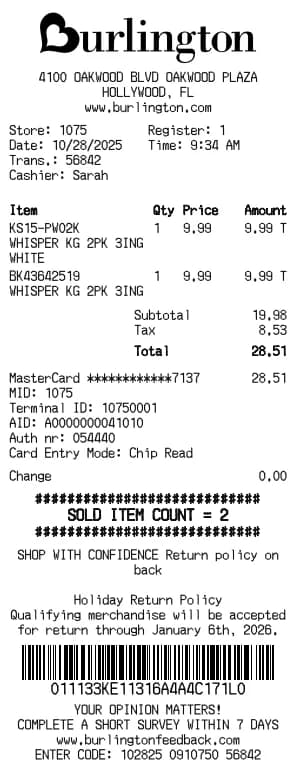
Burlington Quittungsgenerator
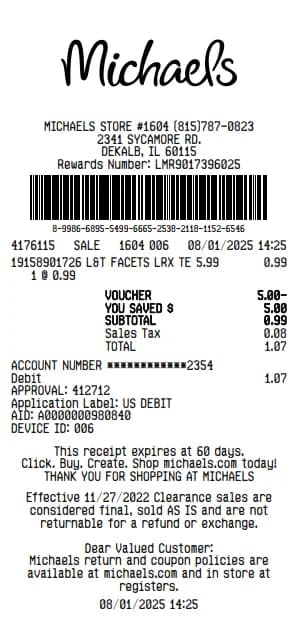
Michaels Quittungsgenerator
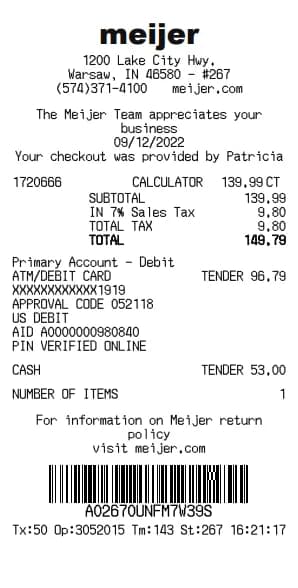
Meijer Quittungsgenerator
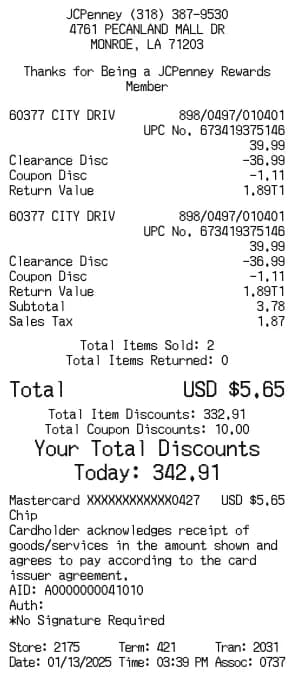
JCPenney Quittungsgenerator
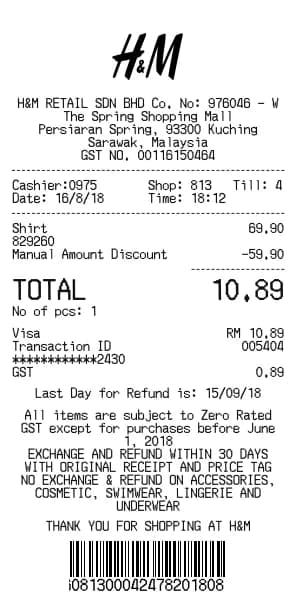
H&M Quittungsgenerator
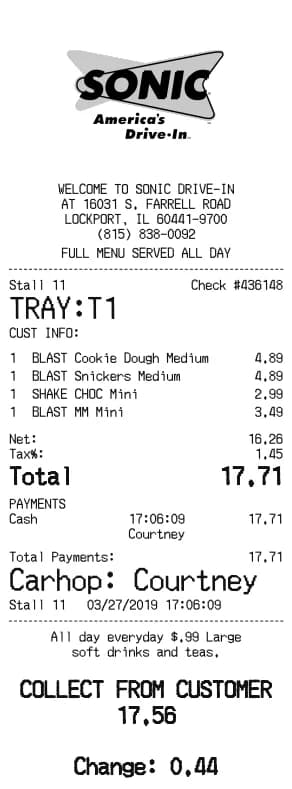
Sonic Drive-In Quittungsgenerator
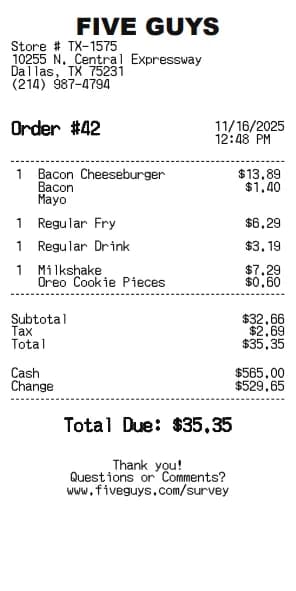
Five Guys Quittungsgenerator
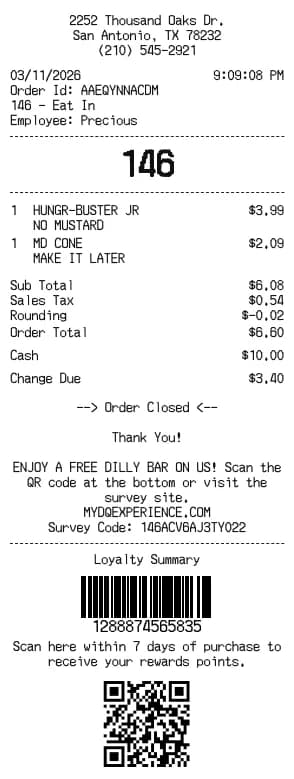
Dairy Queen Quittungsgenerator
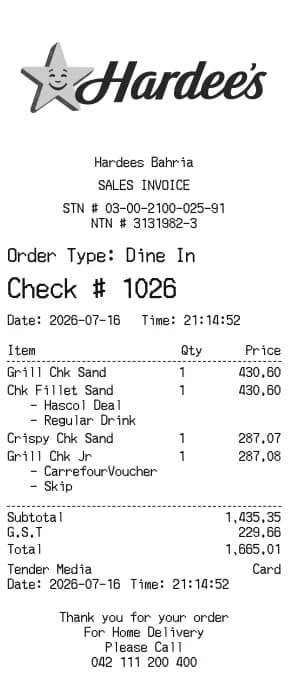
Hardee's Quittungsgenerator
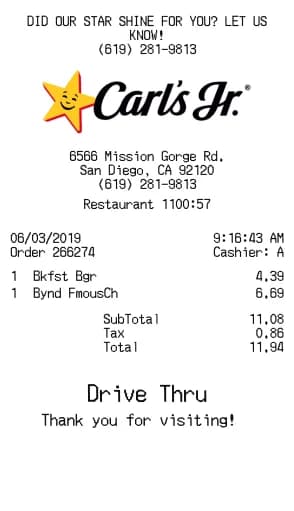
Carl's Jr. Quittungsgenerator
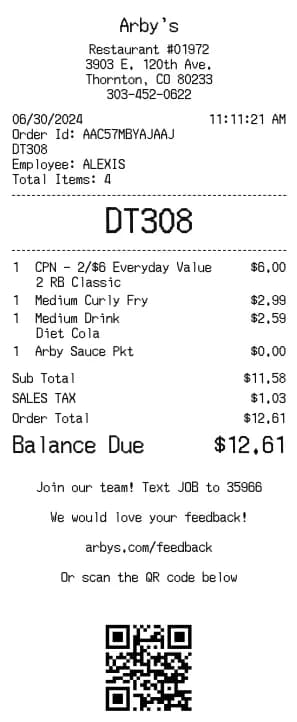
Arby's Quittungsgenerator
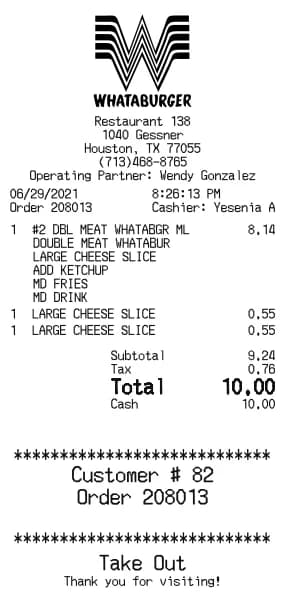
Whataburger Quittungsgenerator
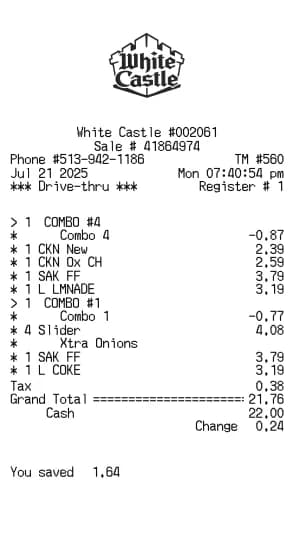
White Castle Quittungsgenerator
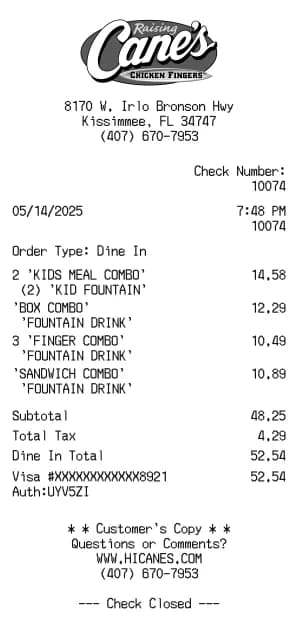
Raising Cane's Quittungsgenerator
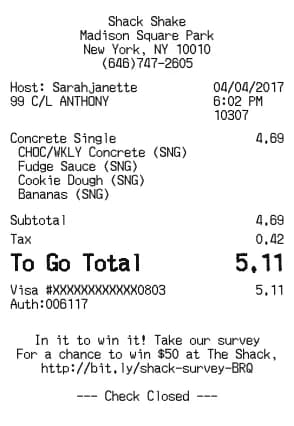
Shake Shack Quittungsgenerator
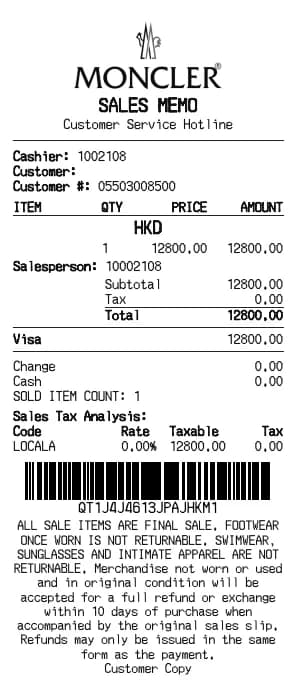
Moncler Quittungsgenerator
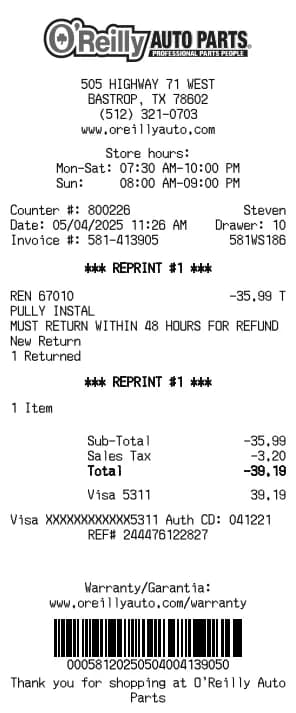
O'Reilly Auto Parts Quittungsgenerator
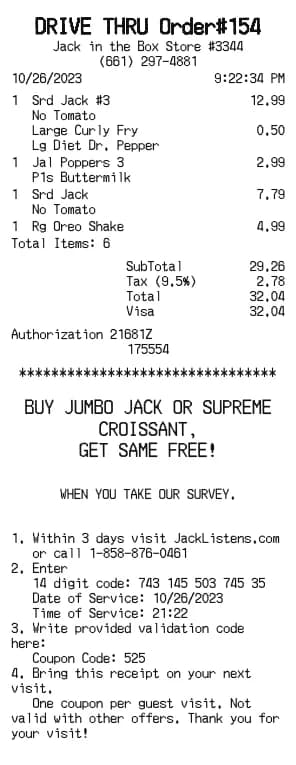
Jack in the Box Quittungsgenerator
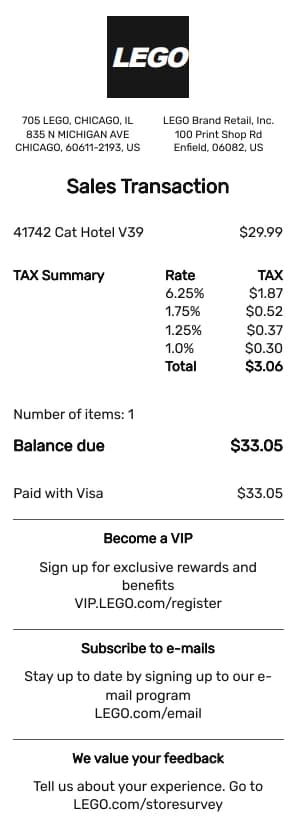
LEGO Quittungsgenerator
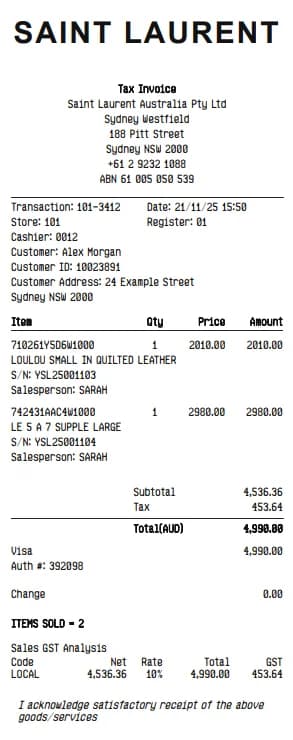
YSL Quittungsgenerator
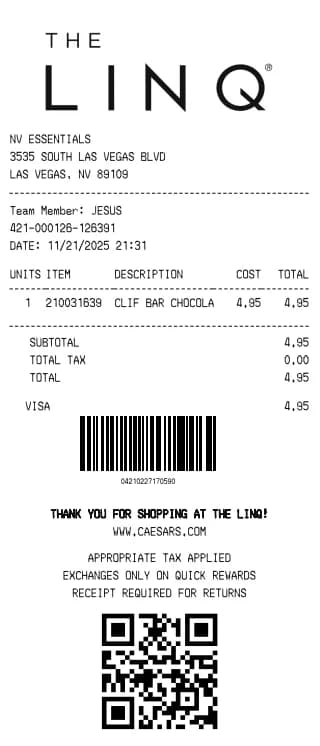
LINQ Hotel Quittungsgenerator
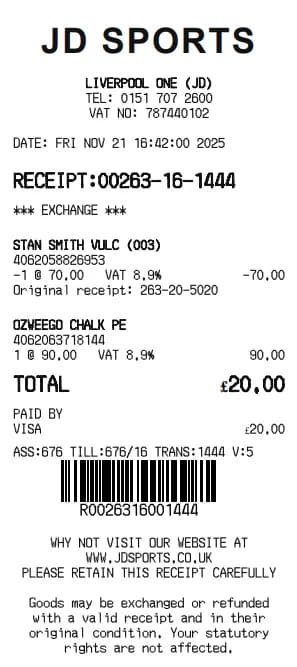
JD Sports Quittungsgenerator
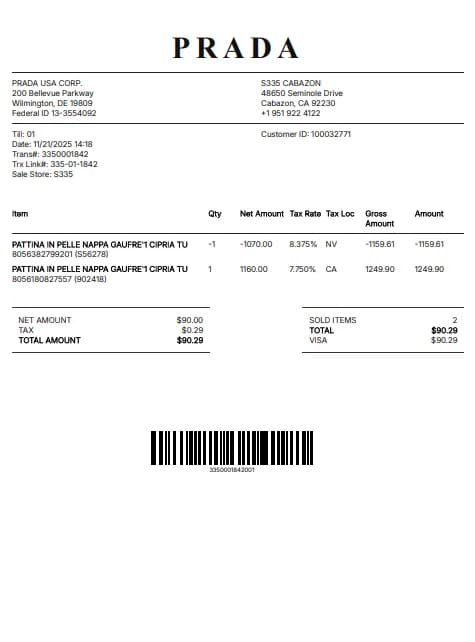
Prada Quittungsgenerator
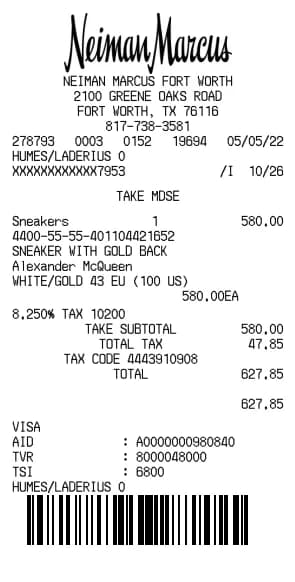
Neiman Marcus Quittungsgenerator
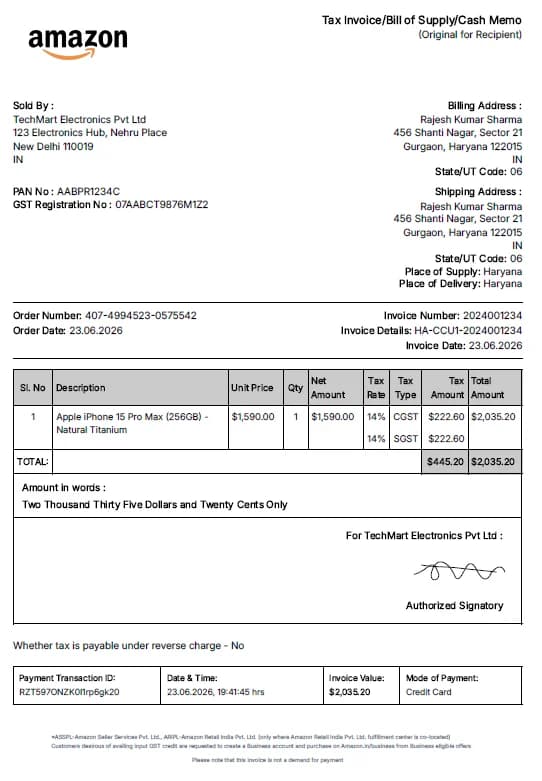
Amazon Quittungsgenerator
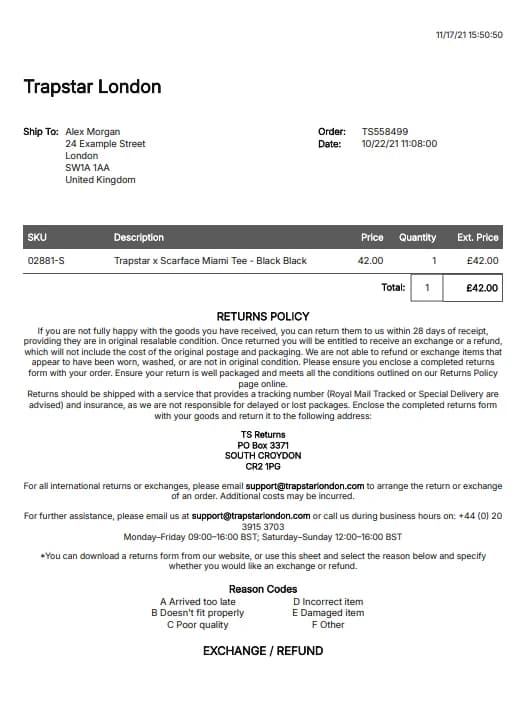
Trapstar Quittungsgenerator
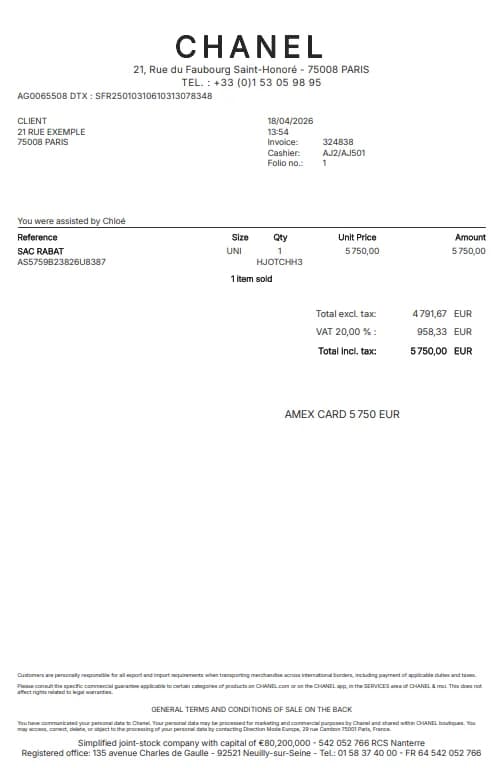
Chanel Quittungsgenerator
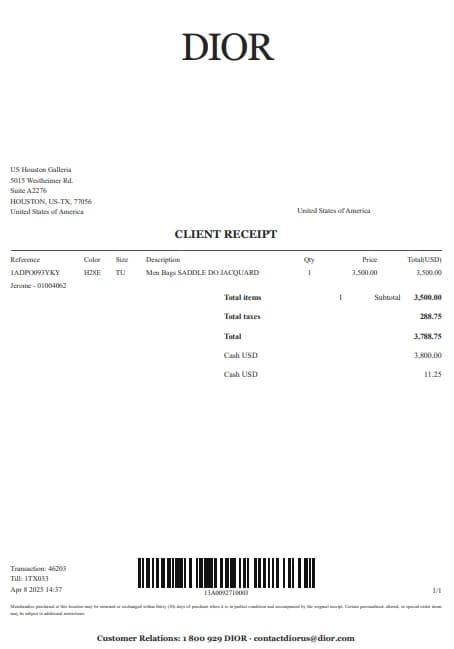
Dior Quittungsgenerator
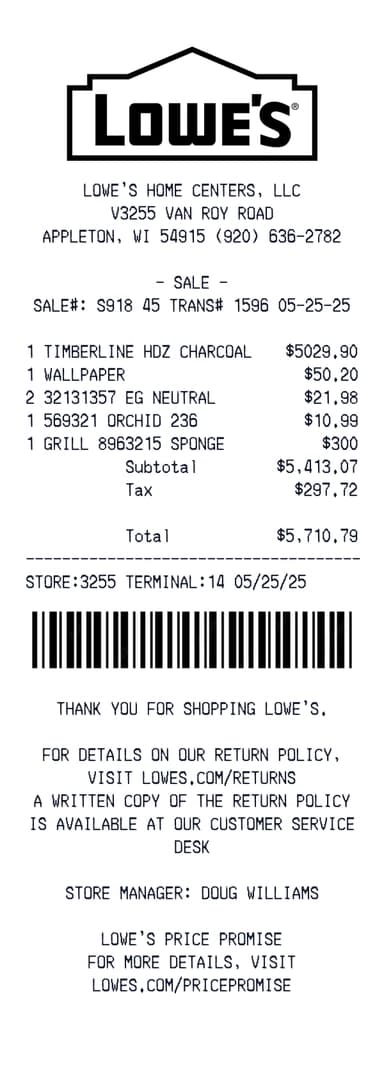
Lowes Quittungsgenerator
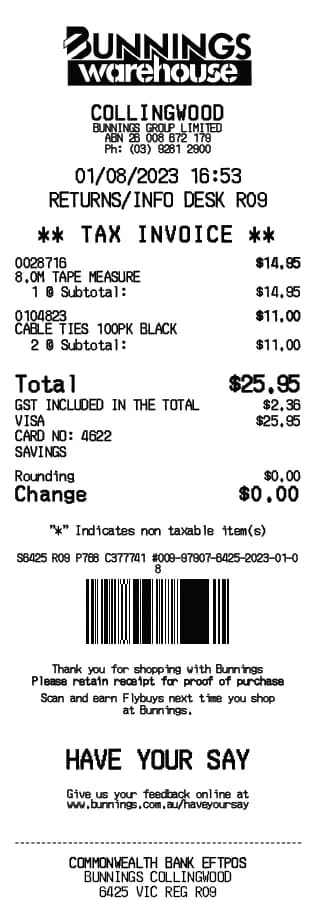
Bunnings Quittungsgenerator
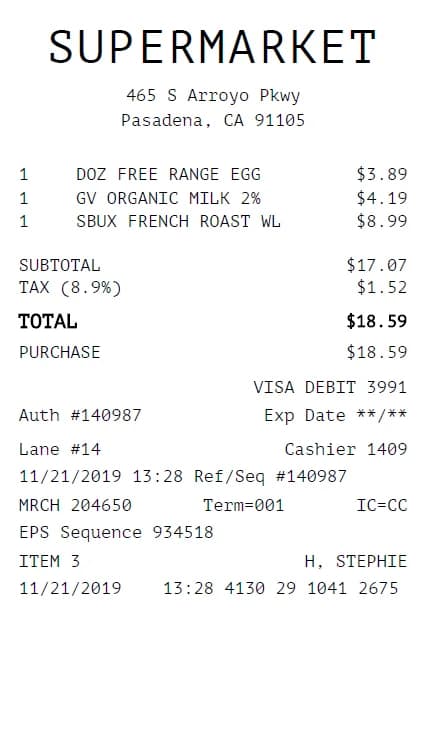
Grocery Quittungsgenerator
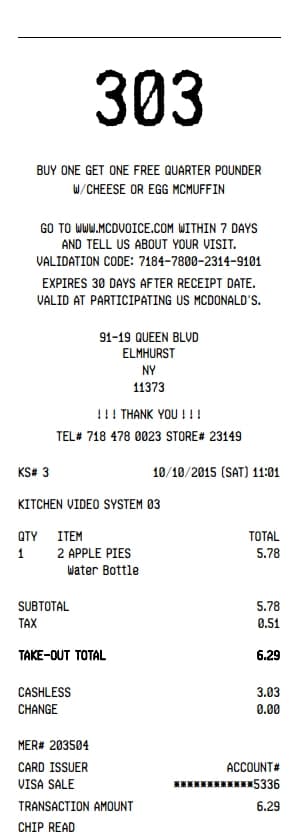
Mcdonalds Quittungsgenerator
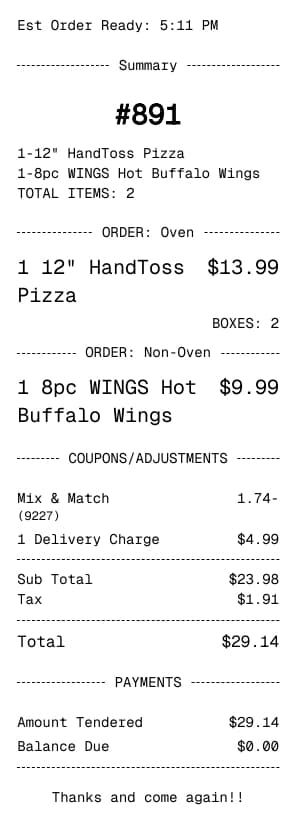
Dominos Quittungsgenerator
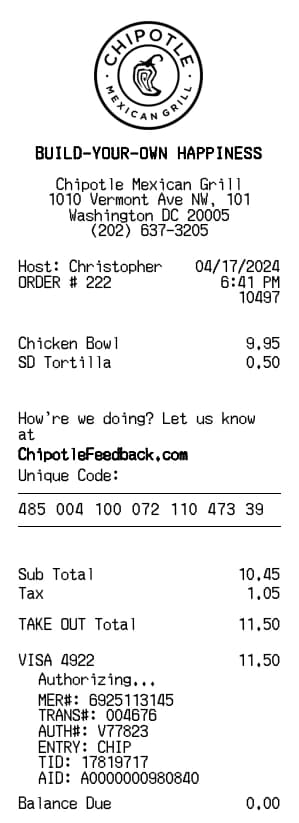
Chipotle Quittungsgenerator
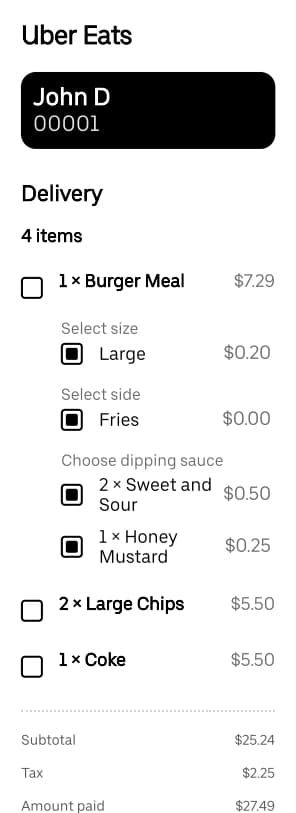
Uber Eats Quittungsgenerator
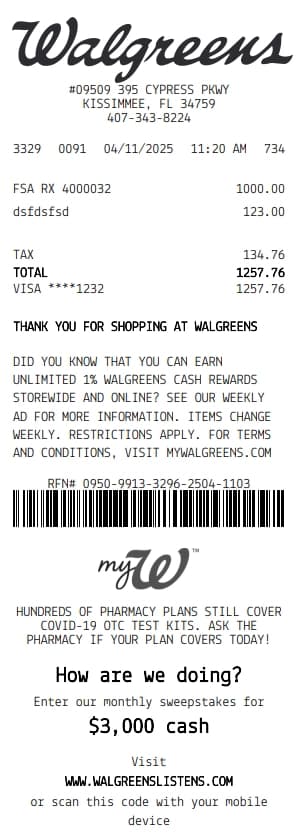
Walgreens Quittungsgenerator
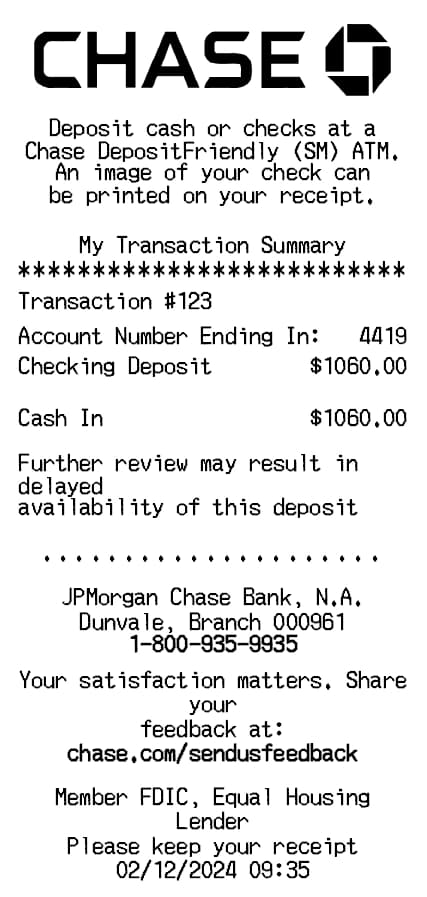
Chase ATM Quittungsgenerator
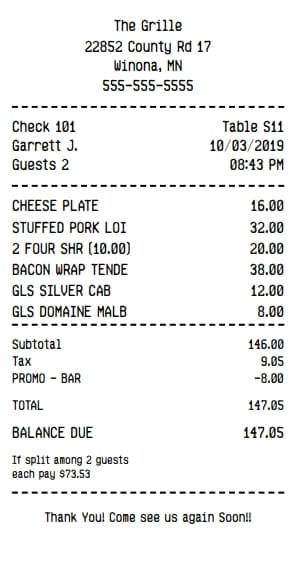
Itemized Quittungsgenerator
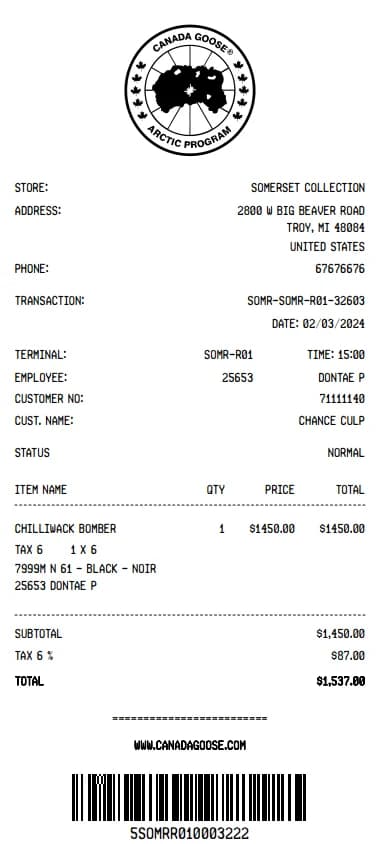
Canada Goose Quittungsgenerator
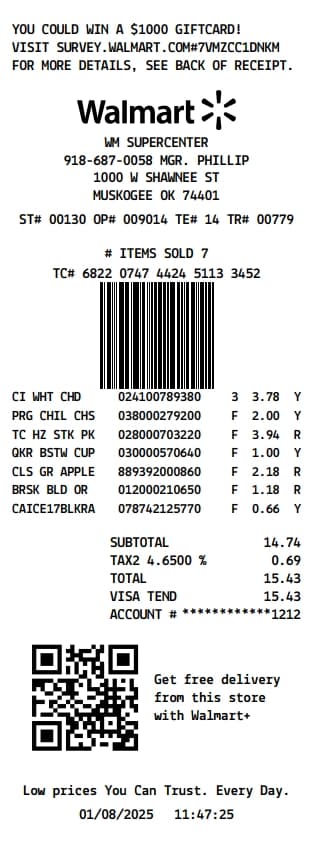
Walmart Quittungsgenerator
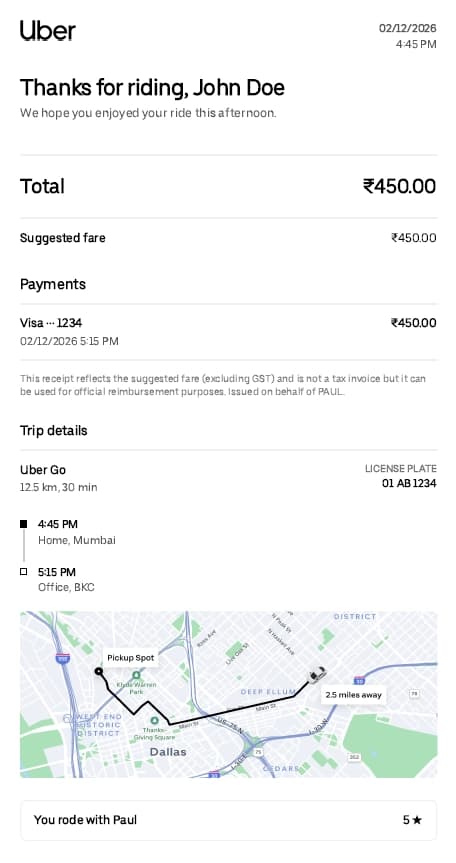
Uber Quittungsgenerator
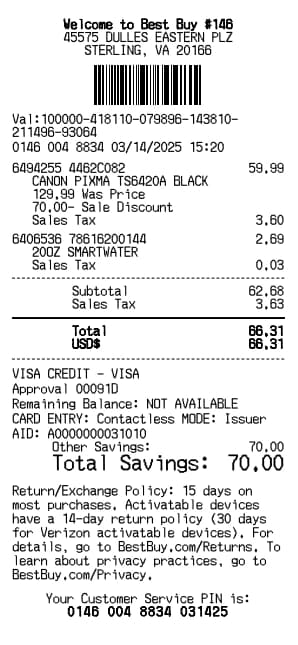
Best Buy Quittungsgenerator
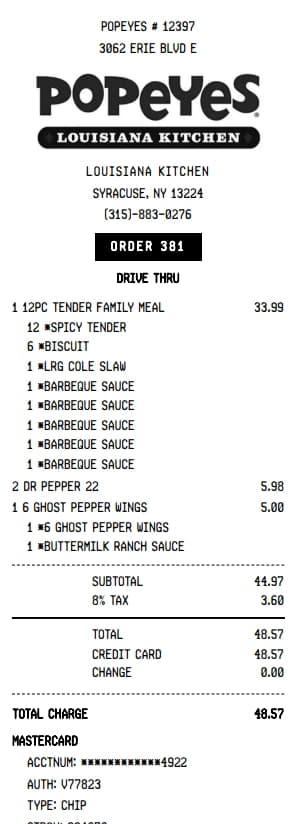
Popeyes Quittungsgenerator
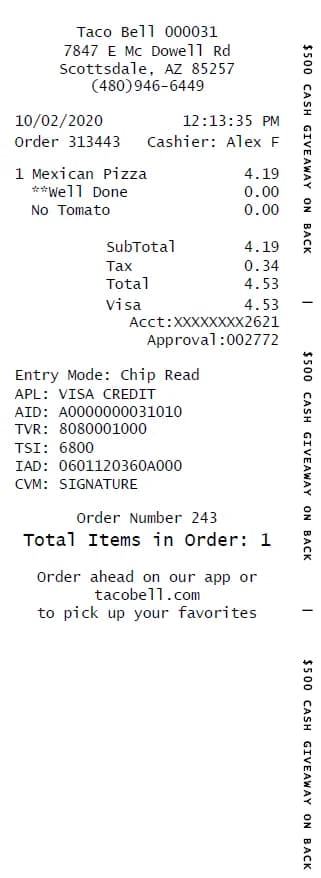
Taco Bell Quittungsgenerator
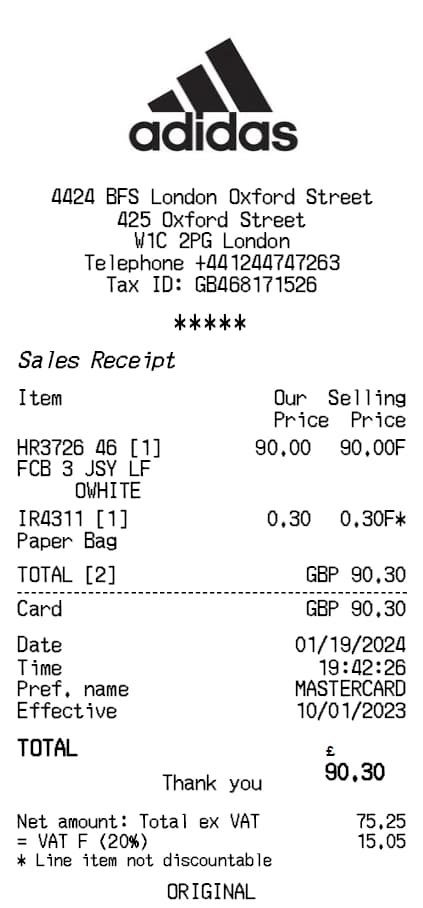
Adidas Quittungsgenerator
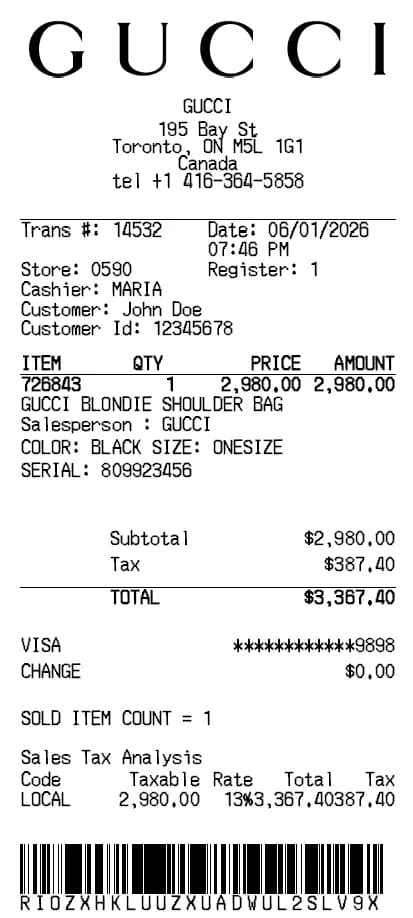
Gucci Quittungsgenerator
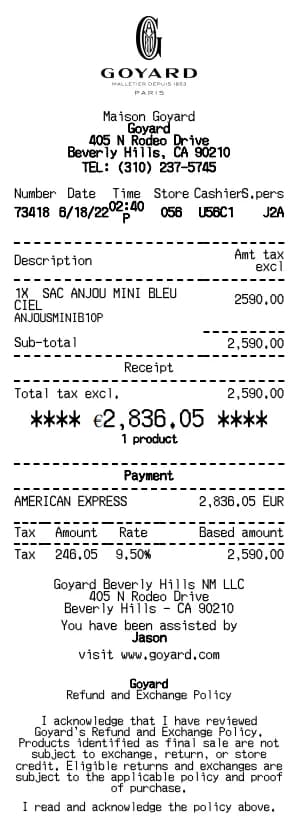
Goyard Quittungsgenerator
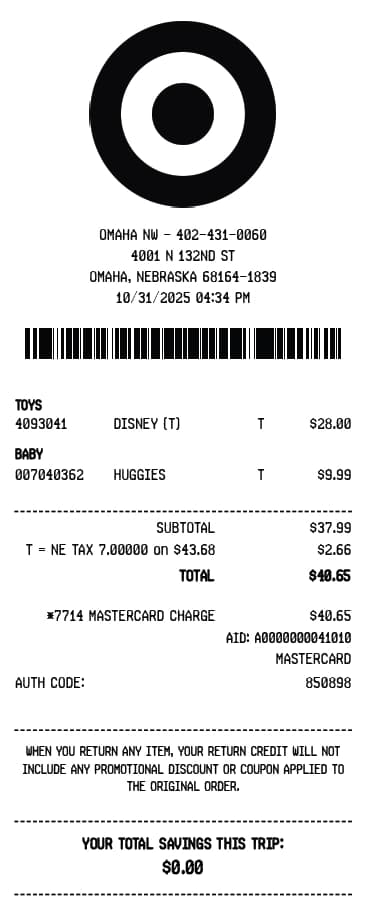
Target Quittungsgenerator
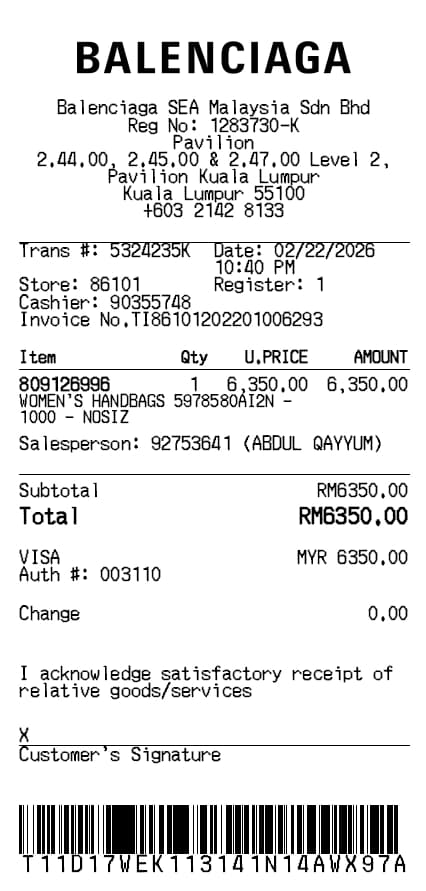
Balenciaga Quittungsgenerator
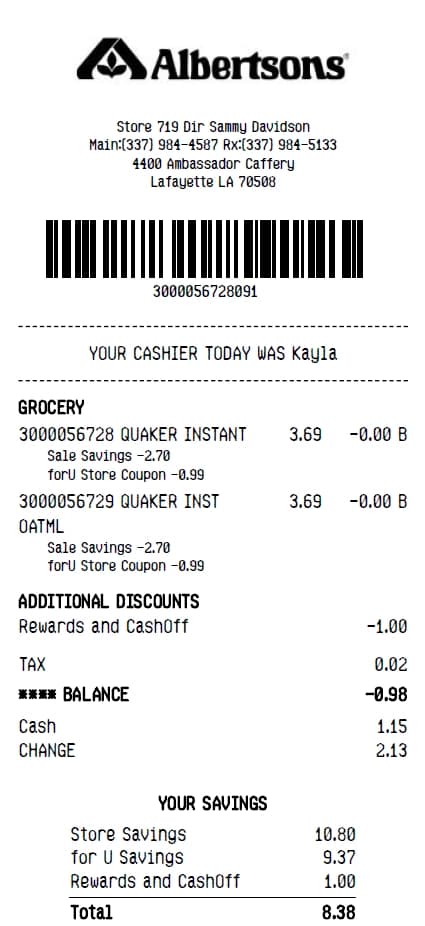
Albertsons Quittungsgenerator
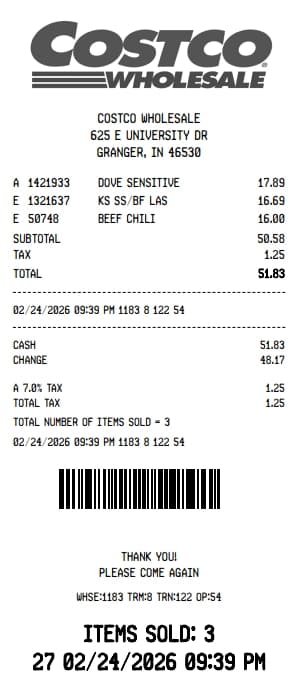
Costco Quittungsgenerator
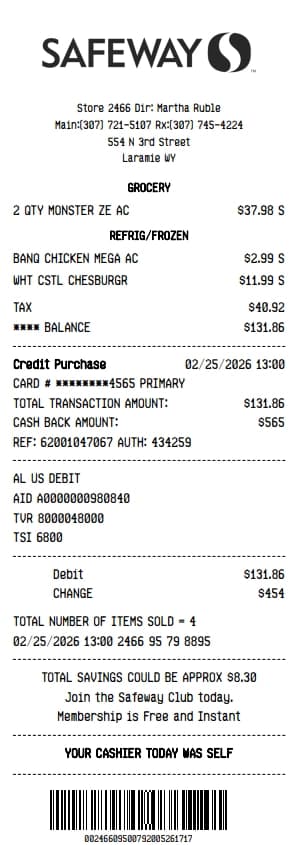
Safeway Quittungsgenerator
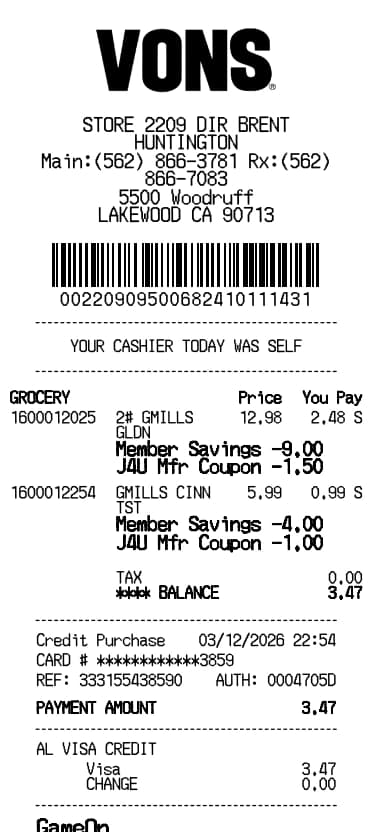
Vons Quittungsgenerator
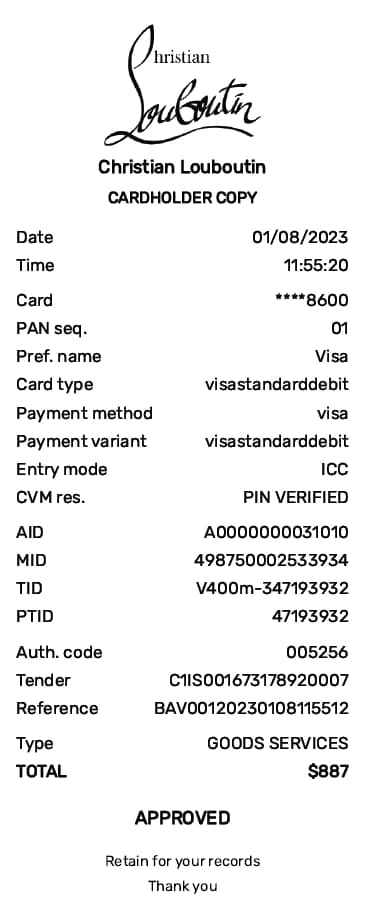
Christian Louboutin Quittungsgenerator
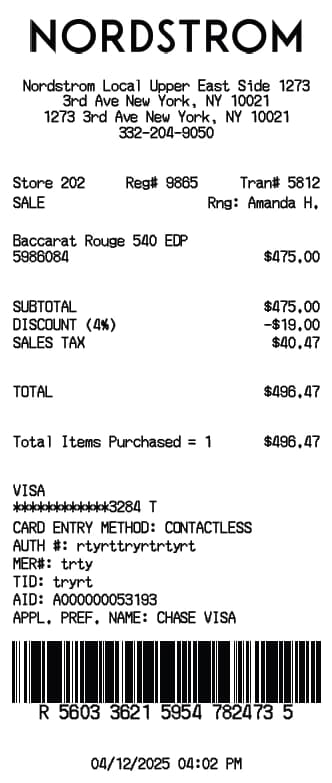
Nordstrom Quittungsgenerator
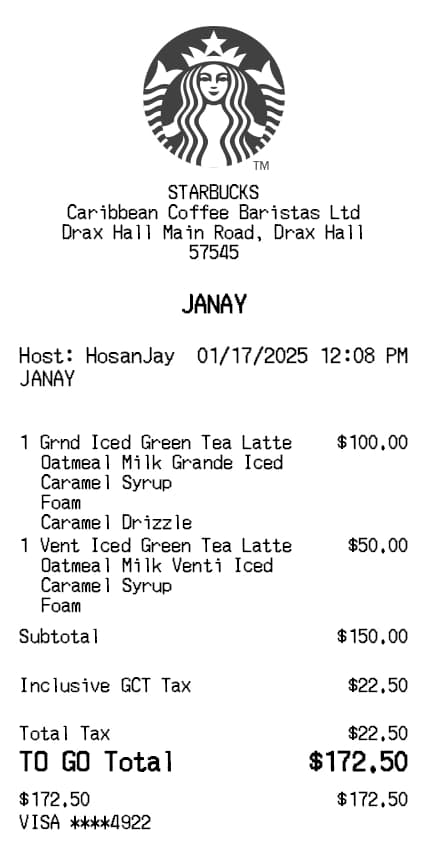
Starbucks Quittungsgenerator
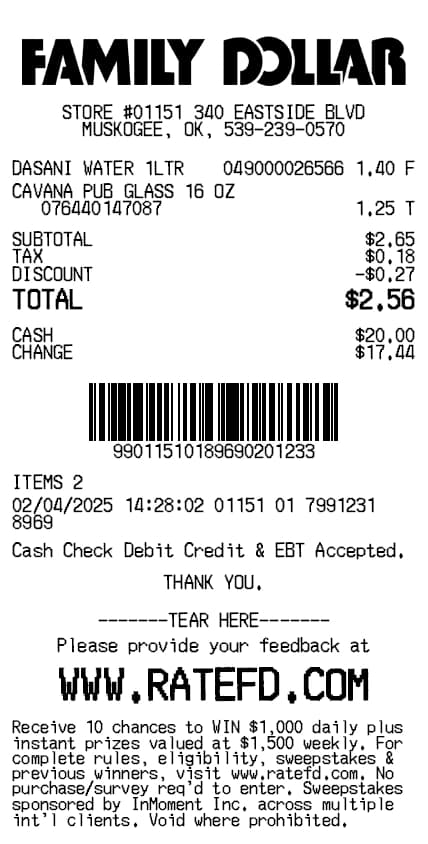
Family Dollar Quittungsgenerator
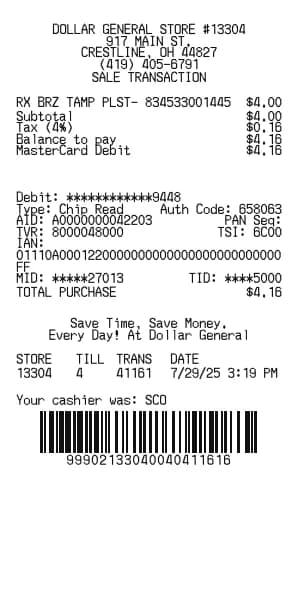
Dollar General Quittungsgenerator
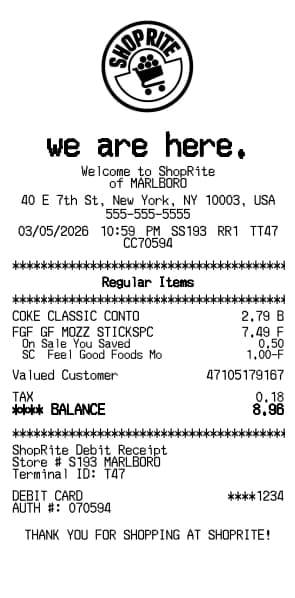
ShopRite Quittungsgenerator
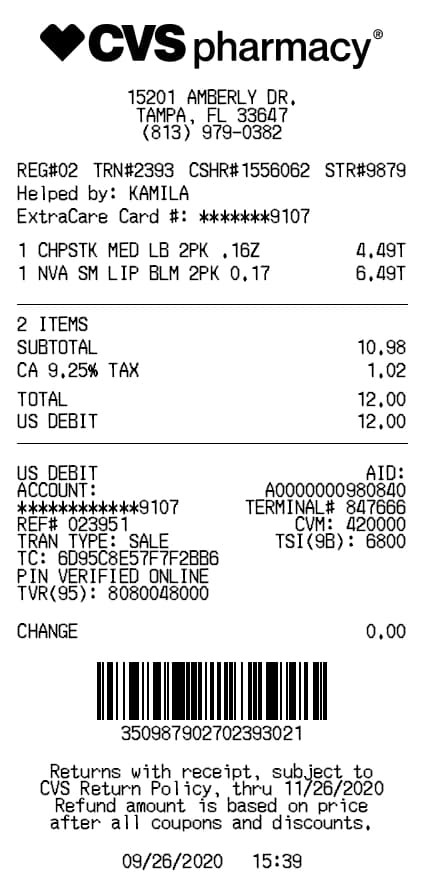
CVS Pharmacy Quittungsgenerator
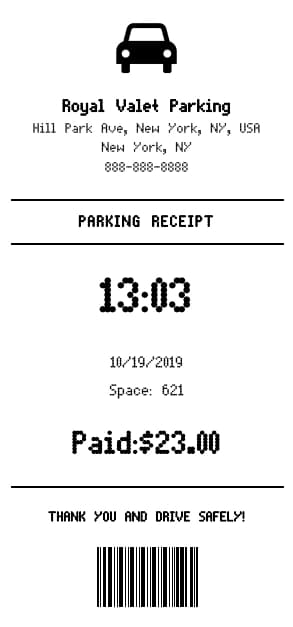
Parking Quittungsgenerator
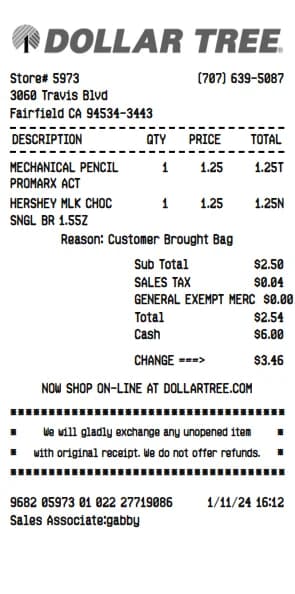
Dollar Tree Quittungsgenerator
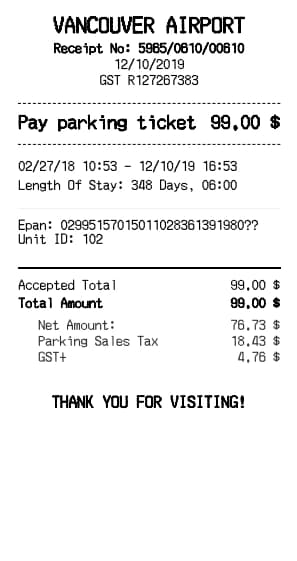
Airport Parking Quittungsgenerator
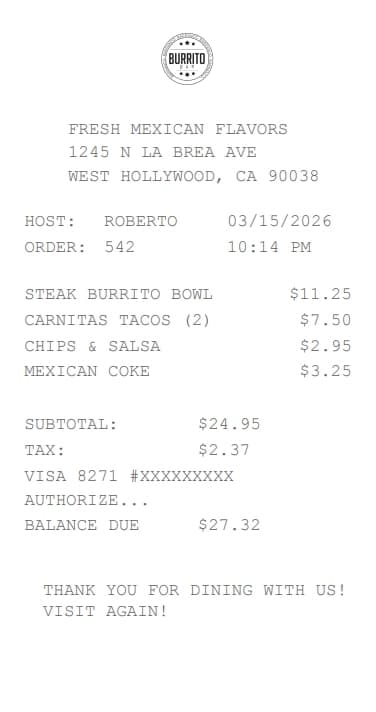
Burrito Bar Quittungsgenerator
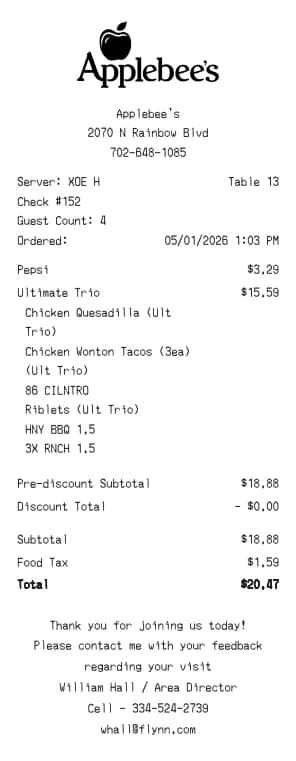
Applebee's Quittungsgenerator
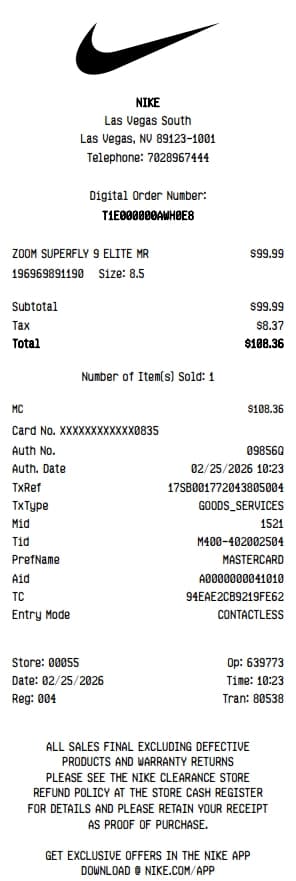
Nike Quittungsgenerator
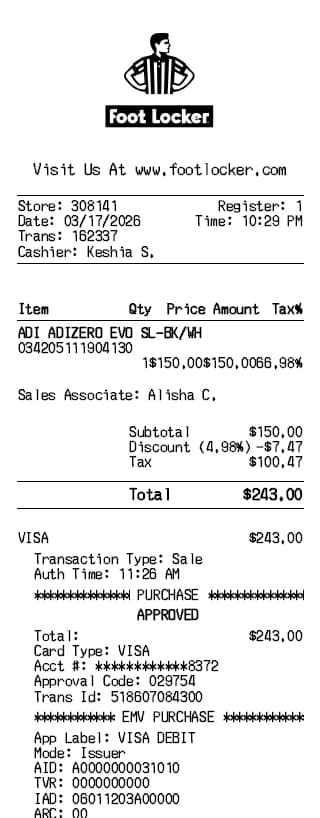
Foot Locker Quittungsgenerator
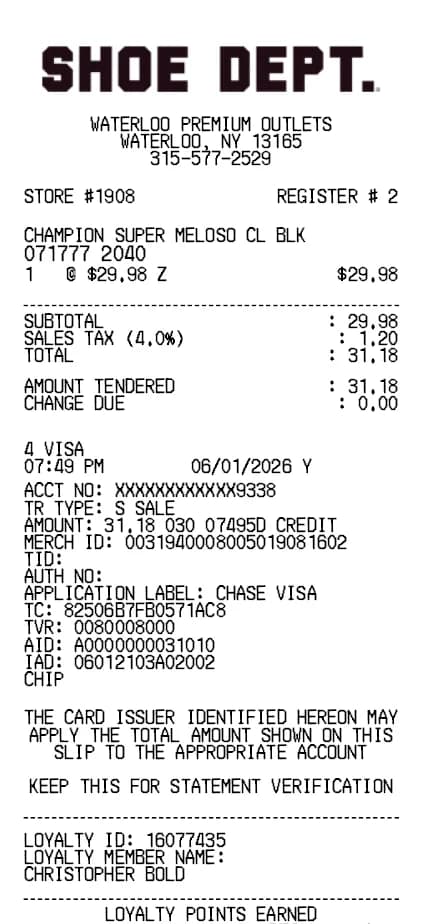
Shoe Quittungsgenerator
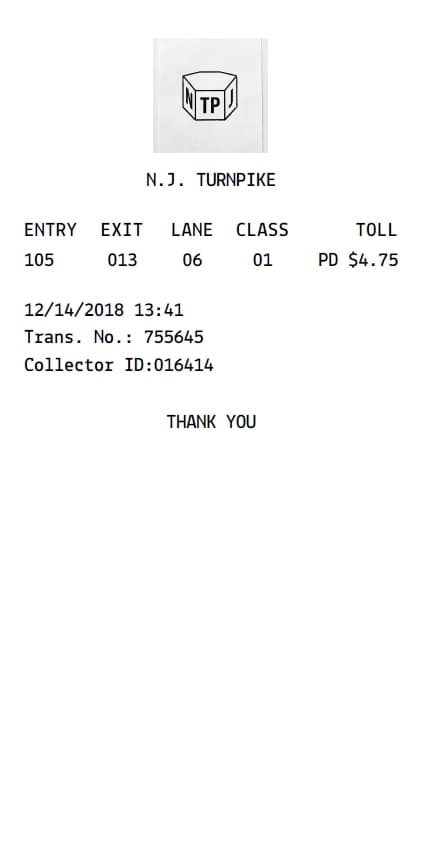
Toll Quittungsgenerator
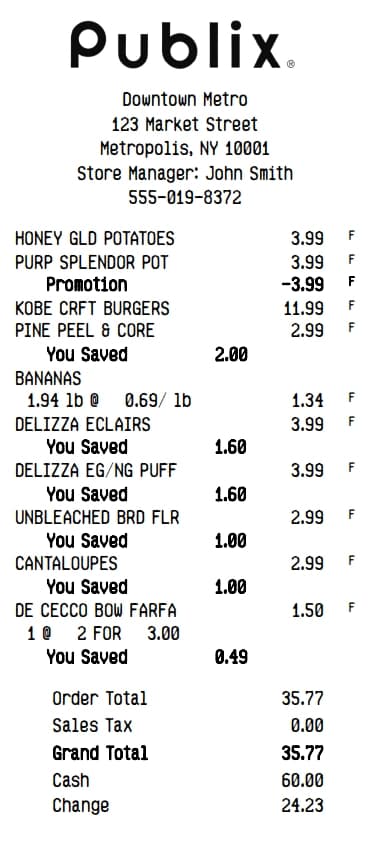
Publix Quittungsgenerator
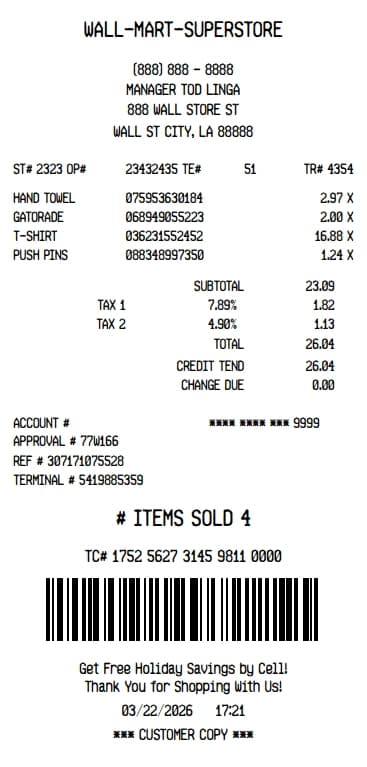
Walmart Superstore Quittungsgenerator
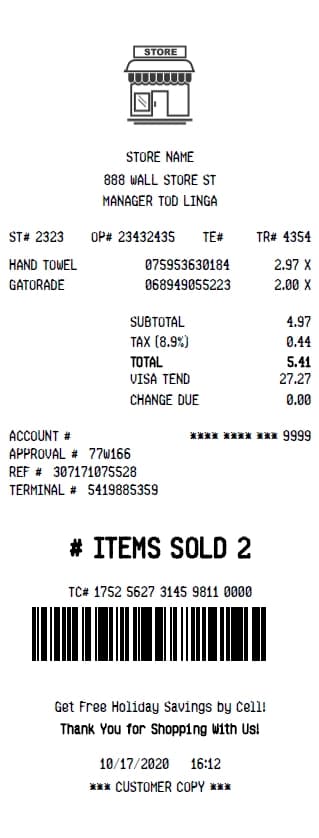
Store Quittungsgenerator
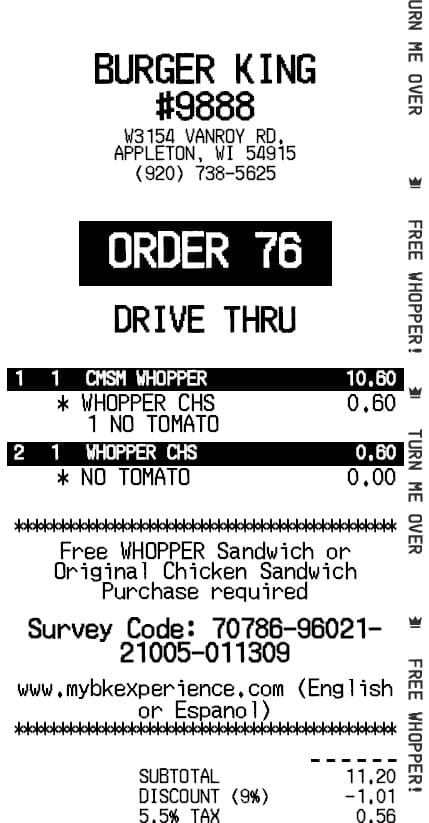
Burger King Quittungsgenerator
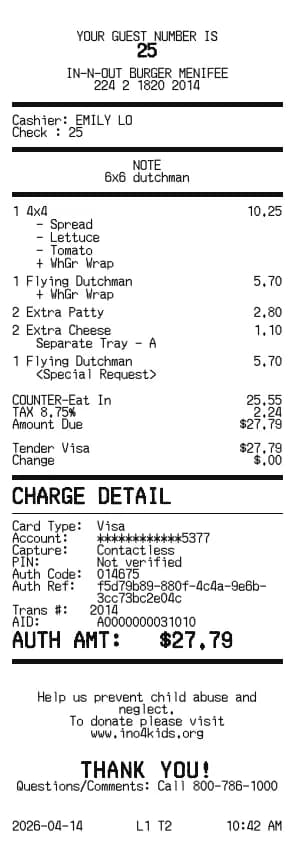
In-N-Out Quittungsgenerator
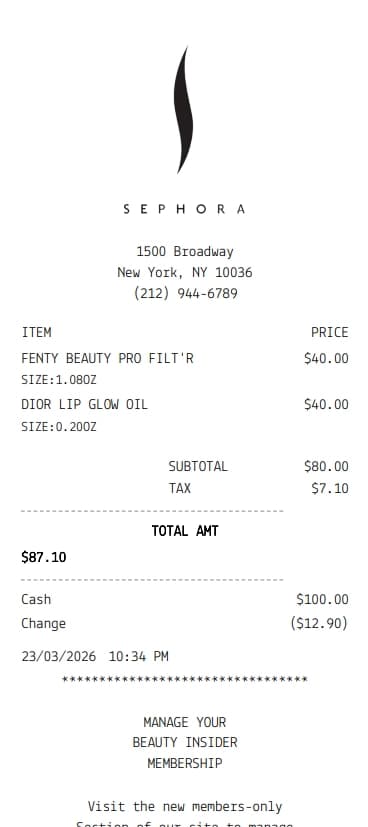
Sephora Quittungsgenerator
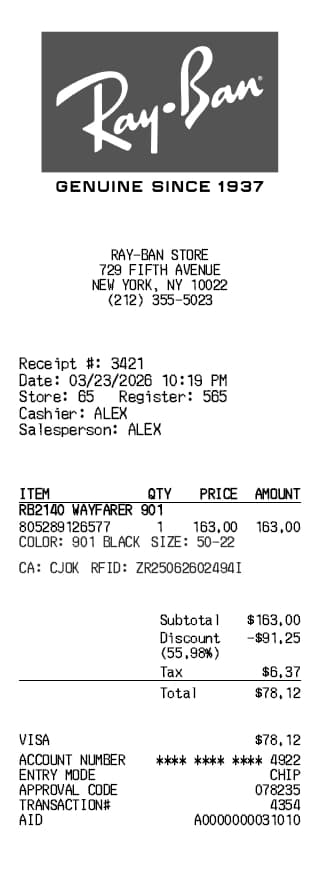
Ray-Ban Quittungsgenerator
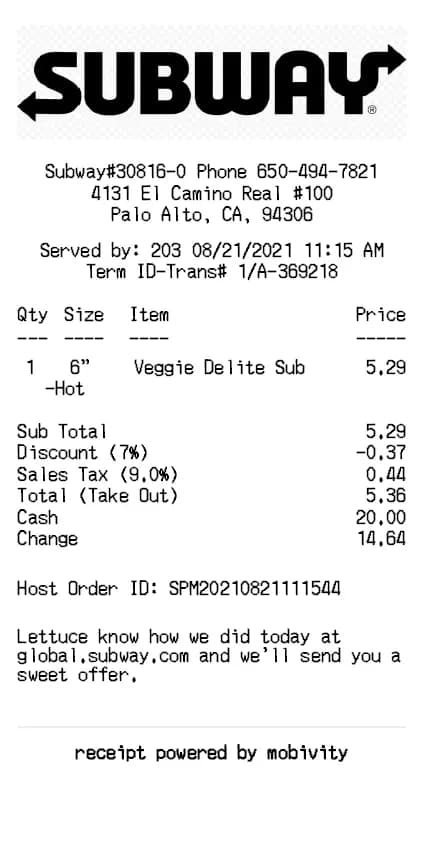
Subway Quittungsgenerator
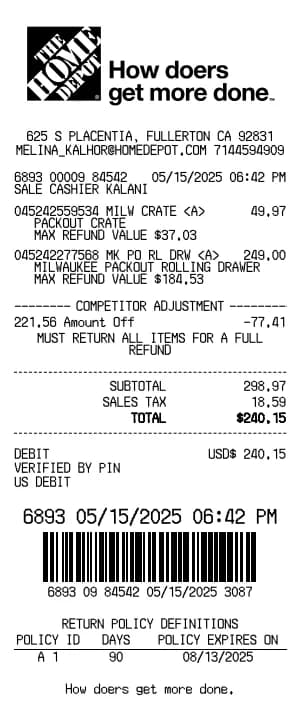
Home Depot Quittungsgenerator
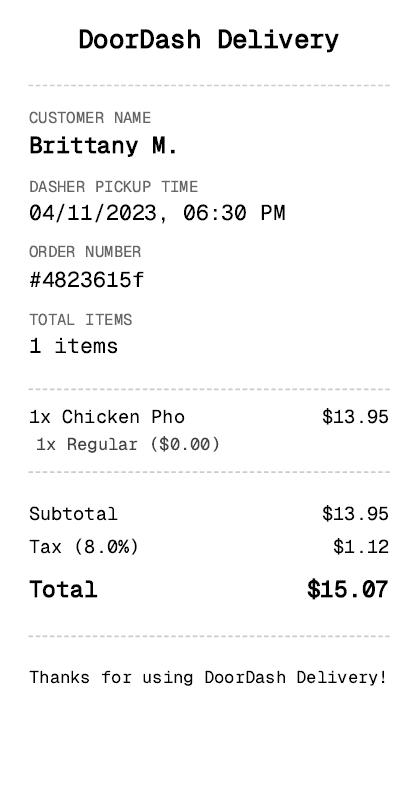
DoorDash Quittungsgenerator
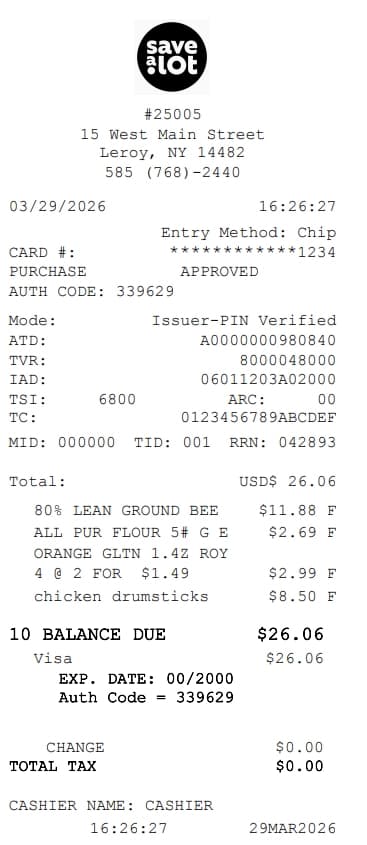
Save A Lot Quittungsgenerator
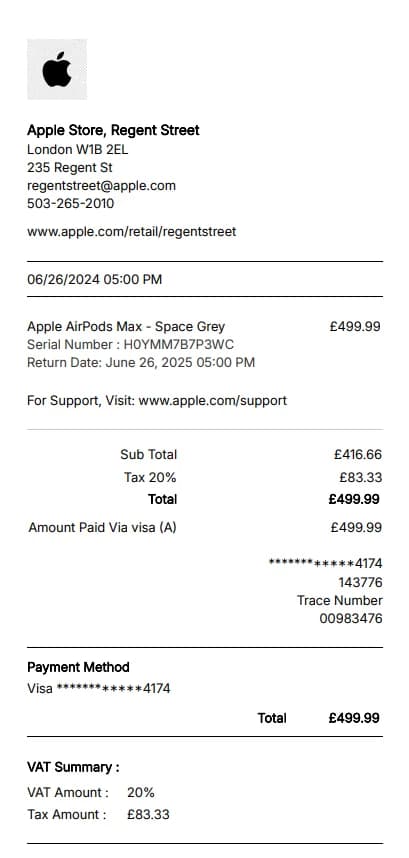
Apple Store Quittungsgenerator
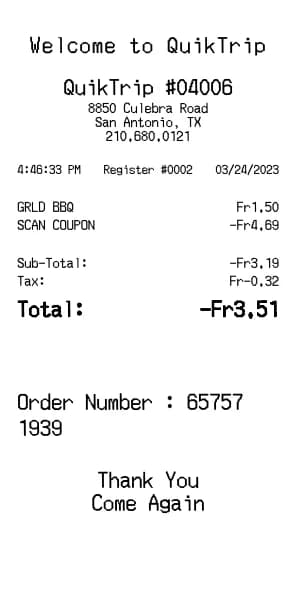
QuikTrip Quittungsgenerator
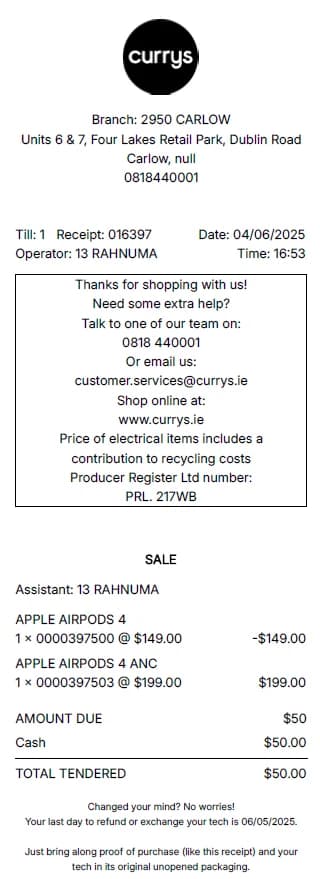
Currys Quittungsgenerator
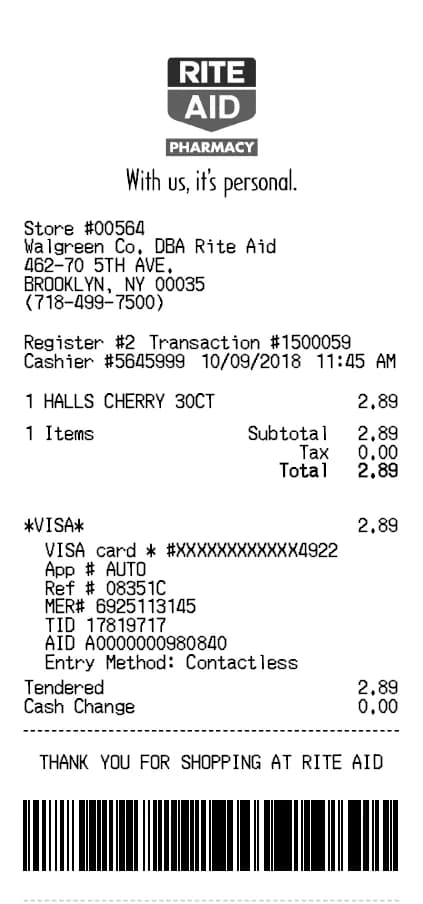
Rite Aid Quittungsgenerator
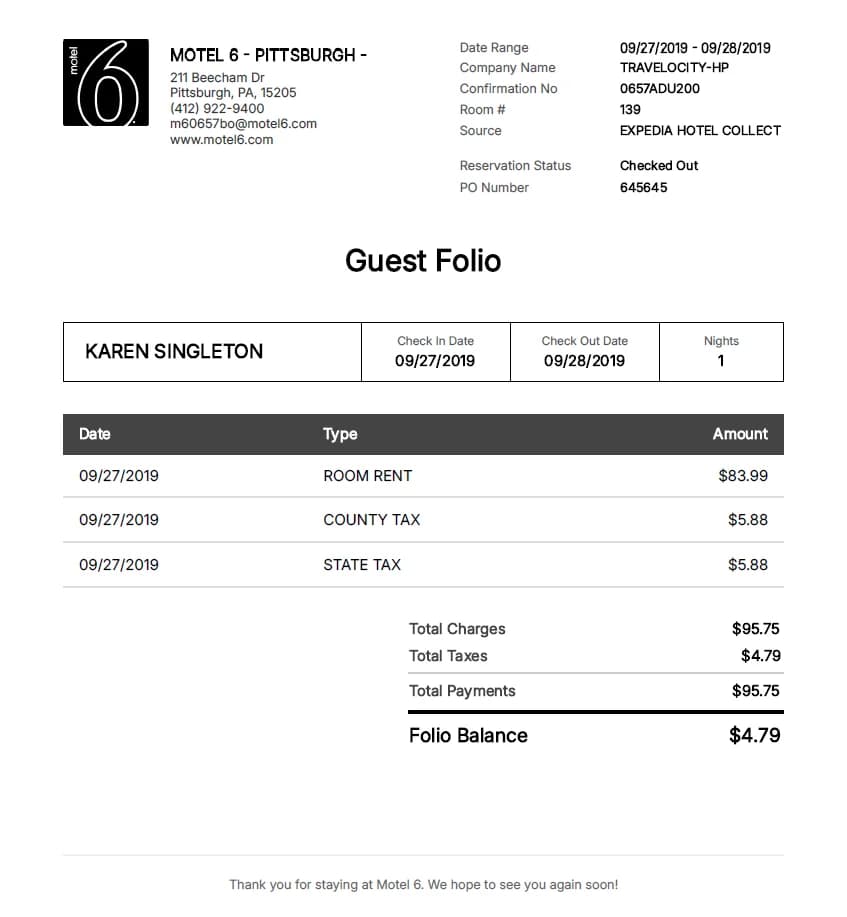
Motel 6 Quittungsgenerator
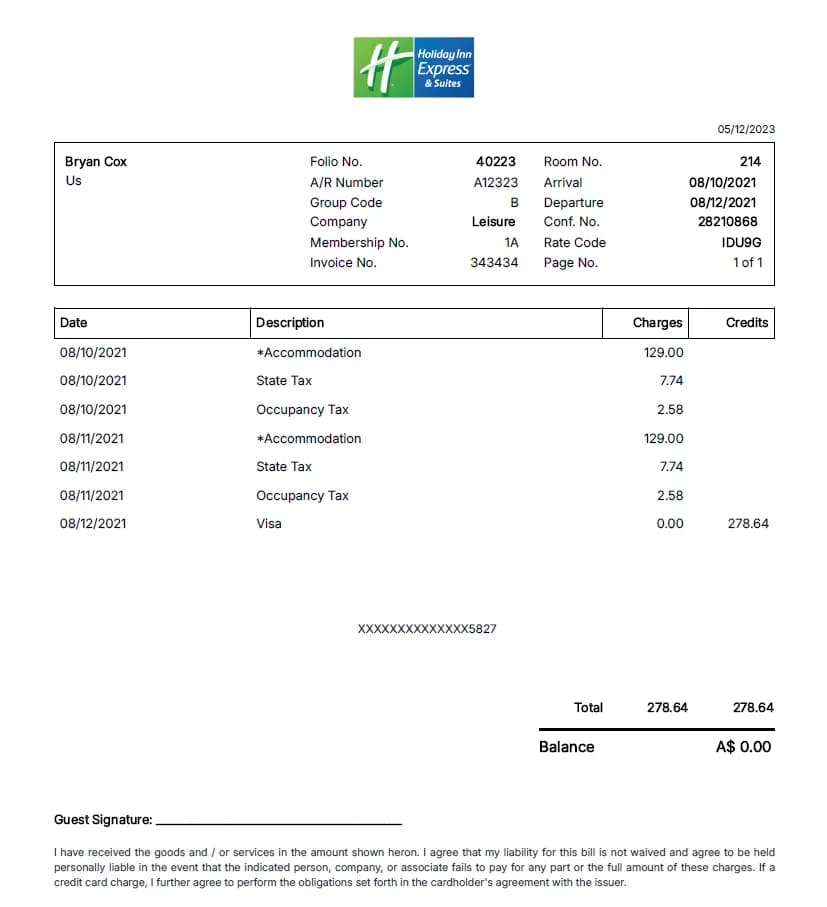
Holiday Inn Quittungsgenerator
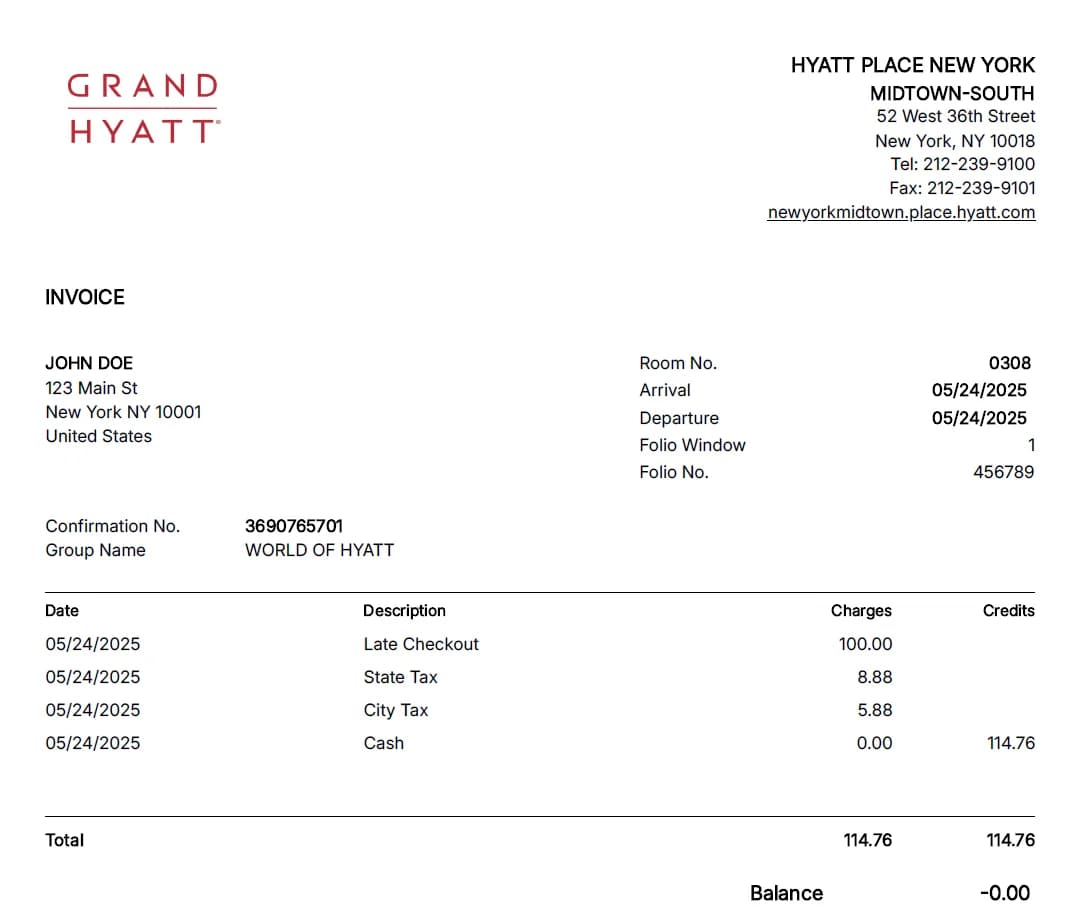
Hyatt Palace Quittungsgenerator
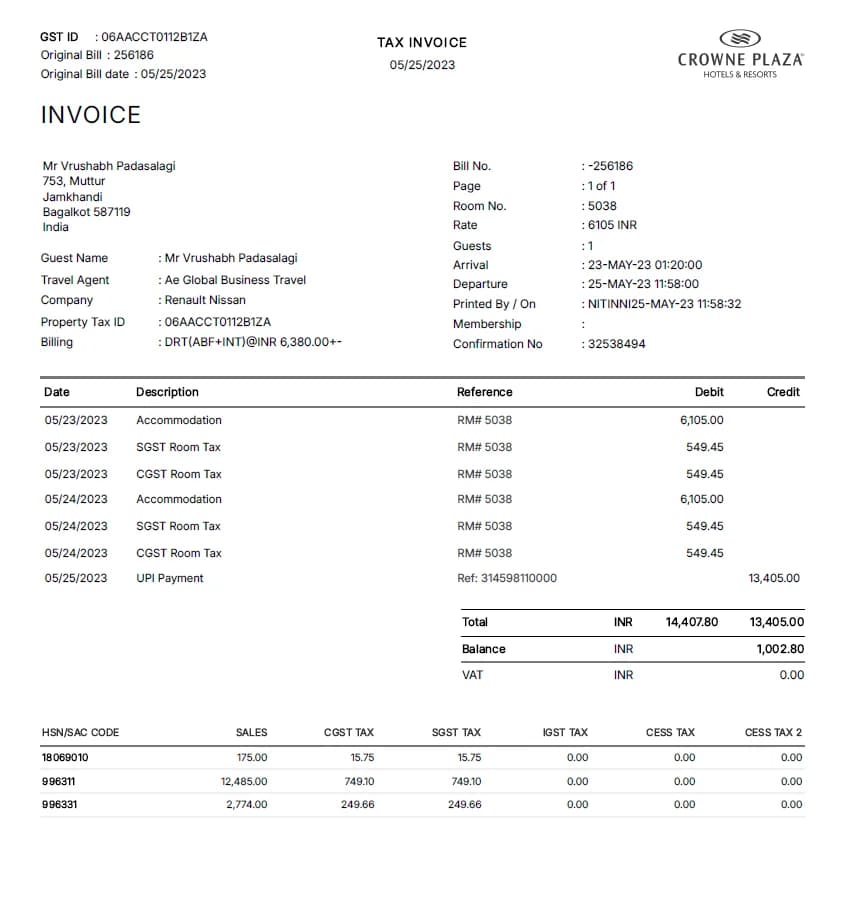
Crowne Plaza Quittungsgenerator
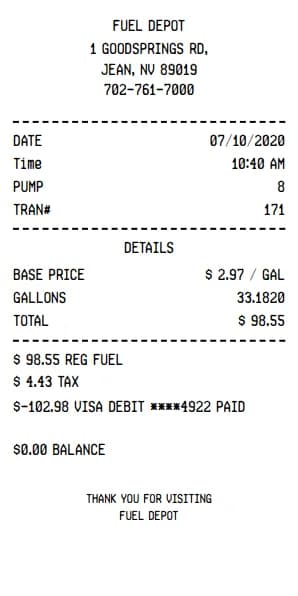
Gas-Fuel Quittungsgenerator
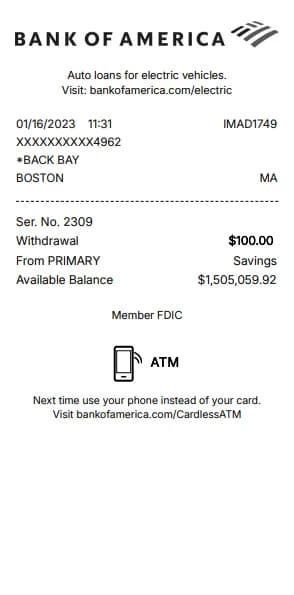
Bank of America ATM Quittungsgenerator
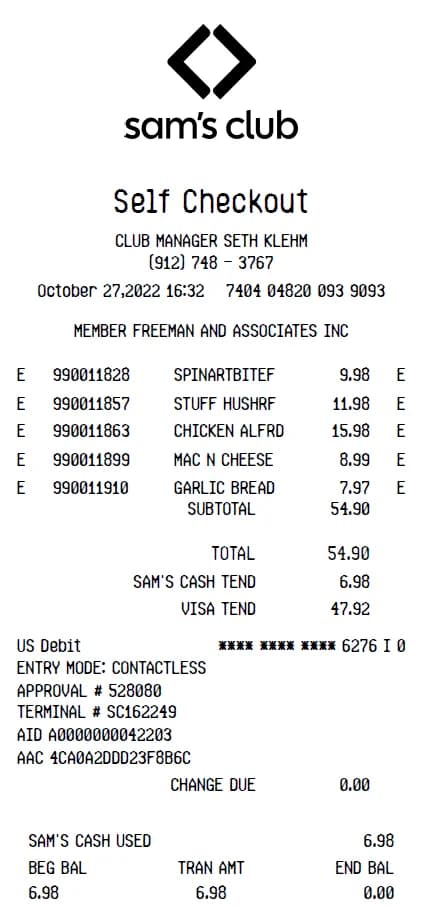
Sam's Club Quittungsgenerator
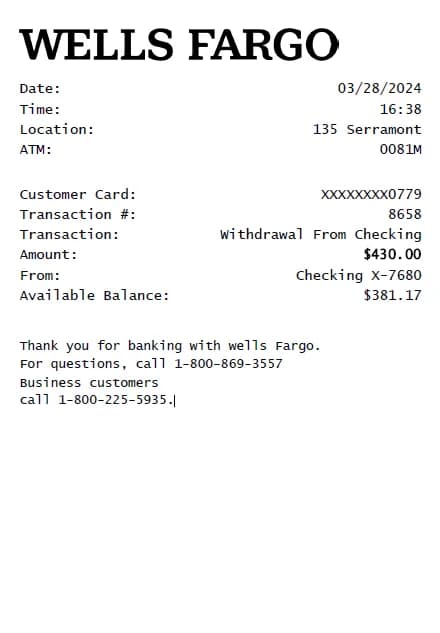
Wells Fargo ATM Quittungsgenerator
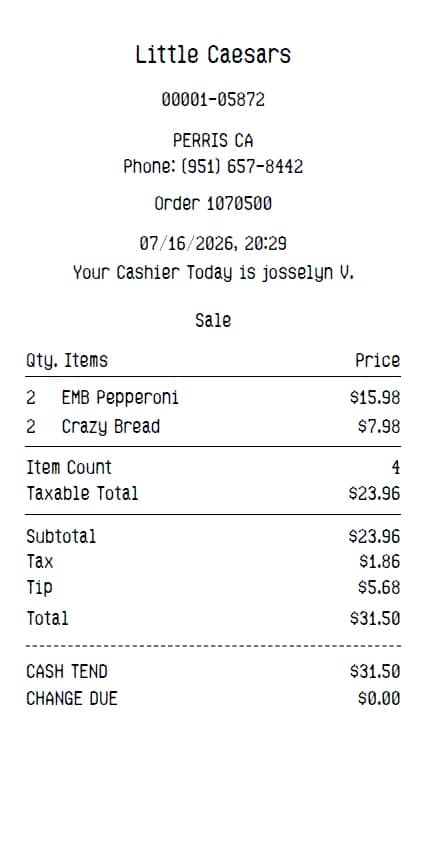
Little Caesars Quittungsgenerator
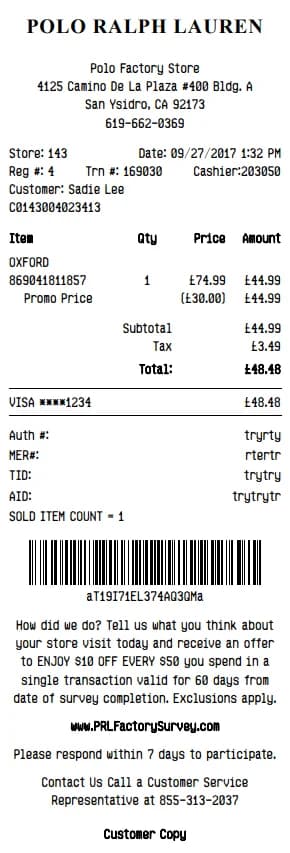
Polo Ralph Lauren Quittungsgenerator
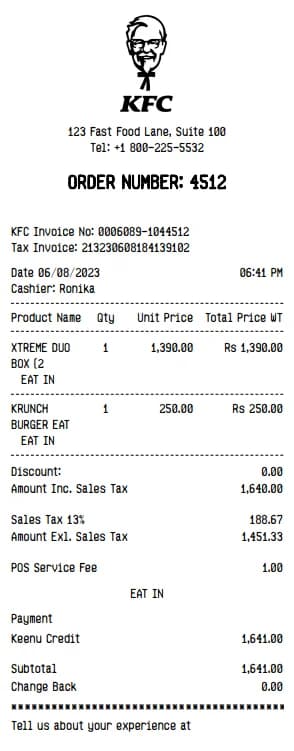
KFC Quittungsgenerator
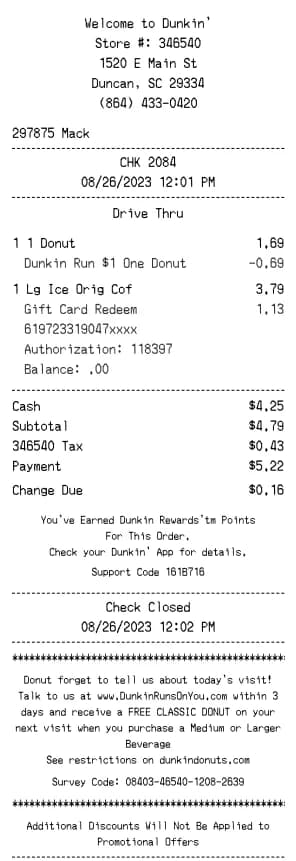
Dunkin' Donuts Quittungsgenerator
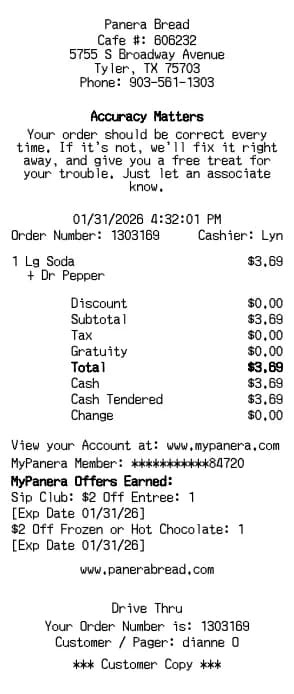
Panera Bread Quittungsgenerator
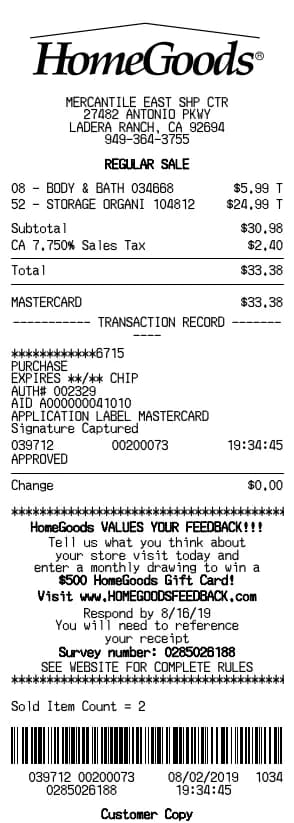
HomeGoods Quittungsgenerator
Frequently Asked Questions
Everything you need to know about our receipt templates and tools. Can't find the answer you're looking for? Contact us at [email protected].
BuildReceipts.com is an online receipt builder that helps you create clean, professional-looking digital receipts for everyday record‑keeping. It’s designed to be simple and fast, so you can document purchases, track expenses, and keep your records organized without complicated software.
BuildReceipts.com is built for anyone who wants a quick way to create and save receipts for personal documentation—individuals, families, roommates, students, freelancers, and anyone who prefers digital records instead of paper clutter.
No. BuildReceipts.com runs in your browser, so you can create and download receipts online without installing any apps or software.
You simply enter the receipt details using the form on the website, review the preview, and then download your receipt when you’re ready. The process is designed to be straightforward, even if you’ve never used an online receipt generator before.
Yes. After you create a receipt, you can easily edit it later from your Download History. We save your receipt history so you can open any previous receipt, make changes, and download an updated copy again whenever you need.
You can access your past receipts from your Download History. This makes it easy to reopen a receipt, review it, update information if needed, and download a fresh copy without starting over.
BuildReceipts.com provides a downloadable receipt you can save and share. The available file type and download options depend on what’s shown on the download screen, and the goal is to keep it easy to store and print when needed.
Yes. Once you download your receipt, you can print it like any other saved document. Many users print receipts for personal files, reimbursements, or paperwork that requires a physical copy.
Yes. BuildReceipts.com is designed to work on modern devices, including phones and tablets, so you can create receipts whether you’re at home or on the go.
If the receipt form includes fields for tax, discounts, shipping, tips, or other charges, you can add them during creation so your receipt reflects the total accurately. What you can include depends on the fields available in the receipt builder.
Acceptance depends on the organization requesting the receipt (a store, employer, bank, warranty provider, etc.) and their specific policies. BuildReceipts.com helps you generate documentation for record‑keeping, but we can’t guarantee third‑party acceptance in every situation.
We take privacy and security seriously and aim to follow modern best practices to protect user information. For the most accurate details about data handling and retention, please review our Privacy Policy (once published) and reach out if you have questions.
If you notice an error, open the receipt from your Download History, update the details, and download an updated version. This is the fastest way to correct typos or adjust information without recreating the receipt from scratch.
Yes—using an online receipt maker for legitimate documentation and personal record‑keeping is common. BuildReceipts.com is intended for honest, lawful use only, and we do not support using the platform to misrepresent transactions or create fraudulent documents.
If you need help, have feedback, or want to report an issue, email us at [email protected] and we’ll assist you as soon as possible.