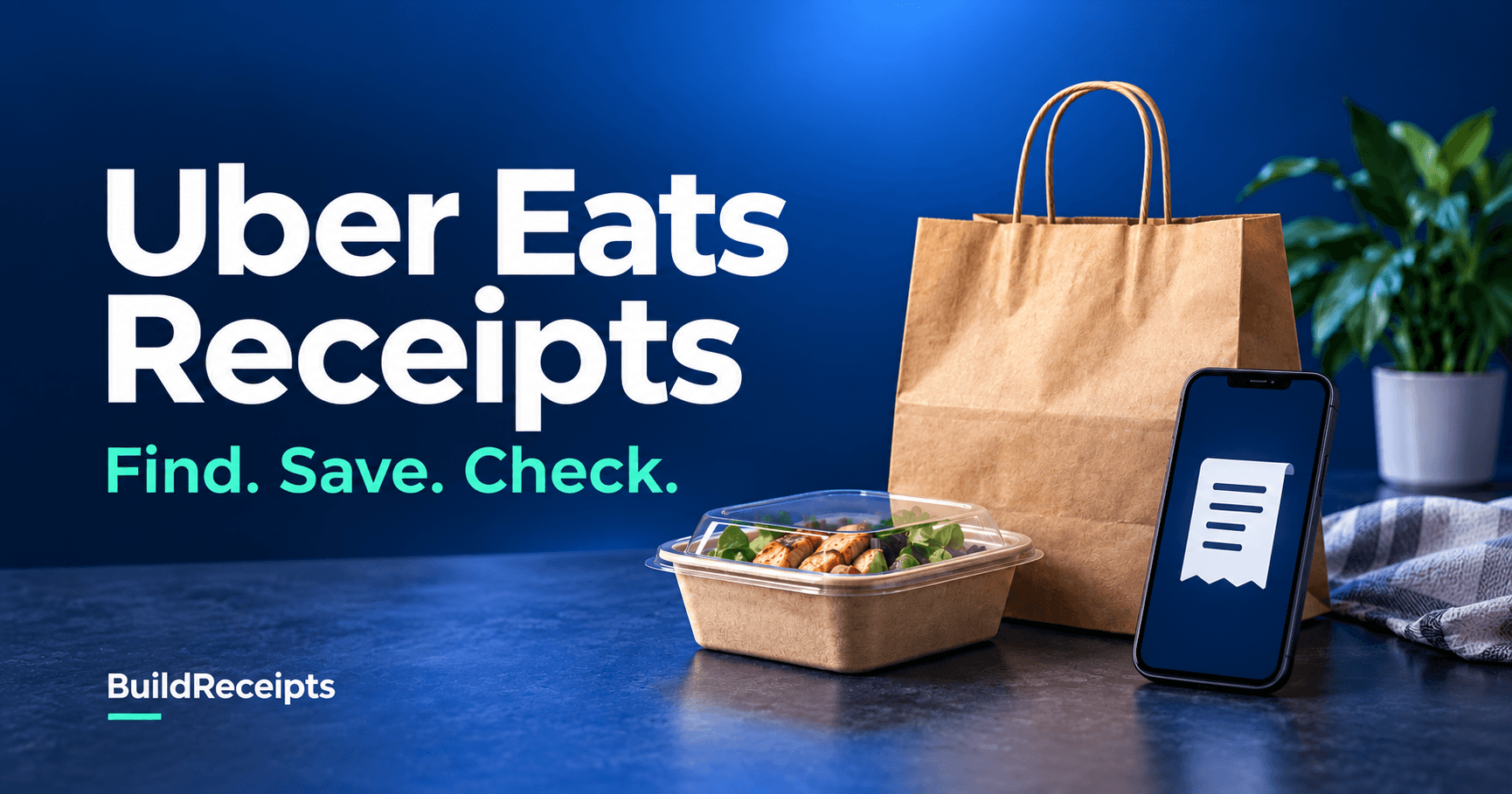
Uber Eats Receipt: Find, Save, and Check Your Order

BuildReceipts
Receipt Guides
Jump to Section
To find an Uber Eats receipt, open Account, choose Orders, then Past Orders. Pick the order and tap View receipt. You can also check the email address on your account. Save the full receipt so the items, fees, tip, and total stay together.
If you need it for work, do not stop at a card charge or an order list. You need the record for the right meal, on the right date. The quick checks below can help you spot a missing tip or a pending hold before you send it.
Independent guide by BuildReceipts. Official sources checked September 22, 2026. We are not part of Uber and cannot access its order system. The steps are based on public help pages, not a test using a customer's account.
How to find your receipt in the Uber Eats app
Uber's order-history guide gives this route for past meal orders.
Step 1: Open Account
Open the app and tap Account at the bottom. Make sure you are in the account that placed the order.
Step 2: Choose Orders
Open Orders, then Past Orders. Look for the date and restaurant name.
Step 3: Pick the right order
Open the meal you need. Check the items so you do not save a repeat order from a different day.
Step 4: Tap View receipt
Open View receipt. Use the receipt-view menu if one appears. Check the full breakdown, not just the total at the top.
For store orders, Uber's store receipt guide starts at the profile icon and Orders. Labels may vary by version. A car trip needs the separate Uber ride receipt steps.
How to find a receipt on the website or in email
Step 1: Open your past orders
Go to the official Uber Eats Orders page and sign in. Use the same account that made the purchase.
Step 2: Check the order record
Open the matching order and look for its receipt. If the web view does not give you the file you need, use the app route or email copy.
Step 3: Search the right inbox
Search for Uber Eats and the restaurant name. Check spam and junk too. Uber says it sends a receipt when payment is processed or within 24 hours of delivery. See its receipt delivery guidance.
Step 4: Keep the final copy
Open the email and check the date, items, and paid total. Keep the message as well as any saved file. Do not use a delivery update in place of the full receipt.
How to print or save an Uber Eats receipt as PDF
You do not need to change the order details to save them. Use a download option only if it is shown. Otherwise, the receipt email is a useful way to make a clear PDF.
- Step 1: Open the whole receipt on your computer.
- Step 2: Choose Print in your email app or browser.
- Step 3: Select Save as PDF or your device's PDF option.
- Step 4: Check the preview, save the file, then reopen it to check the last line.
On a phone, look for Print in the email menu or share sheet. The choices depend on your device. If the copy cuts off items, use a computer rather than sending a cropped screenshot.
Why does the receipt differ from the card charge?
Start with the receipt total, then check whether the bank entry is pending or posted. A pending hold is not the same as a final charge. Uber explains this in its duplicate-charge help page. The bank controls how long a released hold stays visible.
Here is an illustrative example. Your final receipt is $32, made up of $28 plus a $4 tip. The bank shows $32 posted and $28 pending. Do not add them and report a $60 meal. First confirm whether the pending entry is the hold for that order.
| What you see | What to check next |
| The tip seems missing | Open the final receipt and compare the tip line. Do not add it twice. |
| One pending and one posted entry | Match both to the order. Ask the bank about the pending hold if needed. |
| Two posted charges | Ask Uber support to check them. Do not assume both are holds. |
| A refund or price change | Keep the refund notice beside the original record. |
| Items are missing from the file | Check another receipt view or the full email before you export again. |
This is a checking method, not a finding about your payment. If the numbers still do not match, use help for that order. A full itemized receipt gives more context than a single total.
What if the order or receipt is missing?
Check the account, date, and ordering service first. If a friend or coworker placed the order, ask that person for the original copy. An order made through a restaurant's own site may not be in your Uber Eats history.
Then sign in to Uber Help and choose the affected order. Send the date, restaurant, order reference if known, and the exact problem. Share only the details support needs. Do not send a full card number.
I need the receipt for my order from [restaurant] on [date]. The issue is [missing email, missing receipt, or two posted charges]. The order reference is [if known]. Please help me get the full record or check the charge.
For an order placed with another delivery service, follow the DoorDash receipt guide instead. Each service keeps its own order history.
When can BuildReceipts help?
A missing order is frustrating, but a custom file cannot prove what Uber charged. Try the official routes first. BuildReceipts cannot look up an order, resend an Uber email, or correct its records.
For a clearly labeled personal copy based on known details, the Uber Eats-style receipt template lets you lay out an order. It is independent of Uber.
- Step 1: Open the template.
- Step 2: Enter only order details you can check.
- Step 3: Review each item, date, and total in the preview.
- Step 4: Keep the result clearly marked as your own custom record.
Custom documents are not official merchant receipts or valid substitutes for proof of purchase. Do not present one as an Uber-issued receipt for a refund, tax claim, or work expense.
Final answer
Find the order, open the full receipt, and check the final total before you save it. If a file or charge looks wrong, ask Uber to fix the source record. Keep your PDF with the email so you can find both later.
Frequently Asked Questions
Have more questions about Uber Eats Receipt: Find, Save, and Check Your Order? Check out these common queries.