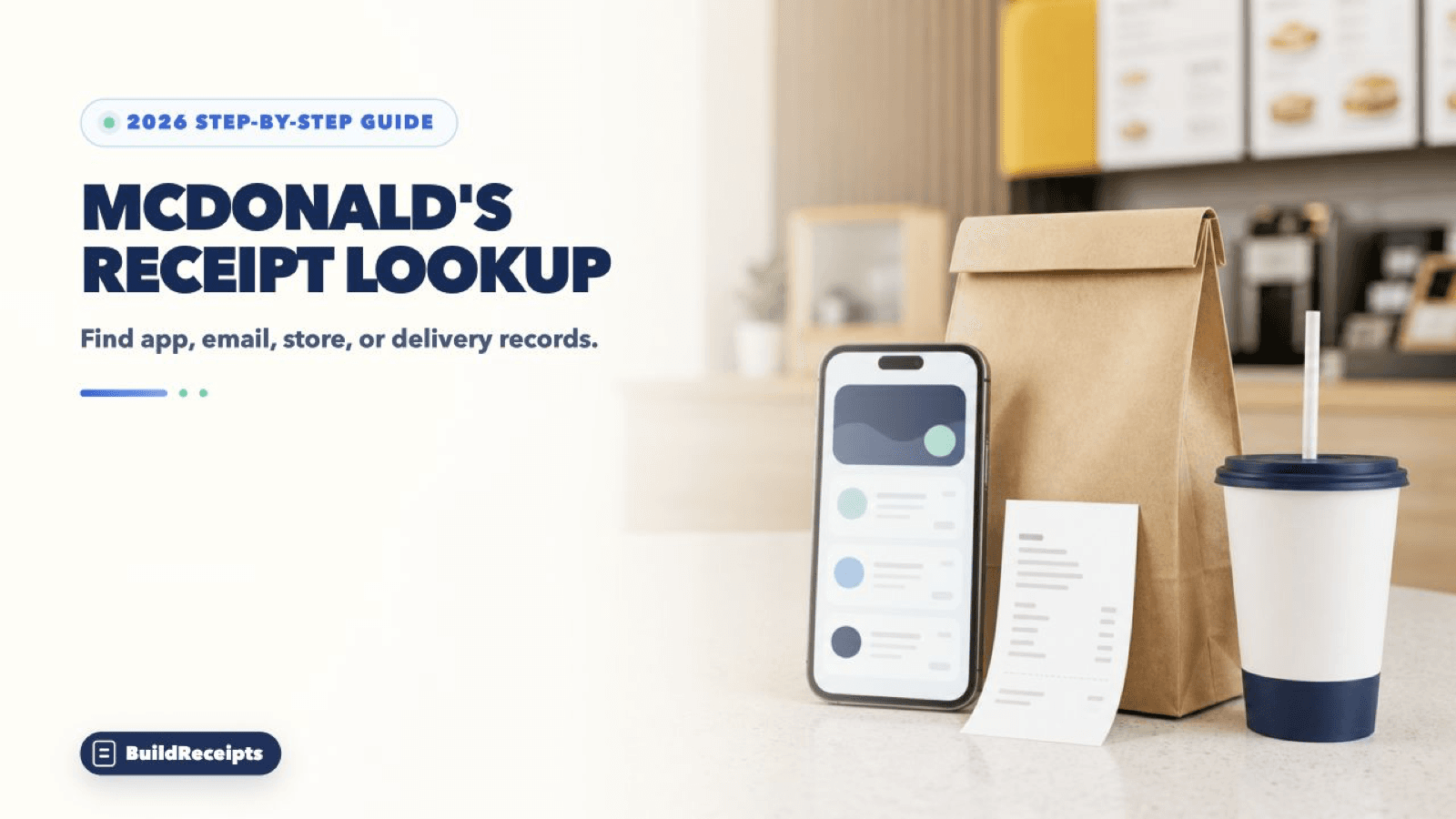
McDonald's Receipt Lookup: Find App and Store Receipts

Sarah Jenkins
Content Writer
Jump to Section
Quick answer: For a McDonald's receipt lookup, start with Recents in the app. Also check your account email. For a counter, kiosk, or drive-thru sale, ask the same restaurant. For delivery, check the company that handled the order.
McDonald's has no public U.S. search for every receipt. The right path depends on how you ordered.
This guide covers app and store orders. It also covers delivery, receipt numbers, lost points, and missing orders.
Updated August 25, 2026. Written by Sarah Jenkins, Content Writer. Reviewed by the BuildReceipts Editorial Team against current McDonald's U.S. help pages.
Which McDonald's Receipt Lookup Path Should You Use?
| How you ordered | Where to look first | Next step if missing |
| McDonald's app pickup order | App Recents and account email | Contact the selected restaurant |
| Front counter or drive-thru | Paper receipt | Ask the same restaurant if a reprint is possible |
| Self-order kiosk | Printed receipt or order screen | Ask that restaurant with the date, time, and total |
| McDelivery in the McDonald's app | Email receipt and vendor name | Contact the listed delivery vendor |
| DoorDash, Uber Eats, or Grubhub order | That app's order history | Contact that delivery service |
| Cash sale with no receipt | The restaurant that took the order | Give the time, amount, items, and order details |

How to Find a McDonald's Receipt in the App
McDonald's U.S. help center puts recent orders under Recents. The app may show an order record, not a full receipt.
Step 1: Open the McDonald's app. Sign in to the account used for the order.
Step 2: Make sure the phone has Wi-Fi or cellular service.
Step 3: Tap Recents in the bottom navigation bar.
Step 4: Open the matching order. Check the restaurant, items, date, and total.
Step 5: Save the details shown on your device. Need a full receipt? Check your email next.
Is the order missing? Check that you used the same login. Stay online while you view recent orders.
How to Find a McDonald's Email Receipt
Step 1: Open the inbox for the email used in the McDonald's app.
Step 2: Search for McDonald's, the date, or the amount. Check Spam, Junk, and Trash too.
Step 3: Open the matching message. Check the store, vendor, order number, items, and total.
Step 4: Does the message have all key facts? Print it or save it as a PDF.
No app button works for every order. The screen can change by order type and app version.
How to Get a Receipt From a Restaurant, Drive-Thru, or Kiosk
A counter, kiosk, or drive-thru sale may not link to your account. Ask the restaurant that took the payment.
Step 1: Find the exact McDonald's location. A map, bank charge, or app order may help.
Step 2: Note the date, rough time, total, payment type, and items.
Step 3: Call or visit that restaurant. Ask if it can find or print the sale.
Step 4: Staff may not find the sale. Ask what other real record they will accept.
A reprint depends on the store and age of the sale. McDonald's does not promise a copy of every old receipt.
How to Find a McDonald's Delivery Receipt
First find who handled the delivery. McDonald's says the email can show the vendor name.
Step 1: Open the McDonald's order email and find the vendor name.
Step 2: Does it say DoorDash? Open that app's order history. Our DoorDash receipt guide shows each step.
Step 3: Does it say Uber Eats? Open the order in Uber or Uber Eats. The Uber receipt guide shows how to save it.
Step 4: Did you use Grubhub or another app? Use that app's account and help team.
Contact the delivery partner about a delivery problem. The restaurant may not control its receipt or refund.
Where to Find Numbers on a McDonald's Receipt
McDonald's lists the key fields needed for help or lost points.
| Receipt field | Where to find it | What it means |
| Restaurant number | Near the middle, above the address | The location ID shown as Restaurant #XXXX |
| Visit date | Right side of the receipt | The day of the sale |
| Visit time | Next to the date | The time of the sale |
| Order number | Below the date and time | A two-digit order number |
| Order total | Line marked Take-Out Total | The final receipt total |

How to Add Missing McDonald's Rewards Points
You need the paper receipt details for this path. Follow these U.S. app steps.
Step 1: Tap More in the bottom navigation.
Step 2: Select Add Missing Points from Receipt.
Step 3: Select Enter Receipt Details.
Step 4: Enter the restaurant number, visit date, visit time, order number, and order total.
Step 5: Select Submit.
Points can take 24 hours to show. Still missing? Use Contact Us in the app. Add the real order facts.
What If You Were Charged but Cannot Find the Order?
First check if the card charge is pending. A pending line can change or go away. Then check Recents, email, and the exact restaurant.
For a paid pickup order, contact the restaurant. Do the same for a refund. For delivery, contact the delivery vendor. Is the charge not yours? Call your bank and change your app password.
| Problem | Simple next step |
| Recent order is not shown | Check the login and internet connection, then open Recents again |
| No email arrived | Search Spam and Junk, then confirm which email the account uses |
| Paper receipt was lost | Contact the same restaurant with the date, time, amount, and payment details |
| Delivery receipt is missing | Use the delivery vendor's order history and support |
| Bank charge has no item list | Use it to identify the sale, but ask for an itemized merchant record |
| The charge is not yours | Contact the bank and secure the app account |
Is the official copy gone? The lost receipt guide shows other real records to collect before you ask for help.
How BuildReceipts Can Help With a Personal Record
The custom receipt layout can arrange facts you know. Use it for a private file, design sample, or lesson. Add only facts from your own real records.
BuildReceipts cannot search McDonald's systems. It cannot recover a receipt or confirm a sale. A custom copy is not valid proof. Do not use it for a refund, points, tax, work claim, or dispute. Use the real store or delivery record.
Conclusion
Start with Recents and your app email. For a counter, drive-thru, or kiosk sale, ask the same store. For delivery, ask the vendor that handled it.
Save the real receipt when you find it. A personal copy can sort known facts. It cannot replace the real order record.
Primary Sources
Facts in this guide were checked on August 25, 2026. We used official U.S. pages. Sources cover recent orders, receipt fields, and lost points. We also checked refund help and support.
Content updated September 25, 2026. Source checks and edits were AI-assisted. No new human or professional review is claimed.
Frequently Asked Questions
Have more questions about McDonald's Receipt Lookup: Find App and Store Receipts? Check out these common queries.