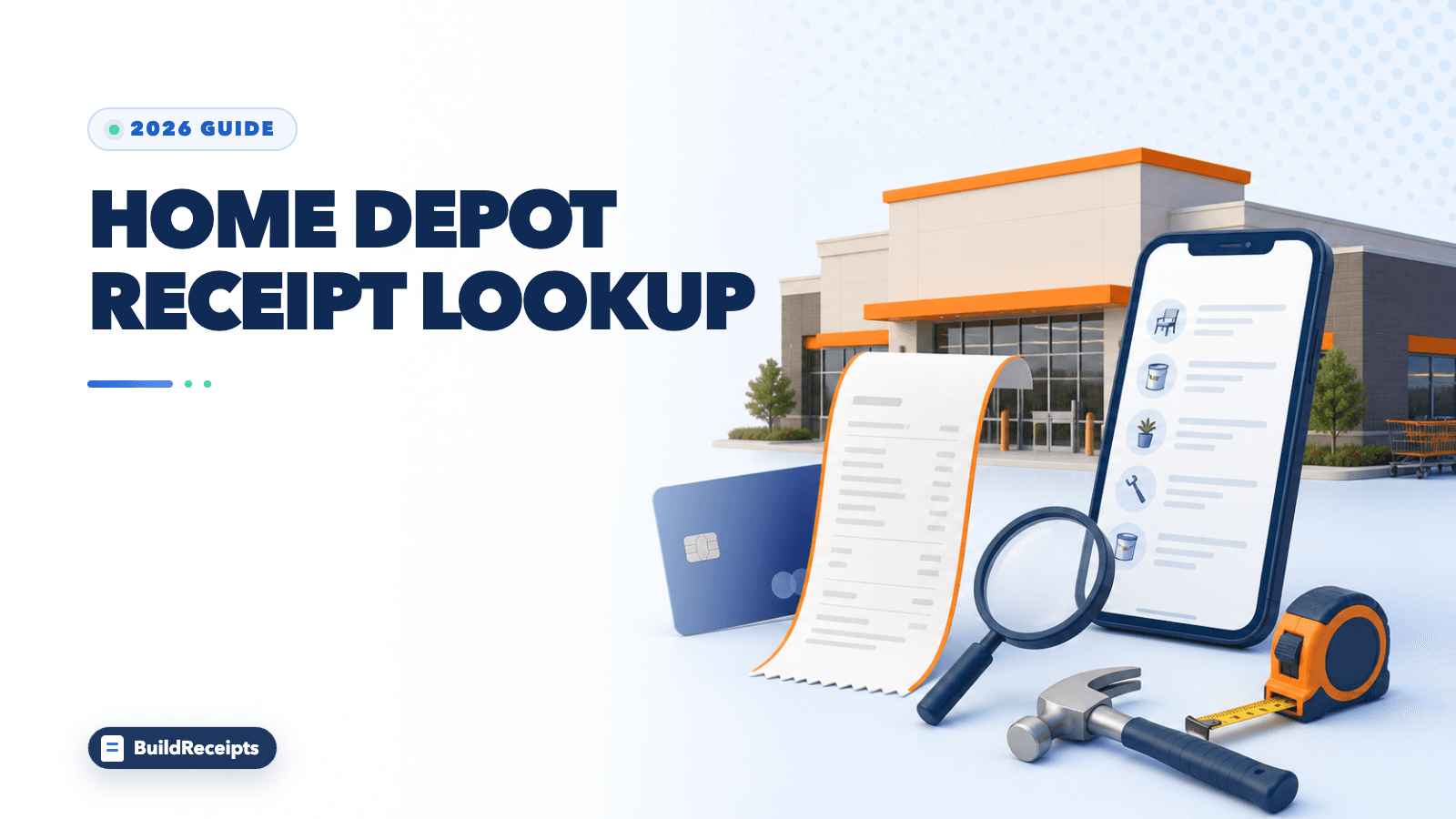
Home Depot Receipt Lookup: Find or Reprint a Receipt

Sarah Jenkins
Content Writer
Jump to Section
The fastest Home Depot receipt lookup is Purchase History. Sign in, open the purchase, and choose View Receipt. A physical card can also help a store search for some past sales.
Home Depot says it can often find marked payments for up to 24 months. This covers many card, check, gift-card, and store-credit sales. Cash and mobile-wallet sales have special limits.
Use the path that matches how you paid. This guide shows what to try online, what to bring to the Service Department, and what to do if no official record is found.
What Is the Fastest Way to Find a Home Depot Receipt?
Check Purchase History first. If the sale is missing, add the physical card used for the purchase to your account. If that still does not work, take the card and purchase details to the store.

| Purchase | Best first step | Main limit |
|---|---|---|
| Online account order | Open Purchase History | Must use the right account |
| Store purchase with physical card | Link the card or visit Service Department | Card must match the sale |
| Guest online order | Use confirmation email or guest tracking | Order number is needed |
| Mobile wallet | Use the same device or Pro Xtra record | Wallet uses a different card number |
| Cash | Check Pro Xtra if used at checkout | A plain cash sale has no card identifier |
How to Find a Receipt in Purchase History
Step 1: Sign in on HomeDepot.com or open the app.
Step 2: Go to Purchase History.
Step 3: Find the order or store sale.
Step 4: Open its details.
Step 5: Select View Receipt to see the register receipt.
Home Depot says purchases made with cards linked to the account can appear here. Its Pro page also lets users review, download, and export purchase details.
Find an Online Order
Search by date or order number. Open the order details, then view or print the receipt.
Find a Linked In-Store Purchase
Is the physical debit or credit card in your profile? A matching store sale from the last 24 months may appear. Add a card only on the secure Home Depot account page.
How to Add a Card to Your Home Depot Account
Step 1: Sign in and open Cards & Accounts.
Step 2: Choose Add Credit Card.
Step 3: Enter the required card details.
Step 4: Return to Purchase History and check again.
A card can be linked to only one Home Depot account at a time. Moving it to a new account can also move its matched purchase history.
Why Mobile-Wallet Purchases May Not Match
Apple Pay, Google Pay, and Samsung Pay use a device card number. It is not the number printed on your card. Home Depot says you cannot add that wallet number like a normal card.
A wallet sale may still show if you used Pro Xtra at checkout. It may also show under a customer-service deal. For a return, bring the same device used to pay.
How Pro Xtra Helps Keep Receipts
Pro Xtra can save sales tied to your account. It may even save a cash sale when you enter your Pro Xtra phone number at checkout. Home Depot says the history can hold up to two years of sales.
It can also help sort purchases by job, date, or item. This is useful for contractors and small businesses that need clean job records.
How to Ask a Store to Look Up a Receipt
Go to the Service Department at the store. Bring the physical payment card and a valid ID. Also have these details ready:
- Store location
- Purchase date or a close date
- Exact total
- Item description
- Payment method
Home Depot notes that the date on a bank statement may differ from the store date. Give both if needed.
How Far Back Can the Store Search?
The current receipt page gives a 24-month search window for many marked payments. This includes debit cards, credit cards, Home Depot cards, checks, gift cards, and store credit. You may need the first card or gift card.
This is not a promise for every transaction. Store access and available data can vary.
How to Find an Online or Guest-Checkout Receipt
Open Purchase History if you used an account. For guest checkout, search the confirmation email and open its order-details link. You can also use Home Depot's guest order tracking with the order number.
Search your inbox for Home Depot, order confirmation, or the order number. Check spam, promotions, and any second email address used for the order.
Cash, Gift Card, Check, and Mobile-Wallet Cases
| Payment method | What to try |
|---|---|
| Cash | Check Pro Xtra if the number was entered; otherwise the sale may not be searchable |
| Gift card or store credit | Bring the original card or credit to Service Department |
| Check | Ask the store with the purchase details and ID |
| Mobile wallet | Bring the same device and check Pro Xtra or order history |
Do not send a full card or gift-card number through normal email. Use Home Depot's secure account or show the card in person.
Can You Return an Item Without Paper?
Home Depot says you may not always need the paper receipt. The store may use your payment card, phone, Pro Xtra number, or order number. It may also scan a code in Purchase History.
Every return still follows the current return policy. The product, condition, purchase date, and payment type can change the result.
What to Do If Home Depot Cannot Find It
Match all records you still have. Try the order email, bank charge, warranty, delivery record, and serial number. A statement can show payment, but it does not list each item.
For another home-improvement example, the Lowe's receipt lookup guide explains a similar recovery process without treating one store's rules as another's.
You can also follow the broader lost receipt guide to search all accounts in a useful order.
How BuildReceipts Can Help
BuildReceipts can organize true purchase facts into a clearly labeled record. It cannot search Home Depot, match a card, confirm a purchase, or issue a Home Depot receipt.

Step 1: Gather the real date, store, item, tax, total, and payment details.
Step 2: Open the Home Depot receipt tool.
Step 3: Enter only facts supported by your email, statement, order, or product record.
Step 4: Label the result as a personal record or reconstructed copy and keep the sources with it.
Only Home Depot can provide or verify an official Home Depot receipt.
Conclusion
Start with Purchase History. Link the physical card if needed. If the sale is still missing, visit the Service Department with that card and the sale details. Cash and wallet sales may not match a normal card search.
The Home Depot is a trademark of its owner. BuildReceipts is independent and is not affiliated with or endorsed by The Home Depot.
Primary Sources
Frequently Asked Questions
Have more questions about Home Depot Receipt Lookup: Find or Reprint a Receipt? Check out these common queries.