Faded Receipt? How to Read It and Get a Clear Copy

Sarah Jenkins
Content Writer
Jump to Section
Editorial byline: Sarah Jenkins, Content Writer. AI-assisted source review: Codex. Updated September 8, 2026. This guide has not had a professional legal or tax review.
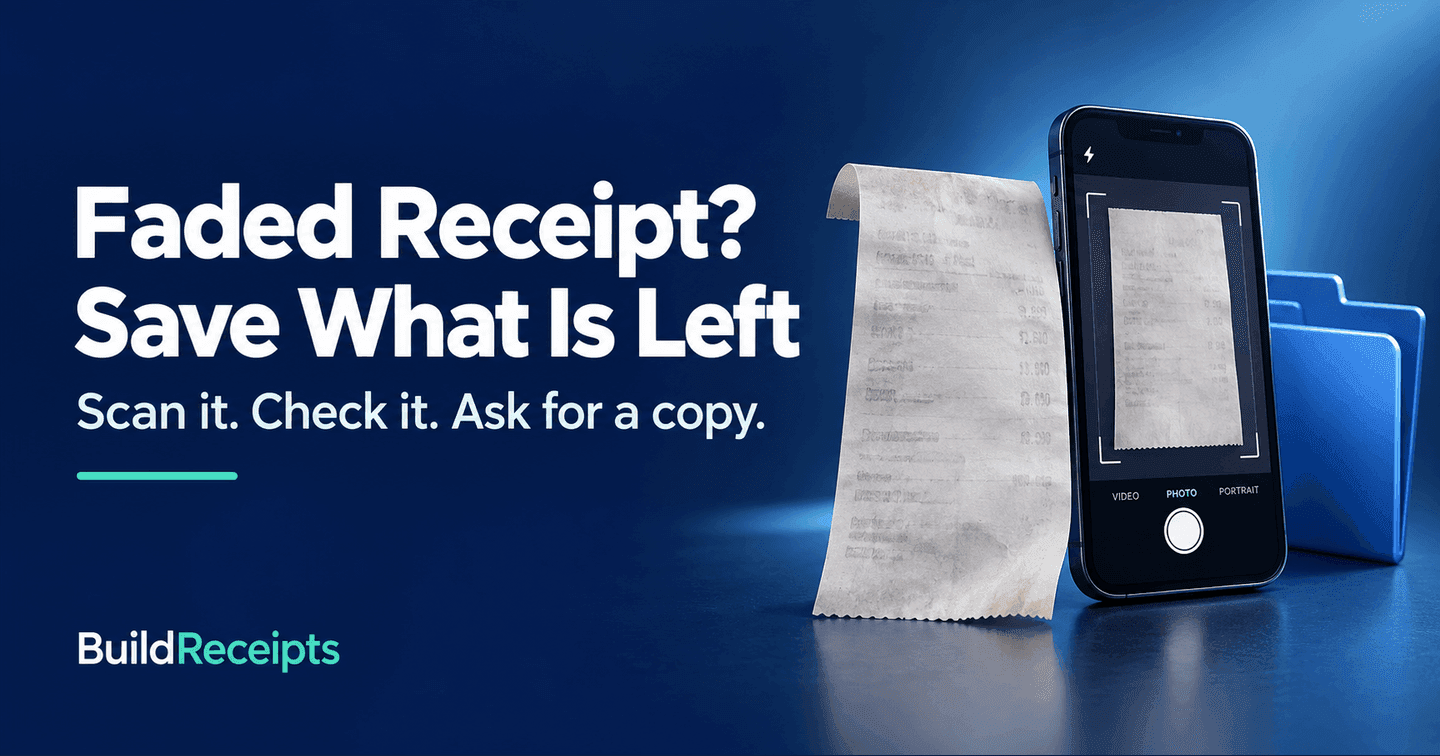
To read a faded receipt, first take a clear photo or scan. Try contrast or grayscale on a copy of that image. If key details are still unclear, ask the seller for a new copy from its sale records.
Keep the paper as it is. A hair dryer, iron, or hot laminator may darken thermal paper and make the last visible text harder to read. There is no home fix that works on every faded slip.
You do not have to recover every word to get help. A clear store name, date, or receipt number may give the seller a place to start. Save those clues before the paper fades more.
Why do receipts fade?
Many store receipts use thermal paper. The printer makes marks with heat on a coated surface. The paper can keep reacting after it leaves the till. Heat, light, moisture, and rubbing can affect how well the print lasts.
This is why a slip left in a hot car may look dark or blank. In a wallet, the print can wear away over time. Different paper types and storage conditions give different results; there is no single life span for all receipts.
Zebra, a printer and supplies maker, explains that receipt paper faces damage from heat, light, moisture, and wear. Its storage guide also says to keep thermal media away from heat and chemicals.
How to read a faded receipt in four steps

Step 1: Save a clear image of the whole slip
Lay it flat on a plain, dark surface. Use even room light with no strong glare or shadow. Hold the camera still and keep the phone square to the paper. Take a color photo before trying any filter.
Include all edges. The store name at the top or a small code at the bottom may matter more than the item list. Save both sides if there is print on the back.
Step 2: Adjust a copy of the image
Make a second copy to work on. Try a small change to contrast, brightness, or grayscale. Check after each change. Stop if light marks vanish or two digits blend together.
These changes may make marks that are still there easier to see. They cannot confirm a number that is gone. Keep the first photo so you can compare the two versions.
Step 3: Check the details you can read
Zoom in on the date, total, items, and codes. Write clear details in a separate note. Mark anything uncertain as unknown. For example, do not turn a faint "3 or 8" into a firm amount.
A receipt number can help the seller find the sale. Keep the label beside it too. A card approval code or product code may mean something else.
Step 4: Ask the seller for a copy
Check your email, store app, and order history first. If you cannot find a digital copy, contact the store that sold the item. Give the facts you can confirm and ask if it can find the original sale.
Bring or attach the faded slip if asked. A lookup may depend on the store, payment method, and age of the sale. If no copy can be found, the lost receipt guide covers other places to check.
How to scan it on an iPhone or Android phone
You can start with the normal camera. If you want a scan saved as a document, these built-in options can help. Scan the paper as it looks now; do not use tools that erase or redraw the printed facts.
| Phone | Where to start | What to do next |
|---|---|---|
| iPhone | Open a note in Notes | Tap the attachment button, then Scan Documents. Capture the slip, check the edges, and finish the scan. |
| Android | Open Google Drive | Tap the camera button. Capture the slip, check the crop and filter, then tap Done. Choose a file name and PDF or JPG, then Save. |
These paths follow Apple's scanning guide and Google Drive's scan steps. Button names can vary by app version. Always keep an unedited color photo as well.
What if the receipt is blank or black?
If a clear photo shows no useful marks, repeated filters may not help. Save the image, then switch to finding a copy. Search by the shop name, order date, or product in your email and accounts.
A bank entry may help you find the store, date, and amount. It may not show the item or why you bought it. Send it only through the seller's real support channel, and share only the payment detail needed for the search.
If the slip matters in a legal dispute, keep it unchanged and ask the person handling the case how to preserve it. Do this before any physical experiment.
What should you tell the store?
Use a short request with confirmed facts. You could write: "My receipt has faded. I bought [item] at [store] on or around [date]. Can you find the sale and send me a copy?"
| Useful clue | What to share |
|---|---|
| Store or branch | The location where you paid |
| Date and time | Exact details if clear; label an estimate as an estimate |
| Amount | The confirmed total from the slip or bank entry |
| Item | Name, model, or product code |
| Payment | Method and limited card digits only if support asks |
| Order or receipt ID | The code with its printed label |
If you sell goods and need to replace a copy from your own records, you can create a receipt from verified sale details. Check it against your books and label a duplicate clearly. BuildReceipts does not scan faded ink or retrieve another store's sale. A recreated document is not an official merchant reprint or a substitute for proof of purchase.
Can AI recover the missing text?
Treat OCR, which reads text from images, as a draft to check. Faint print can lead to wrong dates, letters, and amounts. Compare each result with the original image.
An AI image tool may draw neat text where the source is unclear. That does not make the new text true. Do not use generated detail to support a return, expense claim, or dispute. Keep unclear fields marked as unknown.
Common mistakes that make recovery harder
| Mistake | Better next step |
|---|---|
| Using a hair dryer or iron first | Take a photo and ask for a seller copy |
| Putting the slip through hot lamination | Store it flat, dry, and away from heat |
| Adding cleaner or solvent | Keep the paper dry and unchanged |
| Overwriting the only scan | Save changes as a separate copy |
| Cropping out the top or bottom | Keep the store name and all codes |
| Trusting a guessed total | Compare with real records or leave it unknown |
The advice to avoid heat follows Zebra's thermal-media storage guidance. The aim is to preserve the information you still have.
How to keep the next receipt readable

Take a photo while the print is clear. Keep the paper in a cool, dry, dark place, away from cleaners and direct sun. Do not leave it on a car dashboard or next to a heater.
Ask for a digital receipt when the store offers one. Use a file name with the date and store. Open the saved file once to check that the total and items can be read.
Conclusion
Start with a photo, make changes only to a copy, and check every detail. If the print is gone, the most useful next step is a copy from the seller. Keep the original slip and any supporting records together.
Frequently Asked Questions
Have more questions about Faded Receipt? How to Read It and Get a Clear Copy? Check out these common queries.