Starbucks Receipt Generator
Customize your template with real-time preview.
Live Preview

How to make a Starbucks receipt?
Follow this simple step-by-step guide to generate a professional Starbucks receipt using our editor.
1. Choose Starbucks Template
Select the Starbucks receipt template from the Restaurant category to begin.
2. Enter Receipt Details
Fill in your store information, items, host name, order type, and payment details to customize your receipt.
3. Download PDF
Preview your customized Starbucks receipt and download it as a professional PDF.
FAQs
Everything you need to know about the Starbucks and how our receipt maker works. If you still can't find what you're looking for, feel free to reach out.
Explore other templates
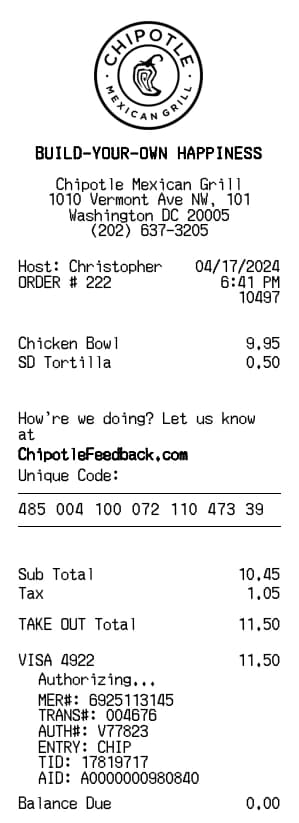
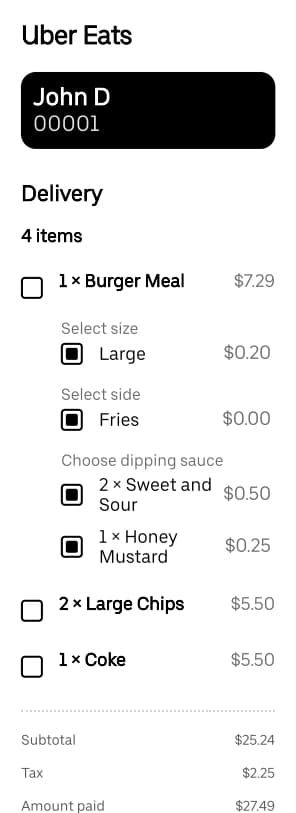
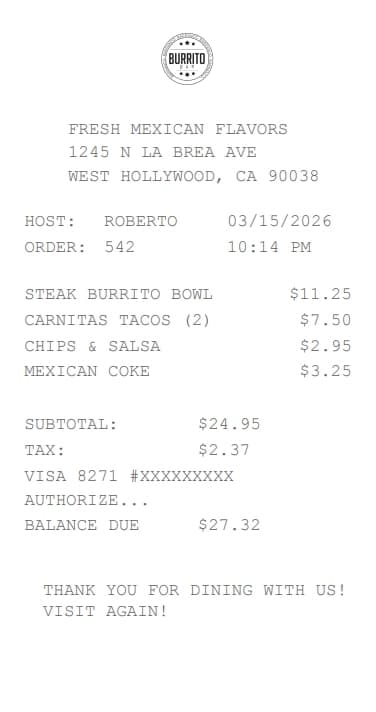
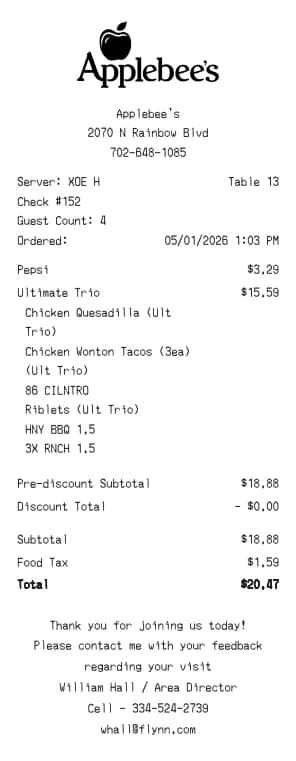
More templates from the Restaurant category
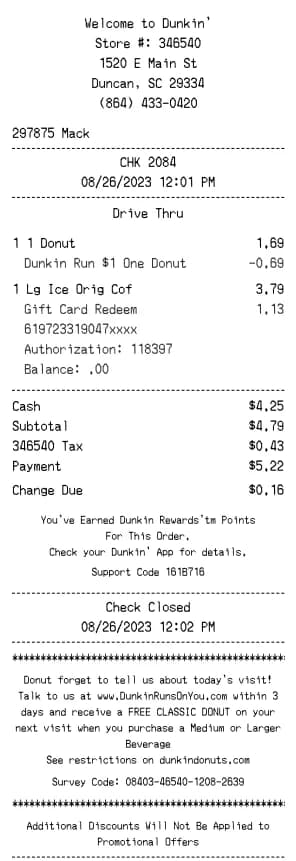
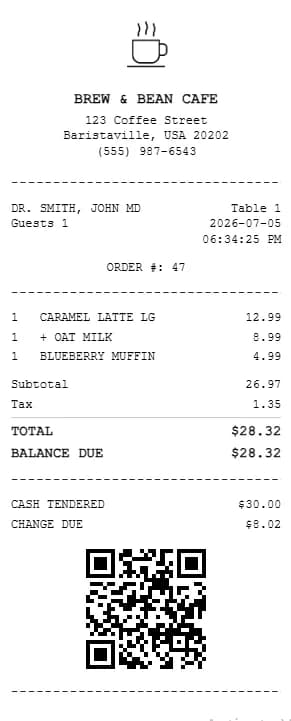
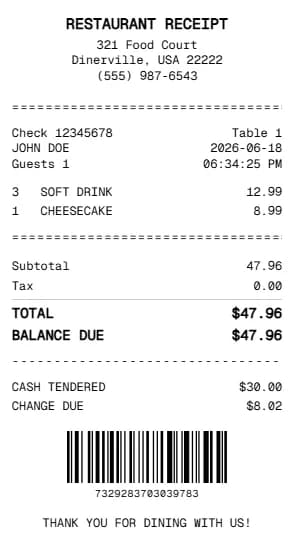

Emily Davis
Emily specializes in e-commerce workflows. At BuildReceipts, she creates in-depth tutorials for online sellers to generate professional receipts and invoices that enhance customer trust and brand professionality.
Create Your Receipts Now
Choose a template, enter your details and check the preview before downloading. See Pricing for receipt plan limits.