Uber Receipt Generator
Customize your template with real-time preview.
Live Preview

Thanks for riding, John Doe
We hope you enjoyed your ride this afternoon.
Total
₹450.00
Payments
This receipt reflects the suggested fare (excluding GST) and is not a tax invoice but it can be used for official reimbursement purposes. Issued on behalf of PAUL.
Trip details
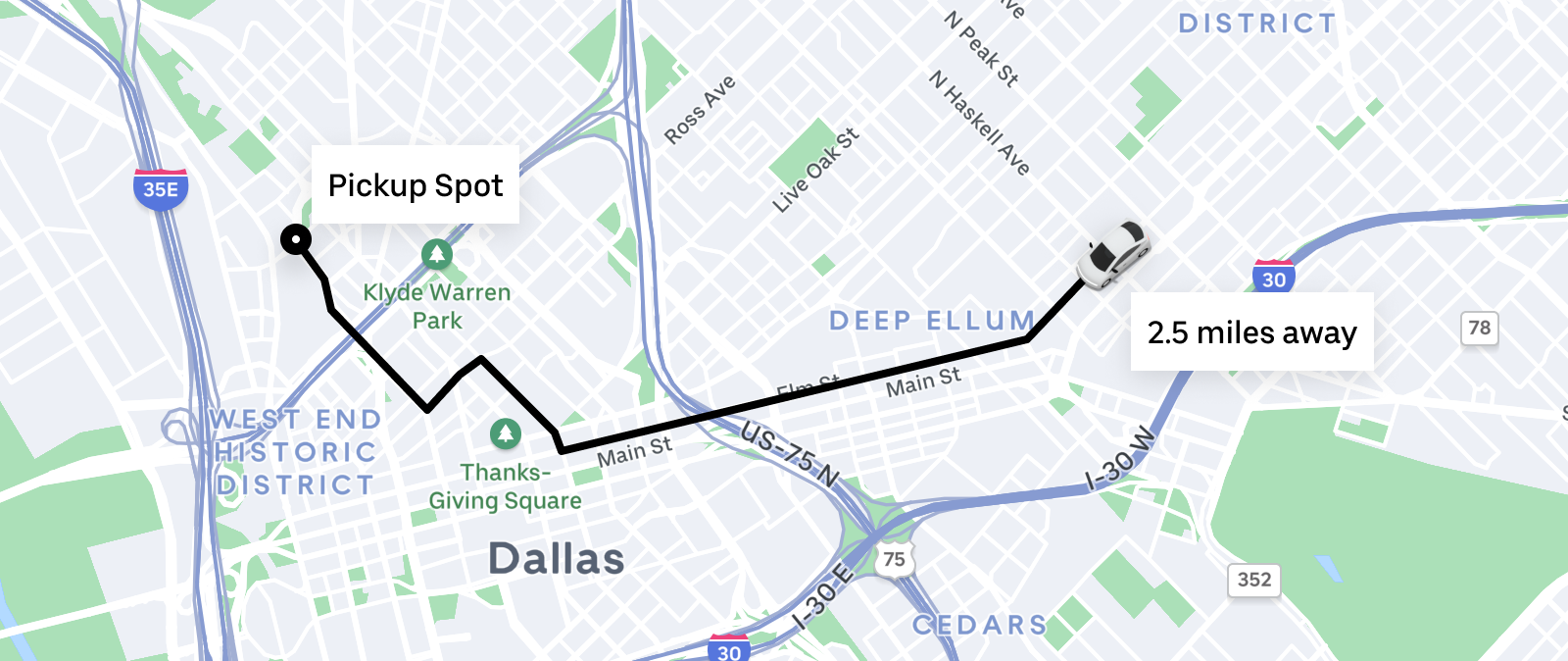
How to make a Uber receipt?
Follow this simple step-by-step guide to generate a professional Uber receipt using our editor.
1. Choose Uber Template
Select the Uber receipt template from the Taxi category to begin creating your digital trip record.
2. Add Trip Information
Enter the pickup and drop-off locations, trip date, times, driver name, vehicle details, and the final fare.
3. Download PDF
Preview your customized Uber receipt and download it as a professional PDF document instantly.
FAQs
Everything you need to know about the Uber and how our receipt maker works. If you still can't find what you're looking for, feel free to reach out.
Explore other templates
More templates from the Taxi category

David Mitchell
David brings his expertise in SaaS and B2B tools to BuildReceipts. He regularly reviews and writes guides on how to use receipt generators to maintain accurate financial records for tax purposes and audits.
Create Your Receipts Now
Choose a template, enter your details and check the preview before downloading. See Pricing for receipt plan limits.