CVS Pharmacy Receipt Generator
Customize your template with real-time preview.
Live Preview

How to make a CVS Pharmacy receipt?
Follow this simple step-by-step guide to generate a professional CVS Pharmacy receipt using our editor.
Enter Store & Card Details
Fill in the CVS store number, address, and your ExtraCare card number if you have one.
Add Pharmacy & Store Items
List the items you purchased, including quantities and prices. The generator handles subtotals and tax automatically.
Download & Save
Once you're satisfied with the preview, download your high-quality CVS Pharmacy receipt as a PDF or image.
FAQs
Everything you need to know about the CVS Pharmacy and how our receipt maker works. If you still can't find what you're looking for, feel free to reach out.
Explore other templates
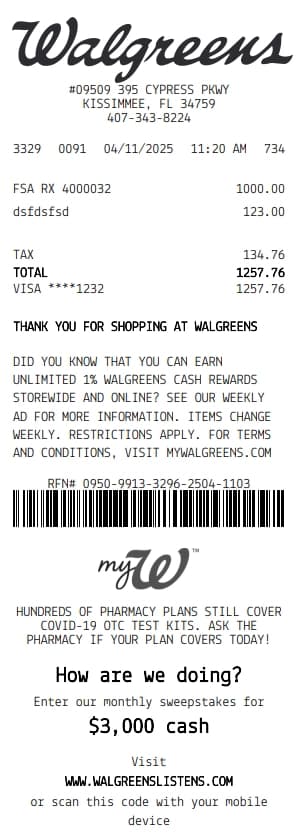
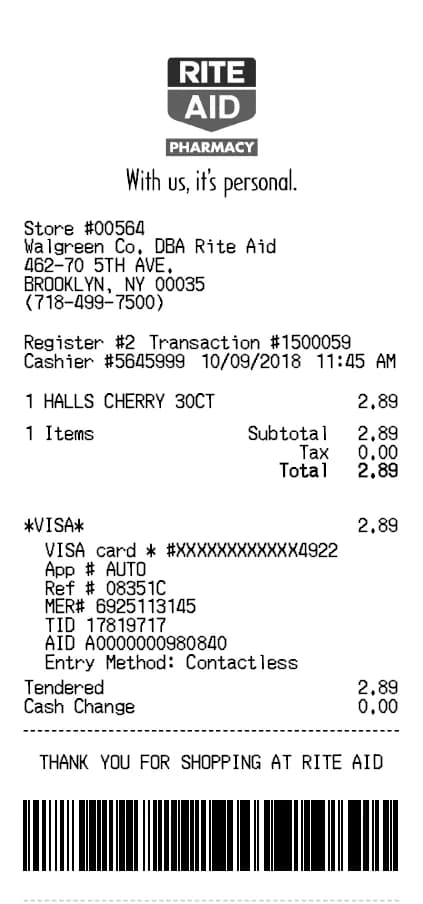
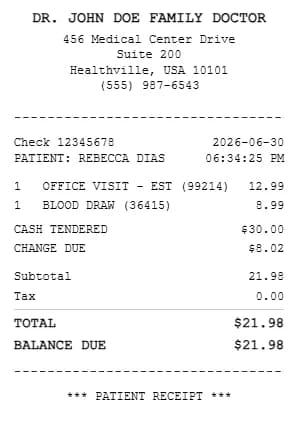
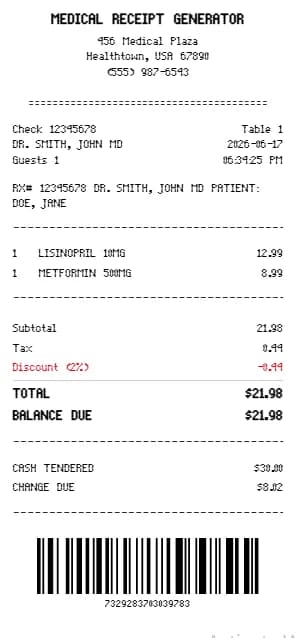
More templates from the Health category

Michael Carter
Michael is a senior financial writer at BuildReceipts with over 10 years of experience in accounting and small business finance. He is passionate about helping entrepreneurs streamline their invoicing and receipt generation processes.
Create Your Receipts Now
Choose a template, enter your details and check the preview before downloading. See Pricing for receipt plan limits.