Store レシート ジェネレーター
リアルタイム プレビューを使用してテンプレートをカスタマイズします。
Logo Upload
スタイル設定
Store Receipt Details
取引情報
アイテム詳細
合計
お支払い詳細
バーコード設定
感謝のメッセージ
Live Preview
Zoom100%

STORE NAME
888 WALL STORE ST
マネージャー TOD LINGA
ST#2323
OP#23432435
TE#
TR#4354
HAND TOWEL
075953630184
2.97 X
GATORADE
068949055223
2.00 X
小計
4.97
税 (8.9%)
0.44
合計
5.41
VISA TEND
27.27
変更期限
0.00
アカウント #**** **** *** 9999
エントリーモードSwipe
承認 #77W166
参照番号307171075528
ターミナル #5419885359
販売されたアイテム数 2
TC# 1752 5627 3145 9811 0000
Get Free Holiday Savings by Cell!
Thank You for Shopping With Us!
10/17/202016:12
*** カスタマーコピー ***
BUILDRECEIPTS.COM
BUILDRECEIPTS.COM
BUILDRECEIPTS.COM
BUILDRECEIPTS.COM
BUILDRECEIPTS.COM
BUILDRECEIPTS.COM
BUILDRECEIPTS.COM
BUILDRECEIPTS.COM
BUILDRECEIPTS.COM
BUILDRECEIPTS.COM
BUILDRECEIPTS.COM
BUILDRECEIPTS.COM
BUILDRECEIPTS.COM
BUILDRECEIPTS.COM
BUILDRECEIPTS.COM
BUILDRECEIPTS.COM
BUILDRECEIPTS.COM
BUILDRECEIPTS.COM
BUILDRECEIPTS.COM
BUILDRECEIPTS.COM
ステップバイステップガイド
Store の領収書を作成するにはどうすればよいですか?
この簡単なステップバイステップ ガイドに従って、エディタを使用してプロフェッショナルな Store 領収書を生成します。
Enter Store Details
Standard details like Store Name, Manager, Phone, and Address.
1
Add Transaction Info
Specify Store (ST#), Operator (OP#), Terminal (TE#), and Transaction (TR#) numbers.
2
List Your Items
Add items with descriptions, UPC/Code, prices, and tax flags (like 'X').
3
Configure Taxes
Set two different tax rates and amounts as shown on the receipt.
4
Finalize & Download
Verify the total items sold and the barcode, then download your PDF.
5
よくある質問
Store とレシートメーカーの仕組みについて知っておくべきすべてのこと。
Yes, you can edit the Store ID (ST#) and address to reflect any location.
Use the 'Tax 1' and 'Tax 2' fields in the Store Details section to specify both rates and amounts.
Absolutely, there's a specific column in the items table for UPC numbers.
The barcode is generated using the TC# provided in the form, ensuring it's accurate and scanable.
他のテンプレートを探索する
店舗 カテゴリのその他のテンプレート
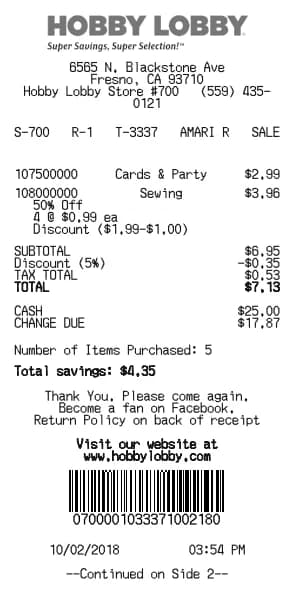
Hobby Lobby レシート ジェネレーター
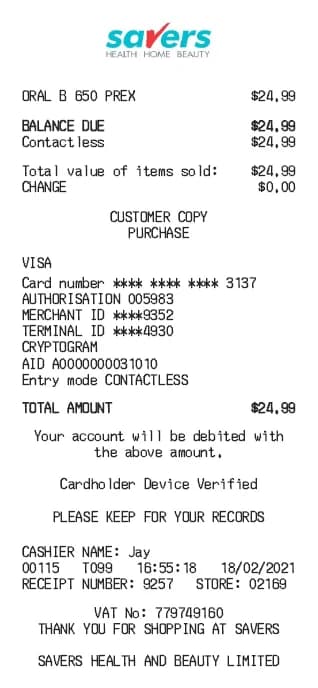
Savers レシート ジェネレーター
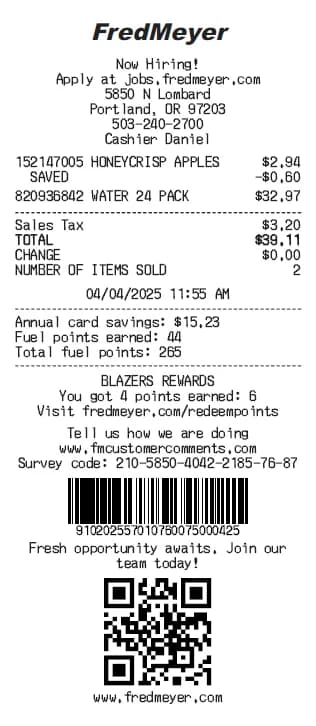
Fred Meyer レシート ジェネレーター
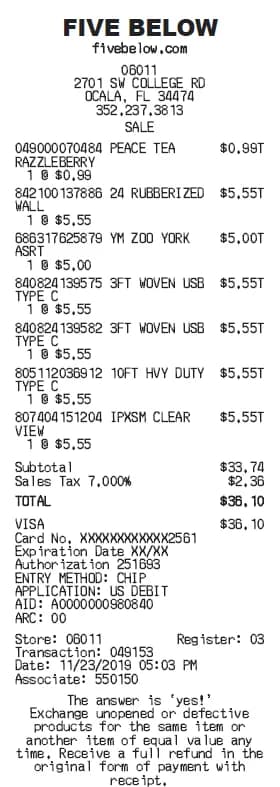
Five Below レシート ジェネレーター
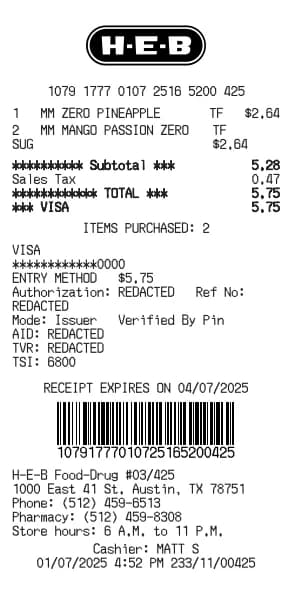
H-E-B レシート ジェネレーター
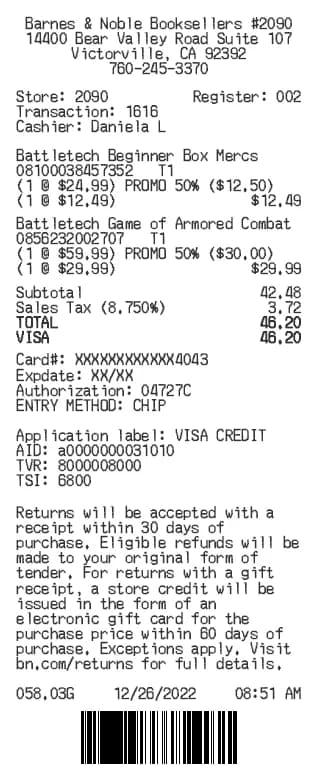
Barnes & Noble レシート ジェネレーター
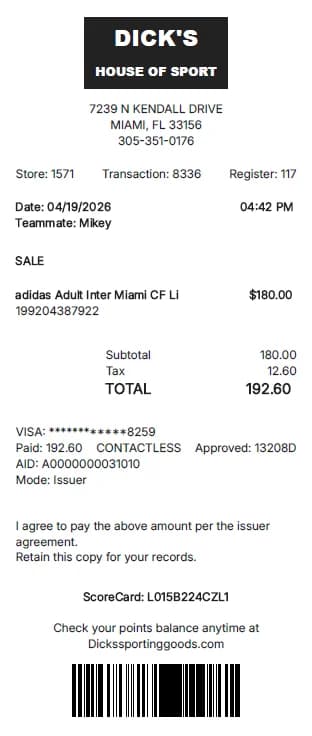
Dick's Sporting Goods レシート ジェネレーター
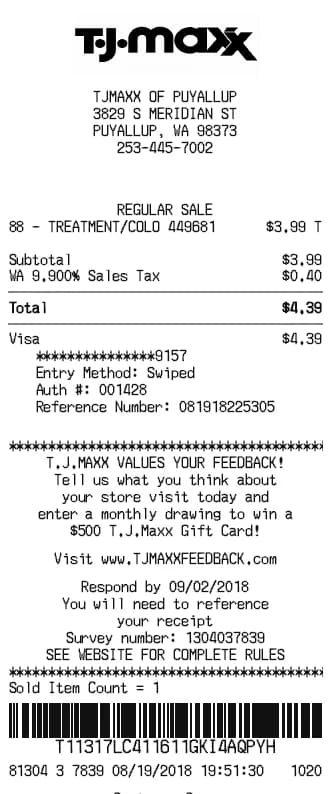
TJ Maxx レシート ジェネレーター
Lululemon レシート ジェネレーター
Saks Fifth レシート ジェネレーター
Ross レシート ジェネレーター
Burlington レシート ジェネレーター
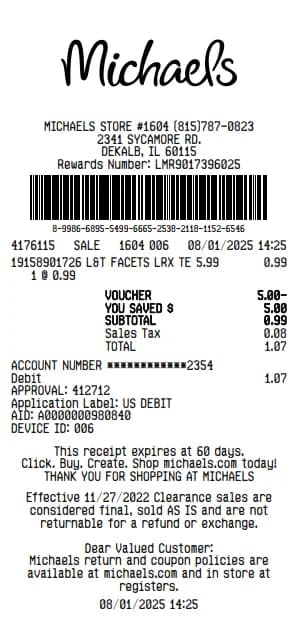
Michaels レシート ジェネレーター
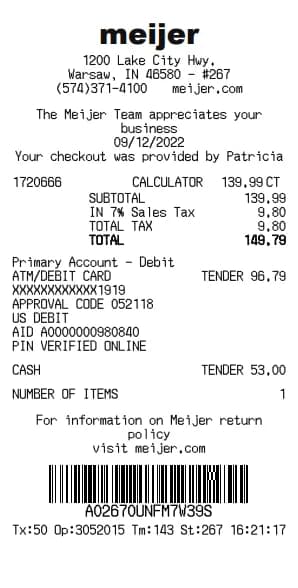
Meijer レシート ジェネレーター
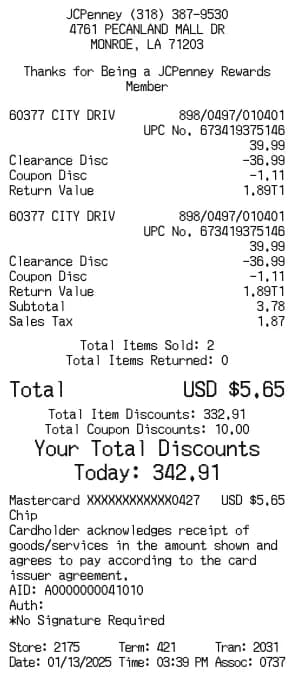
JCPenney レシート ジェネレーター
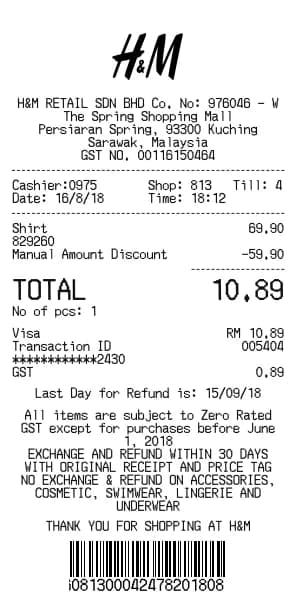
H&M レシート ジェネレーター
O'Reilly Auto Parts レシート ジェネレーター
LEGO レシート ジェネレーター
JD Sports レシート ジェネレーター
Neiman Marcus レシート ジェネレーター
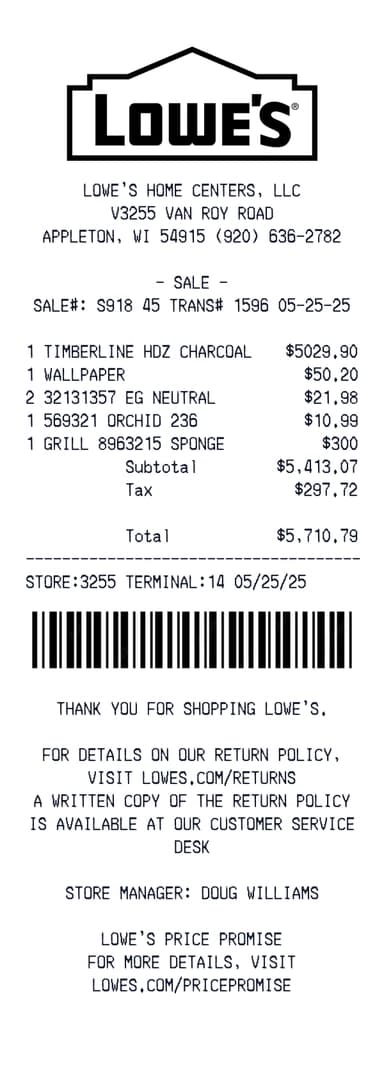
Lowes レシート ジェネレーター
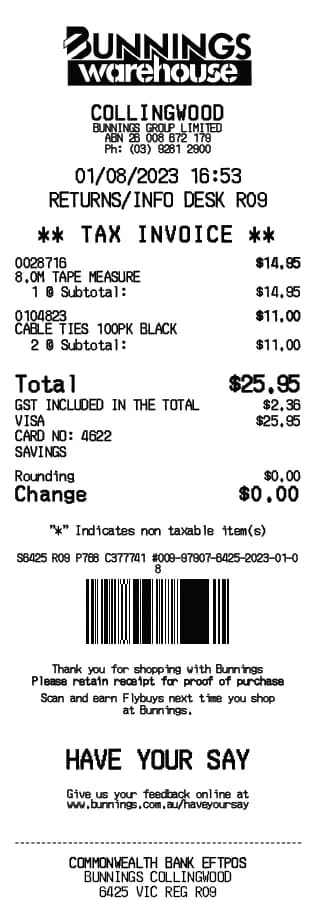
Bunnings レシート ジェネレーター
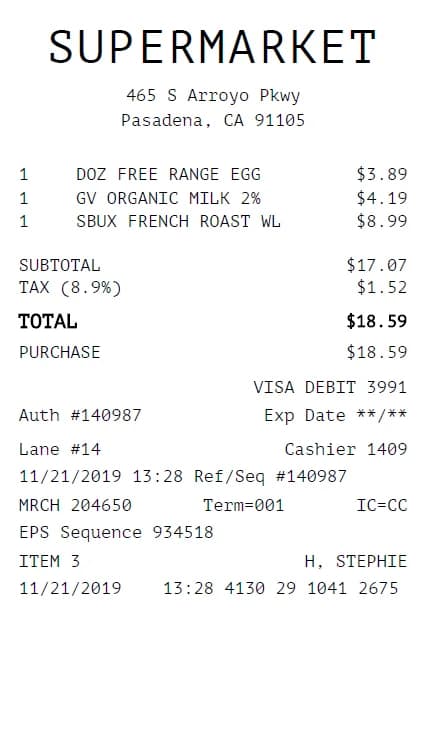
Grocery レシート ジェネレーター
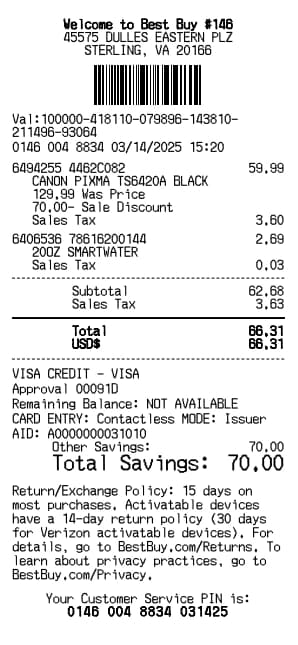
Best Buy レシート ジェネレーター
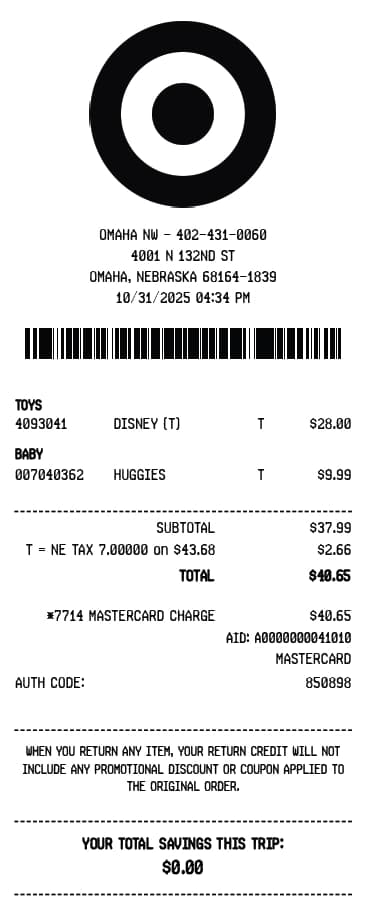
Target レシート ジェネレーター
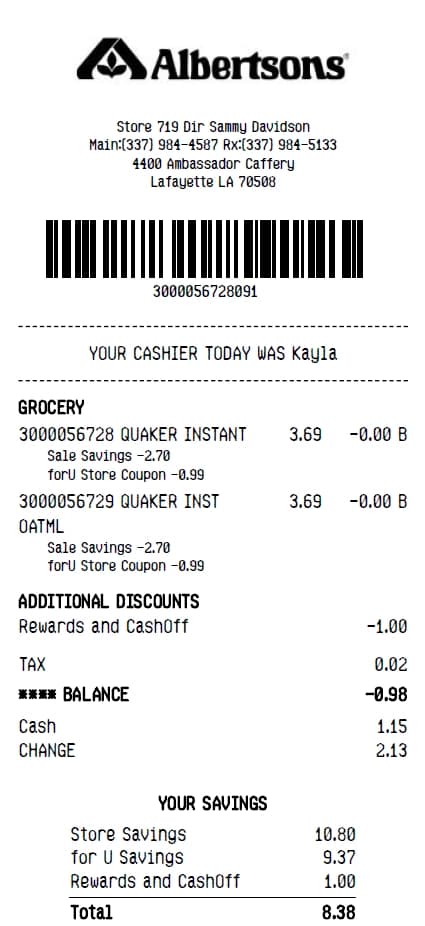
Albertsons レシート ジェネレーター
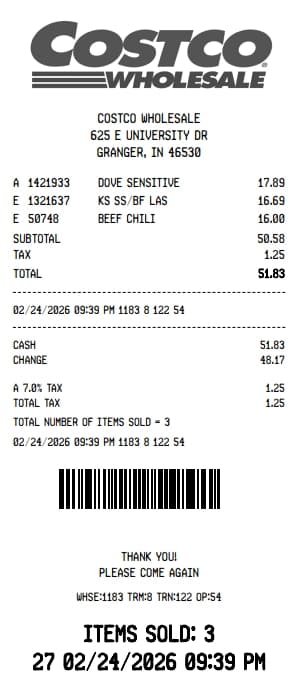
Costco レシート ジェネレーター
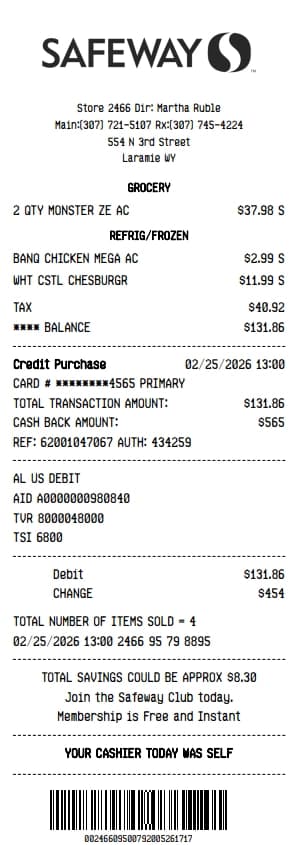
Safeway レシート ジェネレーター
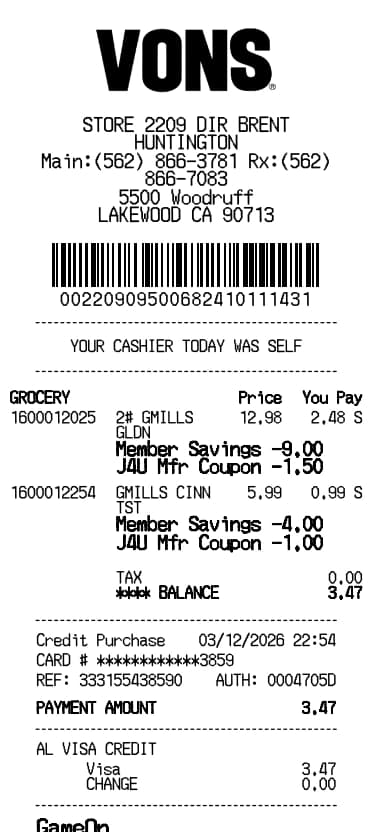
Vons レシート ジェネレーター
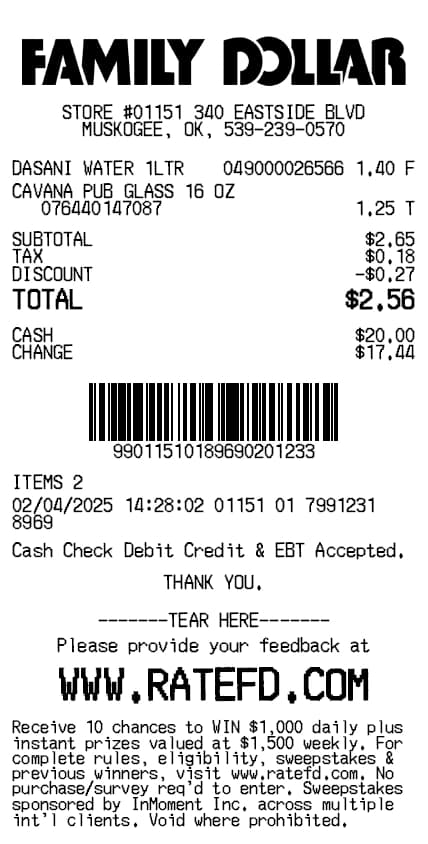
Family Dollar レシート ジェネレーター
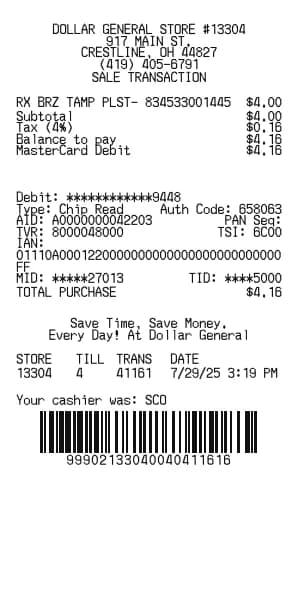
Dollar General レシート ジェネレーター
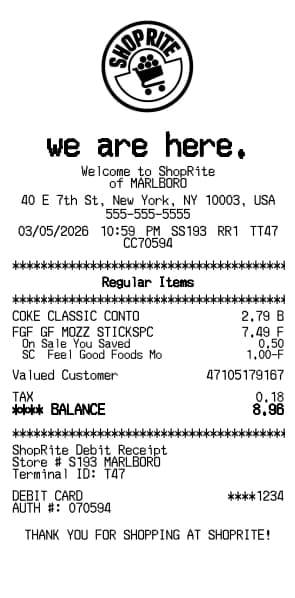
ShopRite レシート ジェネレーター
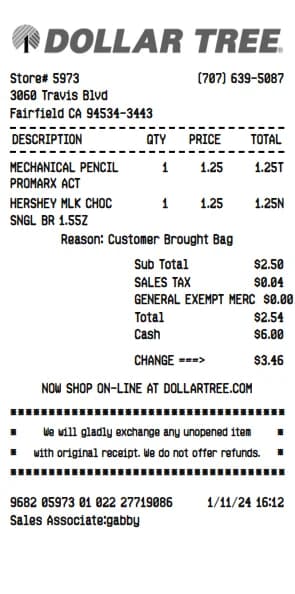
Dollar Tree レシート ジェネレーター
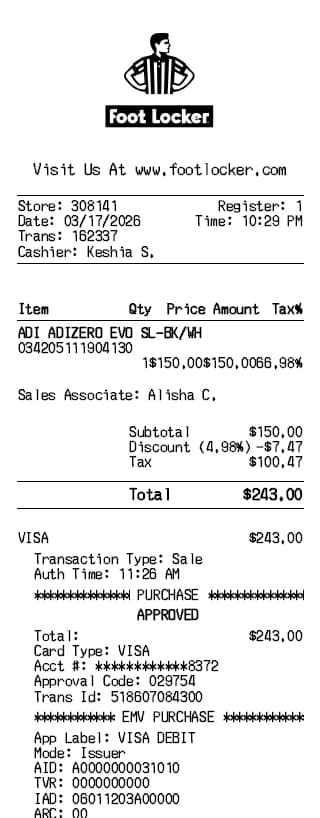
Foot Locker レシート ジェネレーター
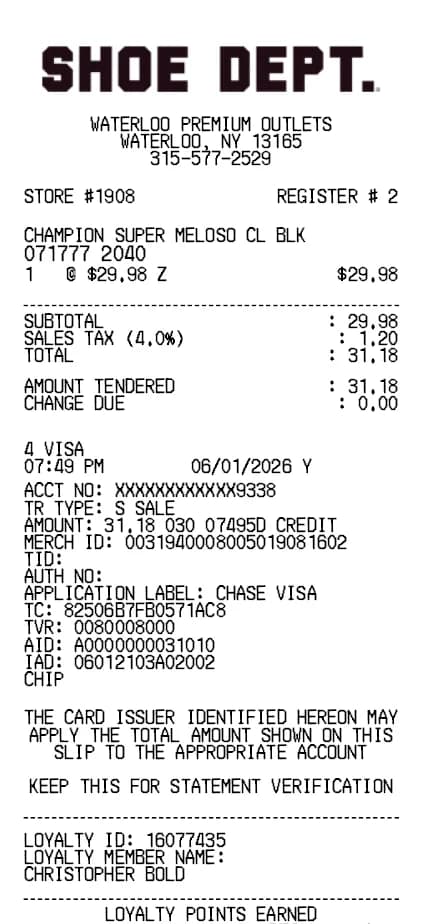
Shoe レシート ジェネレーター
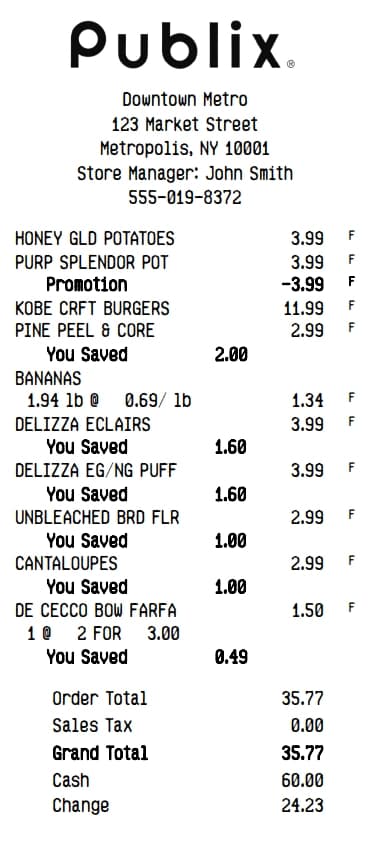
Publix レシート ジェネレーター
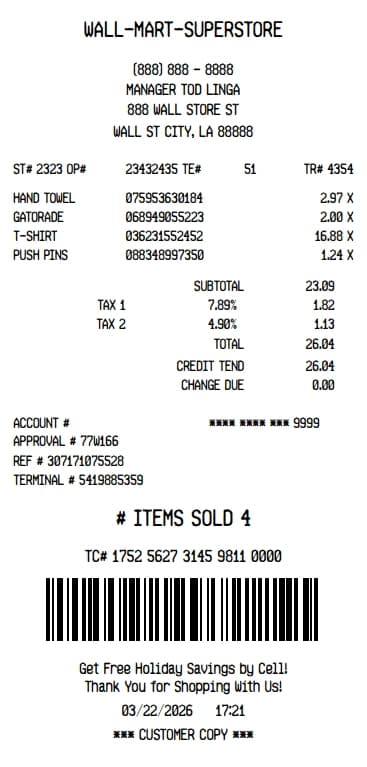
Walmart Superstore レシート ジェネレーター
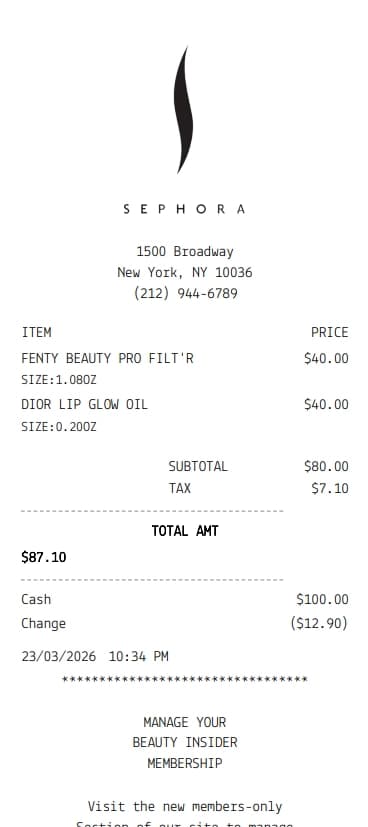
Sephora レシート ジェネレーター
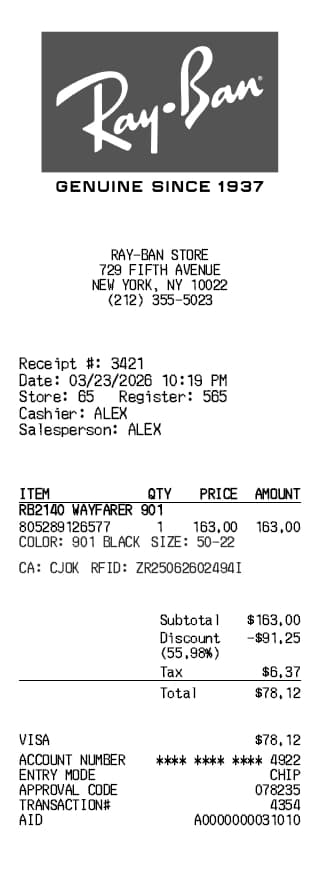
Ray-Ban レシート ジェネレーター
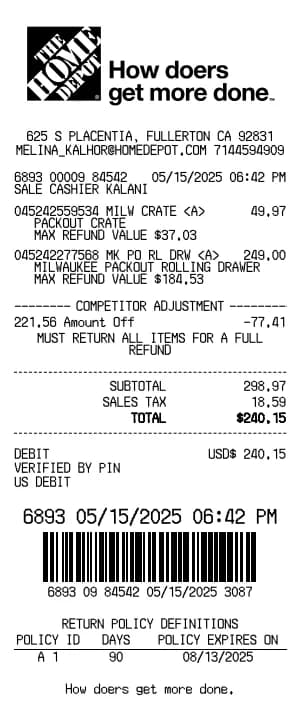
Home Depot レシート ジェネレーター
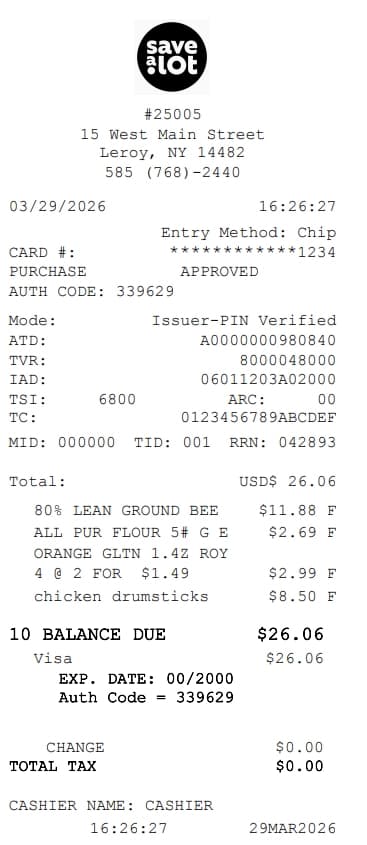
Save A Lot レシート ジェネレーター
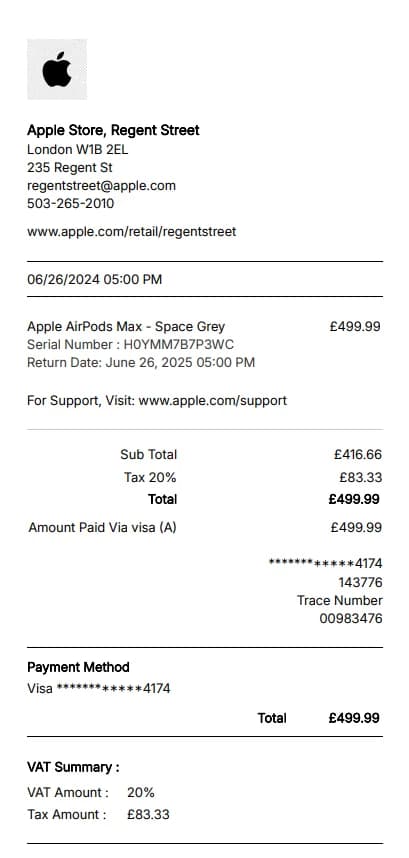
Apple Store レシート ジェネレーター
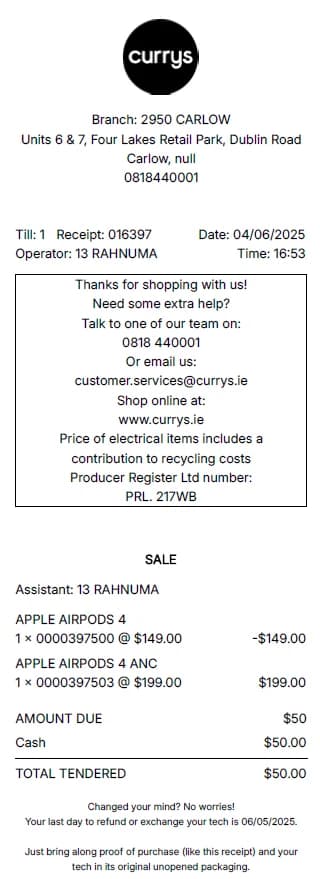
Currys レシート ジェネレーター
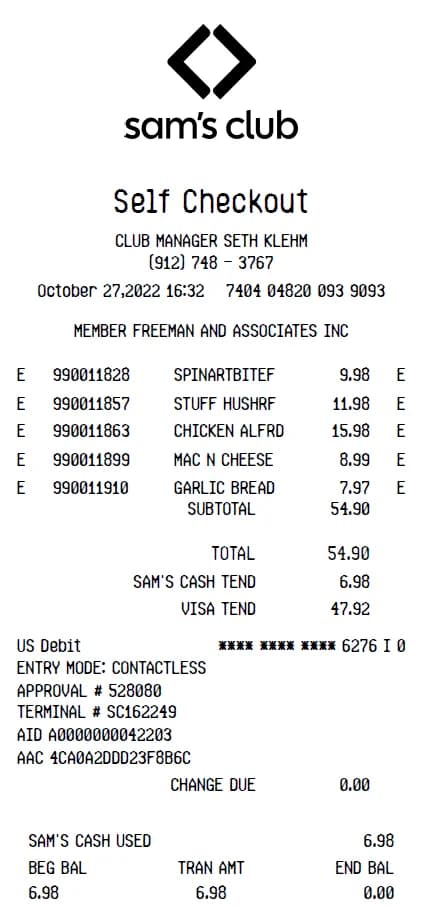
Sam's Club レシート ジェネレーター
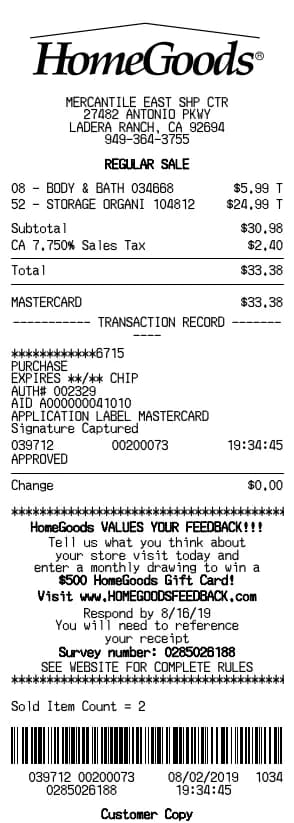
HomeGoods レシート ジェネレーター

Robert Brooks
Robert is a former CPA turned tech writer. He contributes to BuildReceipts by ensuring our receipt templates meet standard accounting practices and provide all the necessary details for expense tracking.