Générateur de reçus Airport Parking
Personnalisez votre modèle avec un aperçu en temps réel.
Cela calculera automatiquement la répartition fiscale ci-dessous.
Panne manuelle (ajustez si nécessaire)
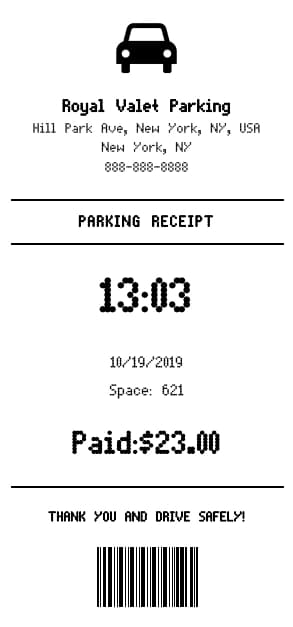
Live Preview
Comment faire un reçu {marque} ?
Suivez ce guide simple étape par étape pour générer un reçu professionnel {marque} à l'aide de notre éditeur.
Select Airport Parking Template
Choose the Airport Parking receipt template from the Parking category.
Enter Airport and Stay Details
Fill in the Airport name, Receipt Number, and GST Number. Enter the exact start and end times of the parking stay.
Input Financial Breakdown
Enter the Net Amount, Parking Sales Tax, and GST+ values. These will automatically appear in the breakdown section.
Customize Additional IDs
Add the Epan and Unit ID if necessary to complete the authentic look of the receipt.
Download PDF
Check the preview to ensure everything is correct, then click 'Download' to save your high-quality parking receipt.
FAQ
Tout ce que vous devez savoir sur le {modèle} et le fonctionnement de notre outil de création de reçus.
Explorez d'autres modèles
Plus de modèles de la catégorie Parking

David Mitchell
David brings his expertise in SaaS and B2B tools to BuildReceipts. He regularly reviews and writes guides on how to use receipt generators to maintain accurate financial records for tax purposes and audits.
Créez vos reçus maintenant
Choisissez un modèle, saisissez vos données et vérifiez l’aperçu. Consultez les tarifs pour connaître les limites de reçus.